Top 5 Free AI Image Generator Apps You Can Run on PC with BlueStacks
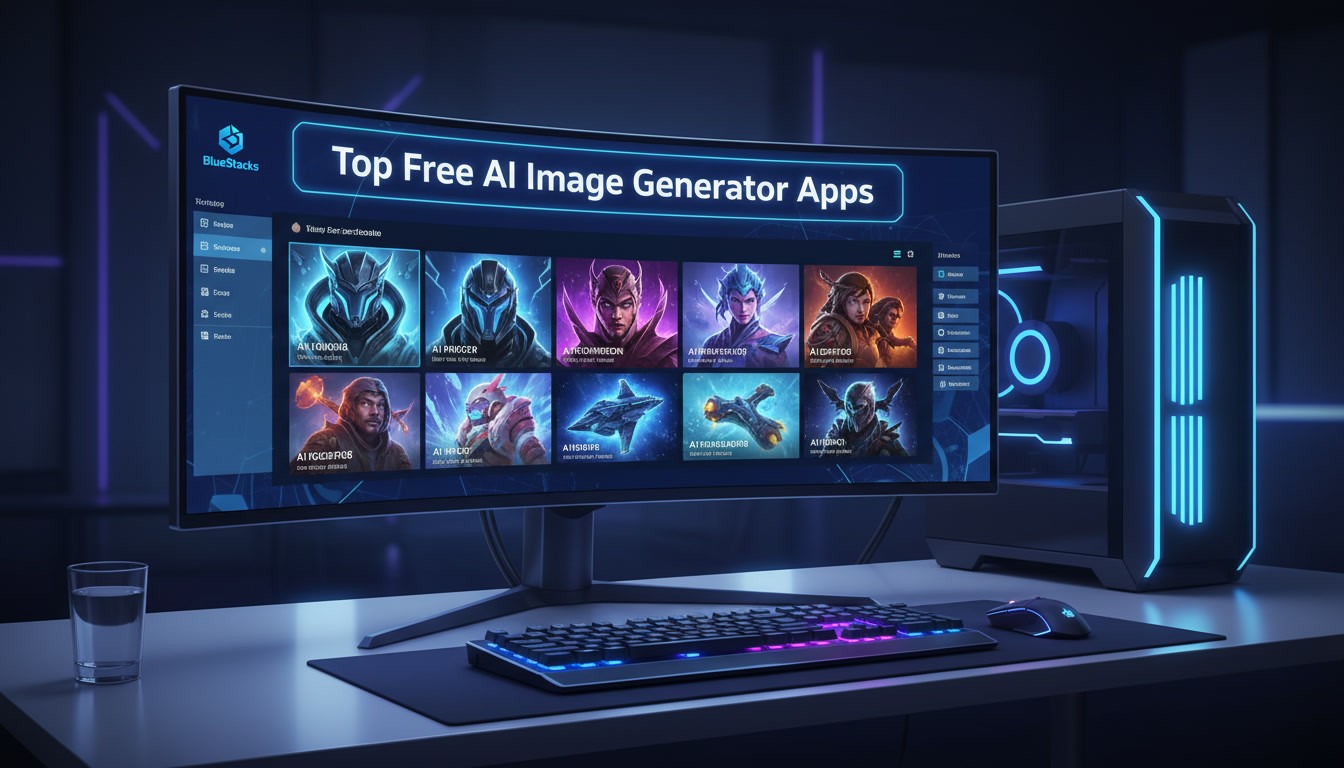

AI image generator apps are a useful tool for gamers and creators making avatars, thumbnails, and game-inspired artwork. Creating visuals on a phone can feel limiting, with small screens and less control. Running AI art apps on PC gives you more space, faster prompts, and clearer detail. With BlueStacks, you can create gaming assets—from character portraits to key art—right on your computer.
Why use AI image generator apps on PC?
AI art apps are fun on mobile, but PC gives you real advantages:
- Faster prompt typing with a keyboard
- Bigger preview for details
- Easier file management for uploads and thumbnails
With BlueStacks, you can run Android AI image generator apps on your computer and build gaming assets-avatars, banners, thumbnails, and character art-without switching devices.
Note: Most “free” AI art apps use limited daily generations, free credits, or trials. Plans and limits can change.
Quick comparison: Top 5 AI image generator apps (free options)
| App / Tool | Best for | Why it’s useful on PC | Free access style |
| Dream by WOMBO | Stylized art fast | Great for quick “vibe” concepts | Free tier (limited) |
| Imagine (AI Art Generator) | Prompt-based art | Simple workflow, fast generations | Free tier (limited) |
| ARTA (AI Art Generator) | Variations + styles | Easy experimentation | Free tier (limited) |
| Photoleap | Editing + AI creation | Useful when you want polish | Free tier (limited) |
| wsup.ai (browser-based) | High-quality text-to-image + advanced models | Great on PC for rapid prompt iteration | Free credits / free-rate usage |
How to run AI image generator apps with BlueStacks
- Install BlueStacks on your PC
- Open the Google Play Store inside BlueStacks
- Search and install the AI art app you want
- Log in (if required) and start generating
Note: Browser-based tools like wsup.ai can be accessed directly through a web browser inside BlueStacks—no Google Play installation needed.
Pro tip: Create a folder on your PC for outputs (avatars, thumbnails, banners) so you don’t lose your best generations.
1) Dream by WOMBO – best for fast stylized results
Dream by WOMBO is great when you want quick, stylized artwork. It’s especially useful for game-inspired character portraits or “cover art vibes” without overthinking prompts.
Best for
- Avatars and character portraits
- Stylized fantasy/sci-fi scenes
- Fast iterations
Prompt to try
“A fantasy ranger avatar portrait, cinematic light, detailed, clean background, illustration”
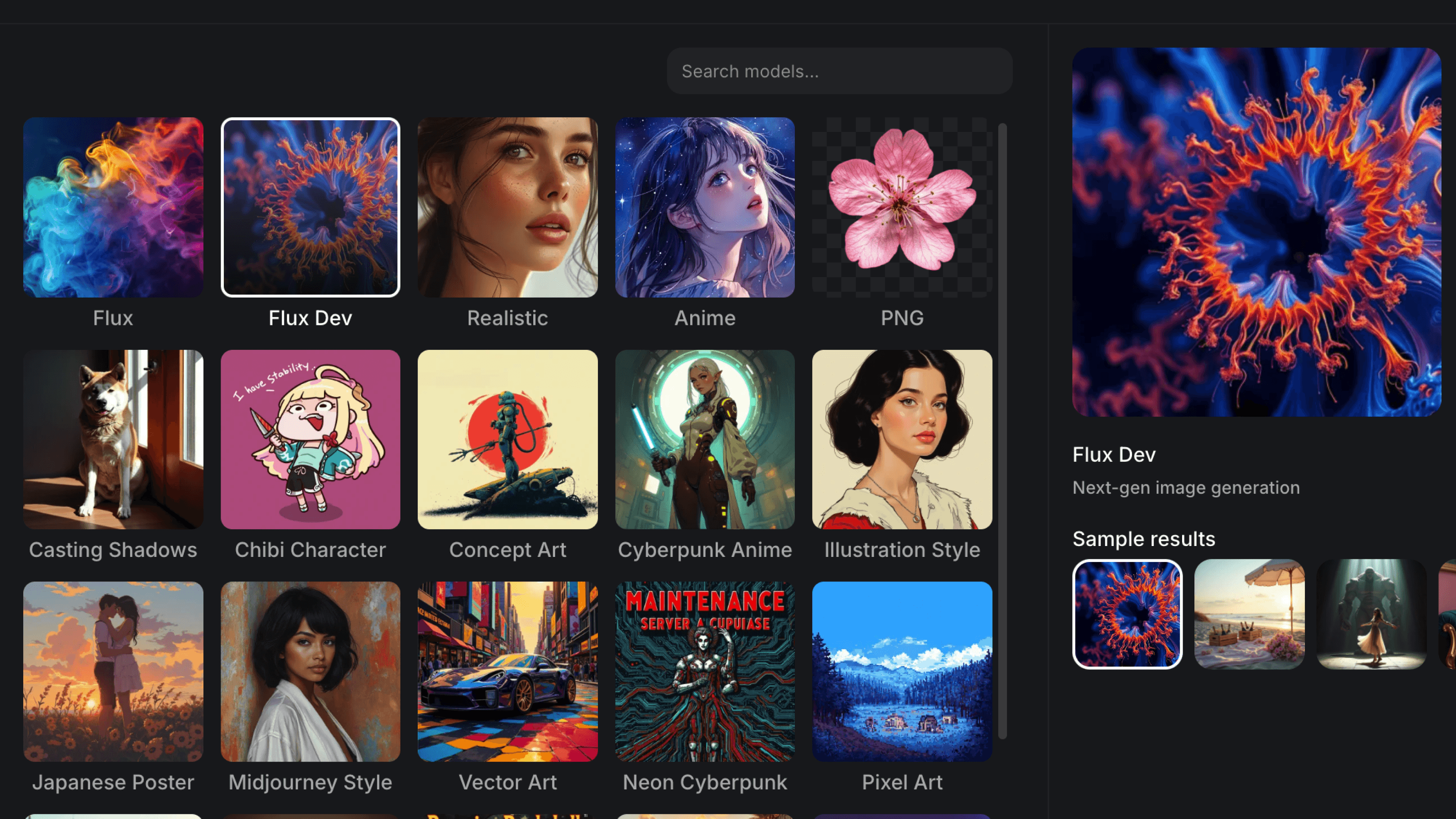
2) Imagine (AI Art Generator) – best for simple prompt workflows
Imagine-style apps are built around straightforward prompting. They’re good when you want a clean loop: type → generate → iterate.
Best for
- Character concepts
- Social post art
- Fast experimentation
Prompt to try
“A cyberpunk city skyline, neon haze, rainy night, cinematic wide shot, ultra-detailed”
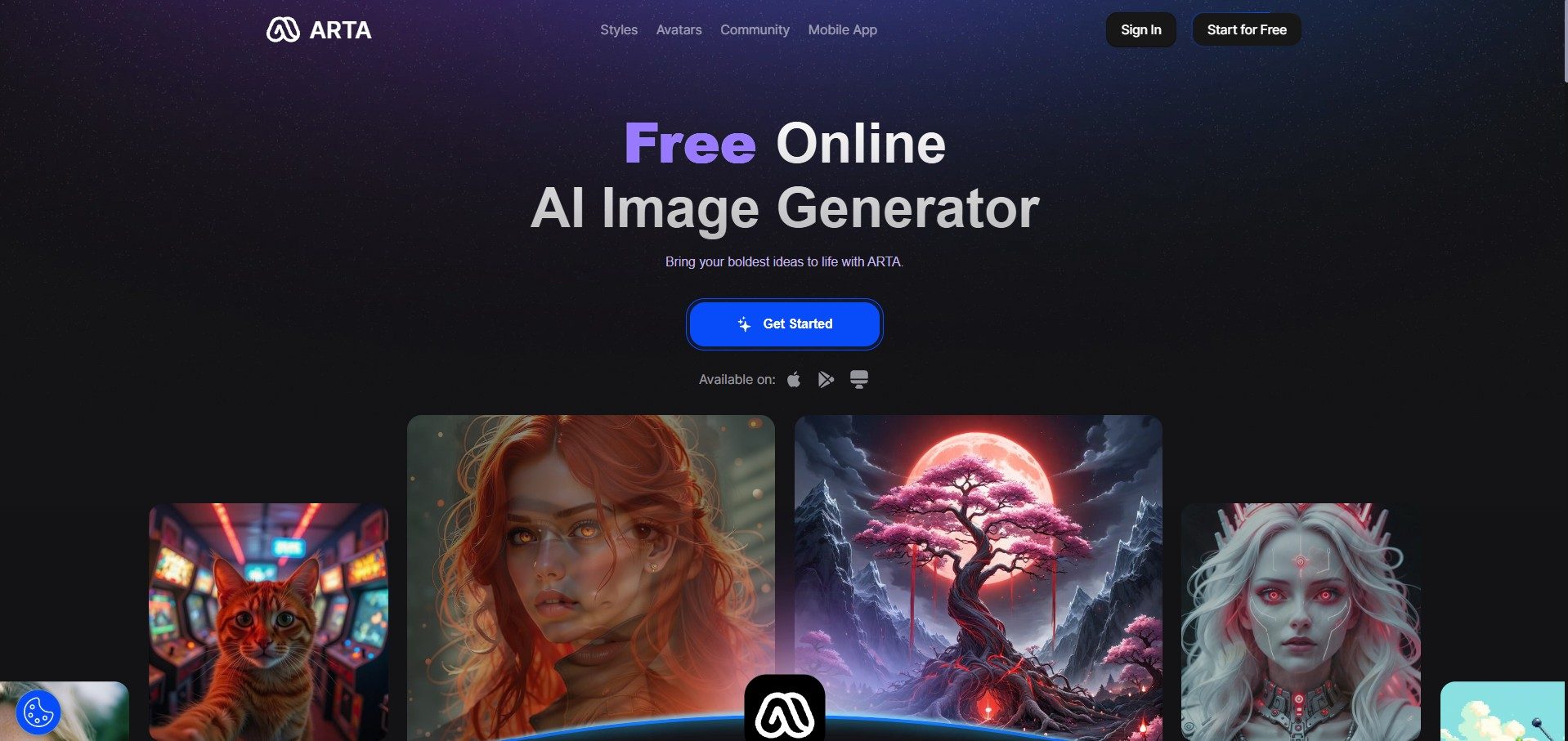
3) ARTA (AI Art Generator) – best for trying multiple styles
ARTA-type apps are useful when you want style variety without learning a complex interface-good for creators who like exploring options.
Best for
- Finding a style that matches your game aesthetic
- Variations of the same prompt
- Quick exploration
Prompt to try
“A legendary sword concept art, studio lighting, product render, ultra-detailed, sharp focus”
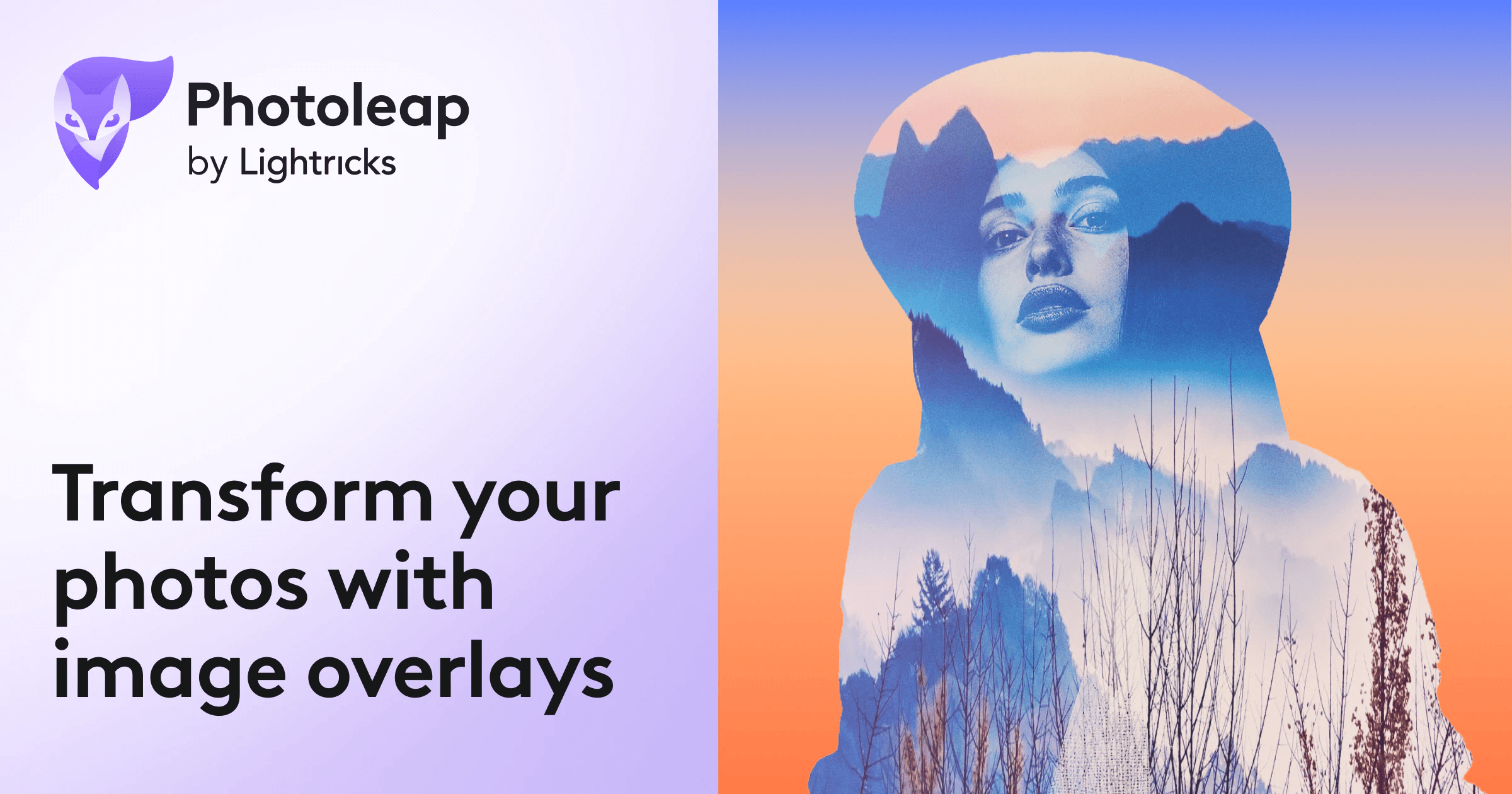
4) Photoleap – best for combining AI creation + editing
Some creators don’t want “raw generations”-they want to edit, refine, and produce final assets. Photoleap is useful when you want both generation and polish.
Best for
- YouTube thumbnails (generate background, then edit layout)
- Posters, banners, announcements
- Quick enhancements
Prompt to try
“Epic battle arena background, dramatic lighting, high contrast, cinematic, detailed”
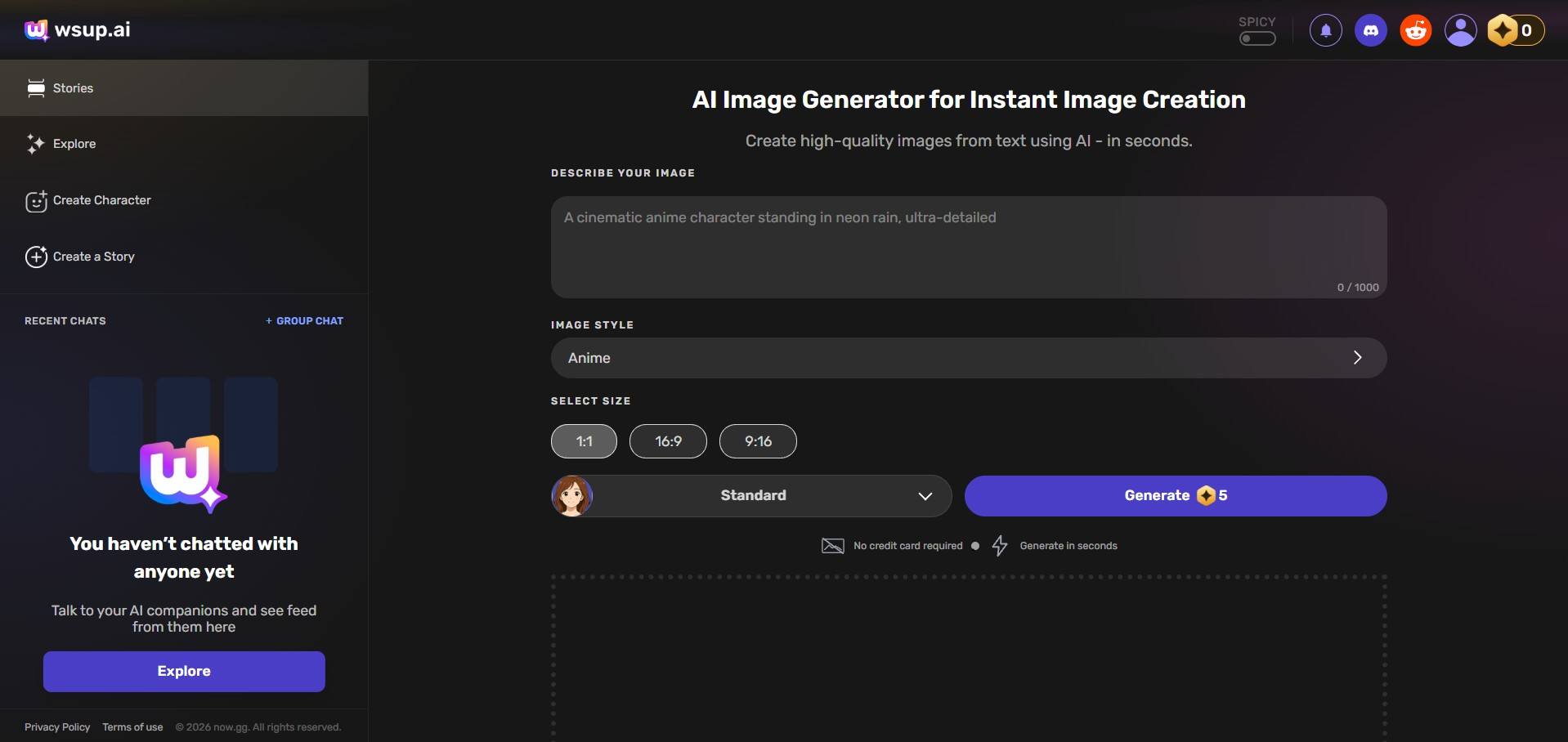
5) wsup.ai – best for high-quality text-to-image on PC + advanced models
Even though wsup.ai is browser-based, it’s a very practical choice on PC-especially if you like iterating prompts quickly and saving results cleanly.
wsup.ai supports advanced image generation models such as NanoBanana and Seedream (availability and credit cost can vary by model). These can be used through free credits / platform-defined free rates, with additional credits available if you want higher usage.
Best for
- High-quality character portraits and “key art”
- Rapid prompt iteration
- Testing different models/styles without switching apps
Prompt to try
“A battle royale hero character key art, dynamic pose, dramatic rim light, ultra-detailed, cinematic”
Prompt pack: gaming assets you can generate today
- “A clean esports team logo icon, minimalist, bold, high contrast, vector style”
- “A Twitch stream overlay background, neon cyberpunk, subtle pattern, clean space for text”
- “A clan poster background, fantasy, parchment texture, subtle lighting, high readability”
- “A profile avatar portrait, soft rim light, centered composition, clean background”
From esports logos and stream overlays to character concepts and key art, AI image generator apps make it easier to bring gaming ideas to life. Running these apps on PC with BlueStacks gives you the flexibility to experiment faster, refine details, and manage assets more efficiently. Try different styles, test new prompts, and build visuals that fit your game or channel—all from one setup.