How to Install and Play BALL x PIT on PC with BlueStacks
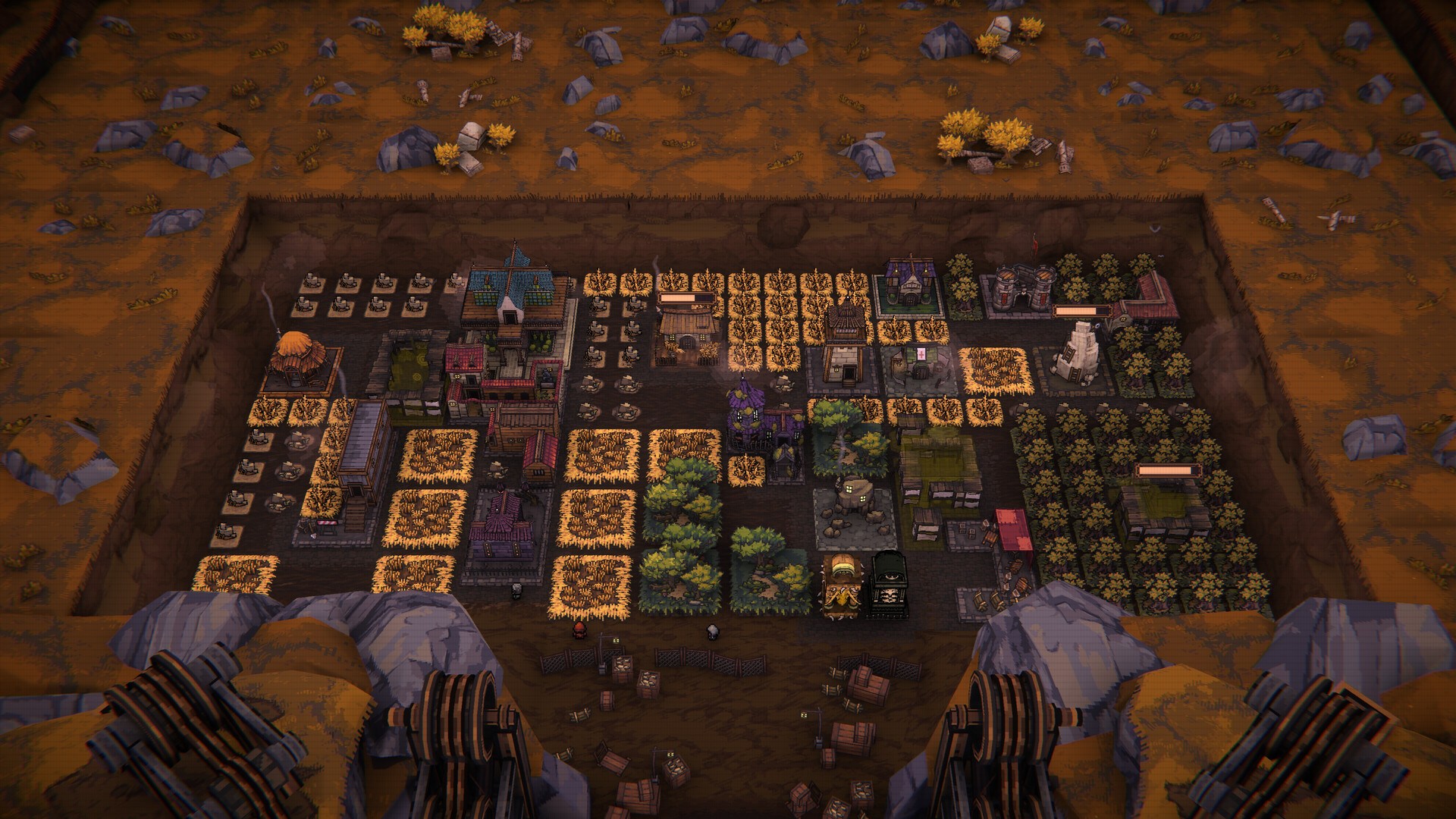
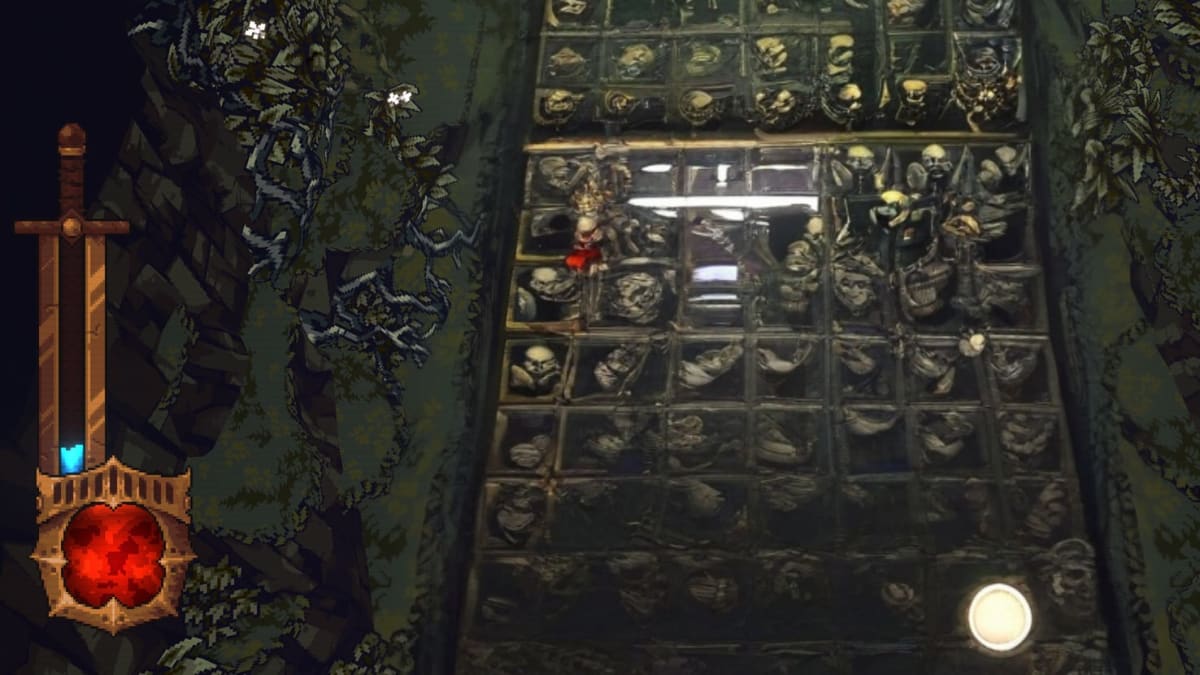
BALL x PIT is a fast and chaotic arcade roguelite where players battle waves of enemies using powerful bouncing balls. The story takes place after the great city of Ballbylon is destroyed by a mysterious event that leaves behind a massive pit full of monsters and hidden treasure. Adventurers travel from far away, hoping to dive into the pit, defeat dangerous creatures, and bring back valuable resources.
Your main goal is to fight enemies using magical balls that bounce across the battlefield. These balls can ricochet off walls, hit multiple targets, and trigger powerful effects. As you continue your run, you can collect new balls and combine them in creative ways. The game includes more than 60 different ball types, which means every run can feel different depending on the combinations you choose.
How to Install BALL x PIT on PC
- Go to the game’s page and press the “Play BALL x PIT on PC” button.
- Once the installer downloads, open the file from your browser’s downloads section.
- Install BlueStacks on your computer and launch the program.
- Log in to the Google Play Store, install BALL x PIT, and begin your adventure.
How to Install BALL x PIT on Mac with BlueStacks Air
- Download BlueStacks Air: Visit the game’s page and click the “Play BALL x PIT on Mac” button to download the installer.
- Install BlueStacks Air: Double-click the BlueStacksInstaller.pkg file and follow the setup steps.
- Launch and Sign In: Open BlueStacks Air from Launchpad or the Applications folder and sign in with your Google account.
- Install BALL x PIT: Use the Play Store search bar to find BALL x PIT and install it.
- Start Playing: Open the game and jump into the action.
If You Already Have BlueStacks Installed
- Visit the game’s page and click the “BALL x PIT on PC” button.
- Open BlueStacks on your computer.
- Install BALL x PIT from the BlueStacks Store or from the Google Play Store.
- Launch the game and start battling monsters in the pit.
Minimum System Requirements
BlueStacks runs smoothly on most computers and supports many PC and Mac setups. To run games like BALL x PIT comfortably, your device should meet the following requirements:
- OS: Microsoft Windows 7 or newer, macOS 11 (Big Sur) or newer
- Processor: Intel or AMD processor, or Apple Silicon processor (M1–M4)
- RAM: At least 4GB of RAM
- Storage: 10GB of free disk space
- Permissions: Administrator access on your PC or Mac
- Graphics drivers: Updated drivers from Microsoft or the chipset manufacturer
BALL x PIT is great for players who enjoy quick action and clever strategies. Each run into the pit feels exciting because enemies, rewards, and ball combinations change constantly. Players who like arcade games with roguelite elements will enjoy experimenting with different builds and trying to reach deeper levels.
Playing BALL x PIT on PC or Mac with BlueStacks can make the experience even better. The larger screen helps you see enemies and projectiles more clearly, while keyboard and mouse controls give you faster and more precise aiming. This setup also helps the game run smoothly, which is helpful during intense battles with many enemies on screen.