How to Install and Play Bomb Burst - PvP Artillery on PC with BlueStacks
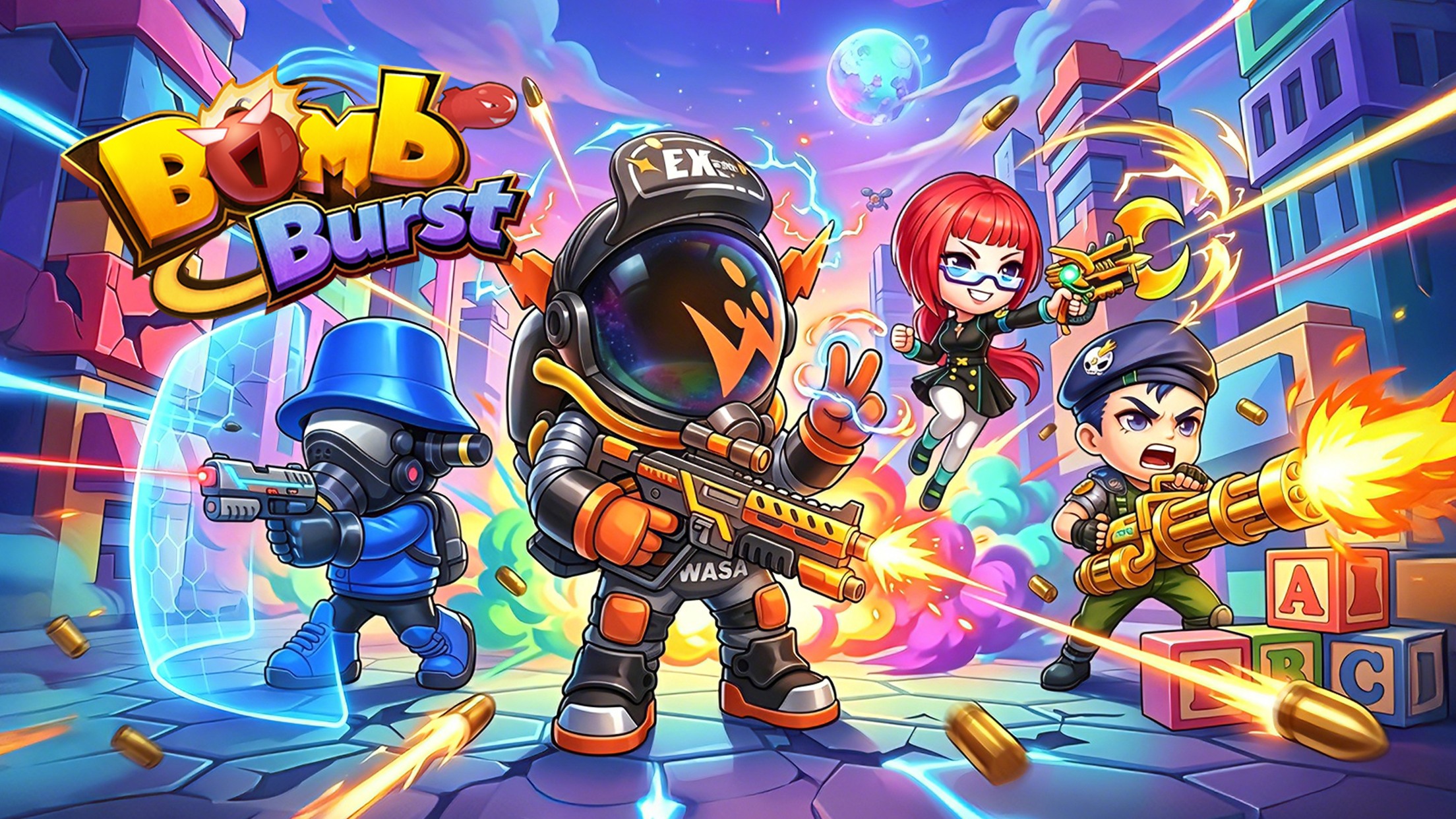

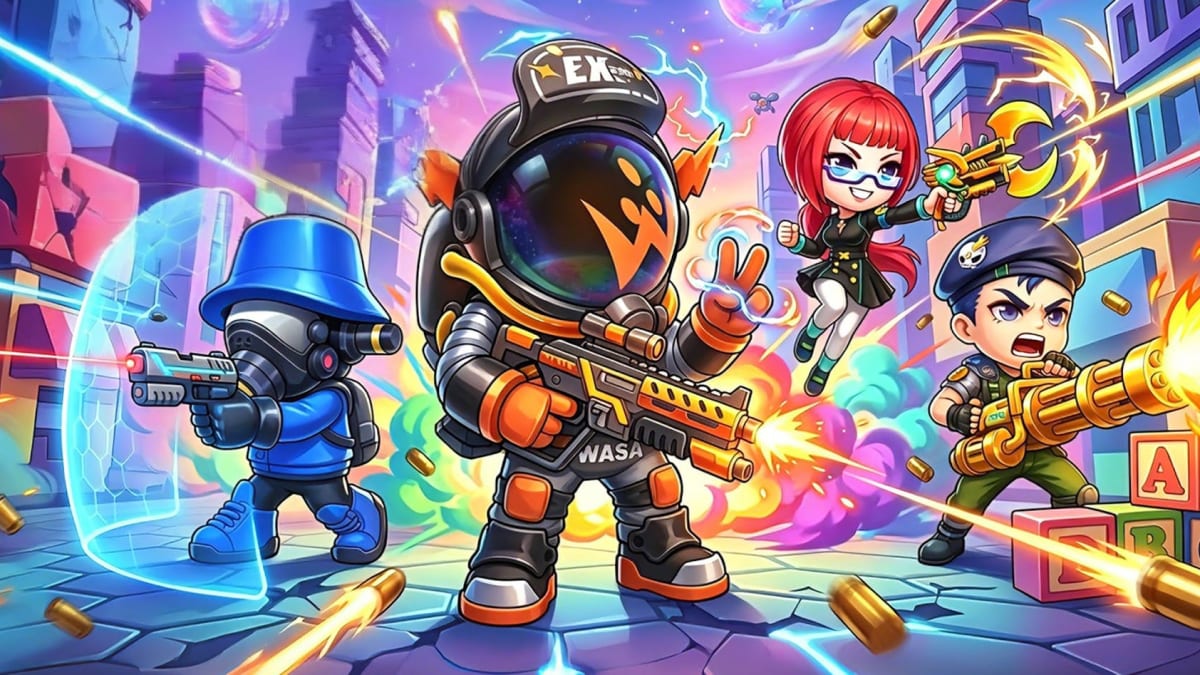
Bomb Burst – PvP Artillery is an RPG artillery game where every shot needs good aim, timing, and a bit of planning. It brings back classic turn-based shooting battles but gives them a more modern look with bright effects and smoother combat.
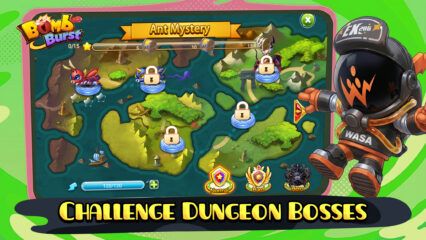
You can play solo, battle other players, take on bosses, try different modes, and dress up your hero with many outfit choices. Pets can also join your adventure and help during battles. The game is easy to start, but getting better takes practice because each angle and power choice can change the match.
How to Install Bomb Burst – PvP Artillery on PC
- Go to the game’s page, and click on the “Play Bomb Burst – PvP Artillery on PC” button.
- Find the downloaded file in your browser’s downloads section and open it.
- Follow the setup steps to install BlueStacks, then launch it on your PC or Mac.
- Sign in to the Google Play Store, install Bomb Burst – PvP Artillery, and start playing.
How to Install Bomb Burst – PvP Artillery on Mac with BlueStacks Air
- Download BlueStacks Air: Go to the game’s page and click on the “Play Bomb Burst – PvP Artillery on Mac” button to get the installer.
- Install BlueStacks Air: Open the BlueStacksInstaller.pkg file and follow the steps shown on your screen.
- Launch and Sign-In: Open BlueStacks Air from Launchpad or the Applications folder. Sign in with your Google account to use the Play Store.
- Install Bomb Burst – PvP Artillery: Search for Bomb Burst – PvP Artillery in the Play Store and install it.
- Enjoy Playing: Open Bomb Burst – PvP Artillery and jump into your first match.
Already Have BlueStacks? Here’s What to Do
- Go to the game’s page, and click on the “Bomb Burst – PvP Artillery on PC” button.
- Open BlueStacks on your PC or Mac.
- Install Bomb Burst – PvP Artillery from the BlueStacks Store or the Google Play Store.
- Start Playing!
Minimum System Requirements
BlueStacks runs games like Bomb Burst – PvP Artillery on PC or Mac with simple setup needs:
- OS: Microsoft Windows 7 and above, macOS 11 (Big Sur) or above
- Processor: Intel, AMD Processor, or Apple Silicon Processor (M1-M4)
- RAM: Your PC or Mac must have at least 4GB of RAM
- Storage: 10GB Free Disk Space
- Permissions: Administrator access on your PC or Mac.
- Graphics drivers: Up-to-date graphics drivers from Microsoft or the chipset vendor.
Bomb Burst – PvP Artillery is a good pick for players who like aiming games, quick matches, and fun character upgrades. Each battle asks you to line up your shot, choose the right power, and think about what your opponent might do next. You can play on your own when you want a calmer run, or enter PvP battles when you want to test your aim against other players.
Playing Bomb Burst – PvP Artillery on PC or Mac with BlueStacks can make the game feel easier to control. A bigger screen helps you see the battle more clearly, while keyboard and mouse controls can make aiming feel more comfortable than tapping on a small phone screen. It is also a nice choice if you want to play longer without worrying about your phone battery life.