How to Install and Play Garena Free City on PC with BlueStacks
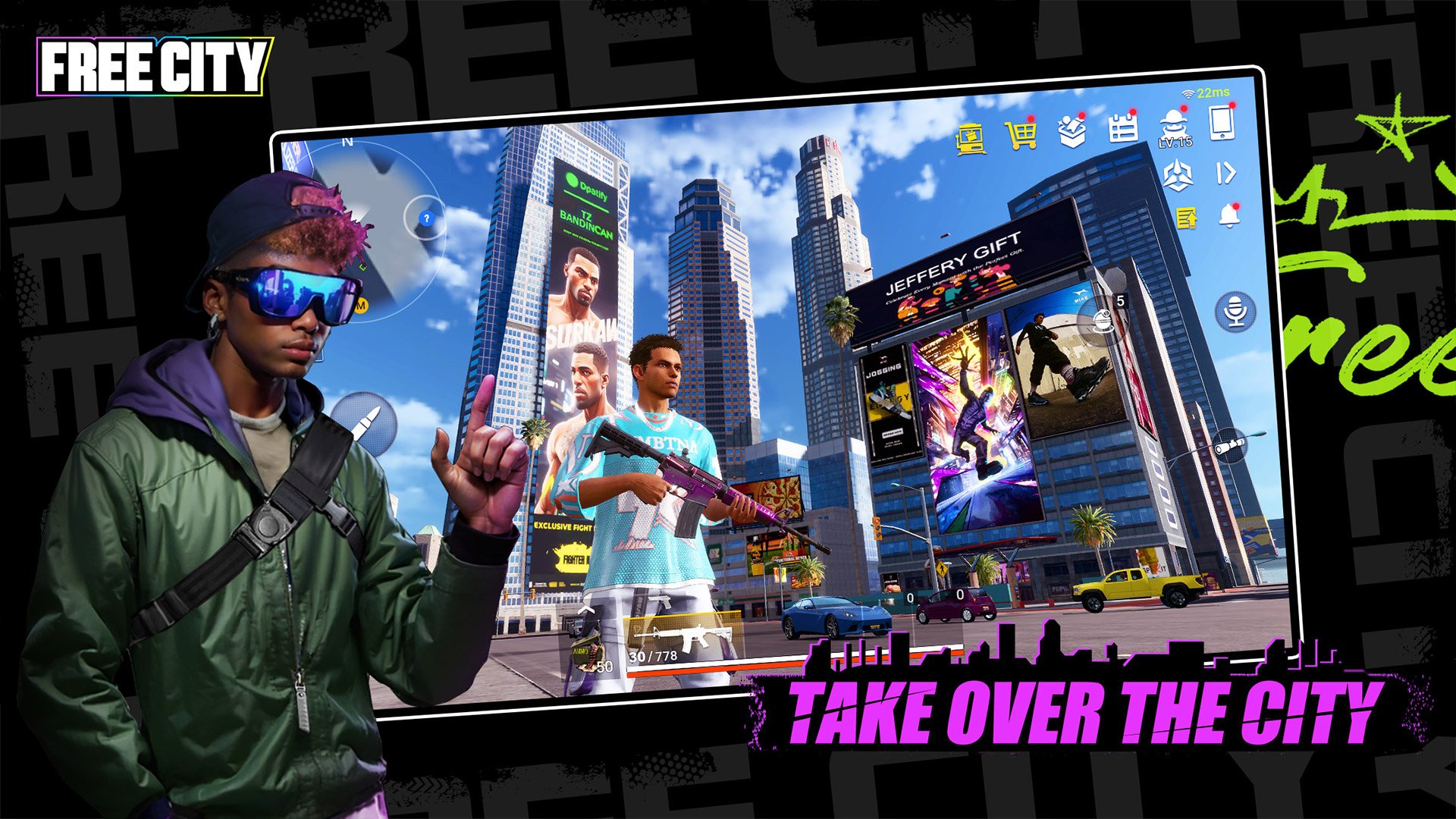
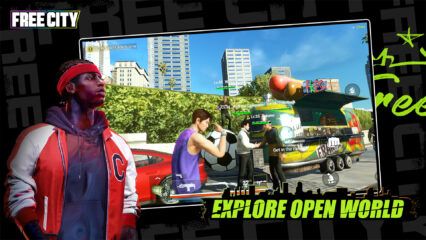
Garena Free City is an open-world role-playing game where you can jump into a busy city full of missions, fights, and wild moments. You play as a gangster working with your team to take down rivals and rule the streets. The game mixes shooting, driving, and stealth missions, so there is always something exciting to do.
You can also take part in fun side activities like races and challenges. With strong multiplayer features, you can team up with friends and complete tasks together. The freedom to play your way makes every session feel fresh and full of action.
How to Install Garena Free City on PC
- Visit the game’s page and press the “Play Garena Free City on PC” button.
- Download the installer file from your browser’s download tab.
- Open the file and install BlueStacks, then launch it.
- Log in to the Google Play Store, install Garena Free City, and start playing.
How to Install Garena Free City on Mac with BlueStacks Air
- Download BlueStacks Air: Go to the game’s page and click on the “Play Garena Free City on Mac” button to get the installer.
- Install BlueStacks Air: Open the BlueStacksInstaller.pkg file and follow the steps on your screen.
- Launch and Sign-In: Open BlueStacks Air from Launchpad or the Applications folder and sign in to your Google account.
- Install Garena Free City: Search for the game in the Play Store and install it.
- Start Playing: Open Garena Free City and jump right into the action.
Already Using BlueStacks? Here’s What to Do
- Go to the game’s page and click the “Garena Free City on PC” button.
- Open BlueStacks on your computer.
- Install the game from the BlueStacks Store or Google Play Store.
- Launch Garena Free City and begin your adventure.
Minimum System Requirements
To run Garena Free City smoothly on your computer, your setup should meet these basic needs:
- OS: Windows 7 or newer, macOS 11 (Big Sur) or newer
- Processor: Intel, AMD, or Apple Silicon (M1–M4)
- RAM: At least 4GB
- Storage: 10GB of free space
- Permissions: Admin access on your device
- Graphics Drivers: Updated drivers from Microsoft or your hardware provider
Garena Free City is a great pick if you like action games where you can do many different things in one place. You can play solo missions, race cars, or join your friends for team challenges. And since you can change your character, weapons, and cars, you can create your own style and stand out in the city.
Playing Garena Free City on PC or Mac with BlueStacks makes everything easier and more fun. You get better control with your keyboard and mouse, which helps in shooting and driving. The bigger screen also lets you see more details in the city and react faster during fights. It’s a simple way to enjoy longer gaming sessions without worrying about battery or small screen limits.