How to Install and Play Kitten Run : Anime on PC with BlueStacks

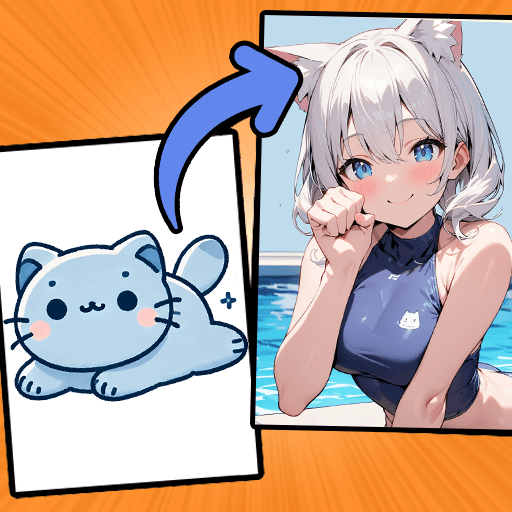
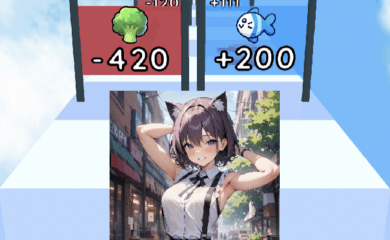
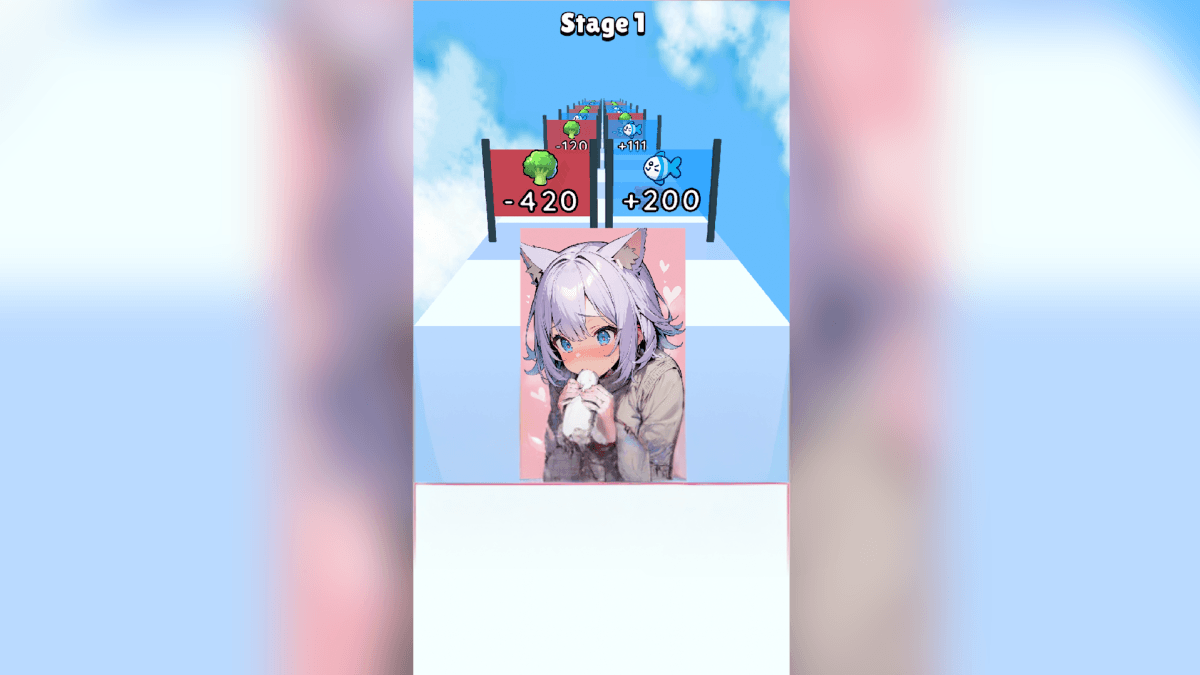
Kitten Run : Anime is a cute casual runner where you guide a tiny cat through fast levels full of obstacles, cards, and power-ups. The goal is simple. Keep running, dodge at the right time, collect useful items, and upgrade cards to open new anime-style cat-girl transformations.
Each run helps you grow your collection and move closer to more artwork and character forms. The game is easy to understand, so you can jump in quickly, play a short round, and still make progress. It is a good pick for players who like cats, anime visuals, quick challenges, and simple collecting games.
How to Install Kitten Run : Anime on PC
- Visit the game’s page, and click on the “Play Kitten Run : Anime on PC” button.
- Open the installer file from your browser’s downloads section.
- Follow the setup steps to install BlueStacks, then open it on your PC or Mac.
- Sign in to the Google Play Store, install Kitten Run : Anime, and start playing.
How to Install Kitten Run : Anime on Mac with BlueStacks Air
- Download BlueStacks Air: Go to the game’s page and click on the “Play Kitten Run : Anime on Mac” button to get the installer.
- Install BlueStacks Air: Double-click the BlueStacksInstaller.pkg file and follow the setup wizard.
- Launch and Sign-In: Open BlueStacks Air from the Launchpad or Applications folder, then sign in with your Google account.
- Install Kitten Run : Anime: Search for Kitten Run : Anime in the Play Store and install it.
- Enjoy Playing! Open Kitten Run : Anime, and begin your first run.
Already Have BlueStacks? Here’s How to Start Faster
- Head to the game’s page, and click on the “Kitten Run : Anime on PC” button.
- Launch BlueStacks on your PC or Mac.
- Install the game from the BlueStacks Store or the Google Play Store.
- Start Playing!
Minimum System Requirements
BlueStacks makes games like Kitten Run : Anime easier to enjoy on PC or Mac, and you do not need a powerful computer to get started.
- OS: Microsoft Windows 7 and above, macOS 11 (Big Sur) or above
- Processor: Intel, AMD Processor, or Apple Silicon Processor (M1-M4)
- RAM: Your PC or Mac must have at least 4GB of RAM
- Storage: 10GB Free Disk Space
- Permissions: Administrator access on your PC or Mac
- Graphics drivers: Up-to-date graphics drivers from Microsoft or the chipset vendor
Kitten Run : Anime works well for players who enjoy quick games they can play between school, homework, or breaks. The levels are built around movement and timing, so every small move matters. You need to avoid obstacles, grab cards, and use power-ups when they appear. Since the game also includes card upgrades and anime-style artwork, it gives you more to chase after than just finishing a run.
Also, playing Kitten Run : Anime on PC or Mac with BlueStacks can make the game feel more comfortable, especially if your phone screen feels too small. A bigger screen helps you follow the track better, while keyboard and mouse controls can make dodging and moving feel easier. It is also a nice option if you want to play for longer without holding your phone the whole time.