How to Install and Play Spirits of Aetheria on PC with BlueStacks


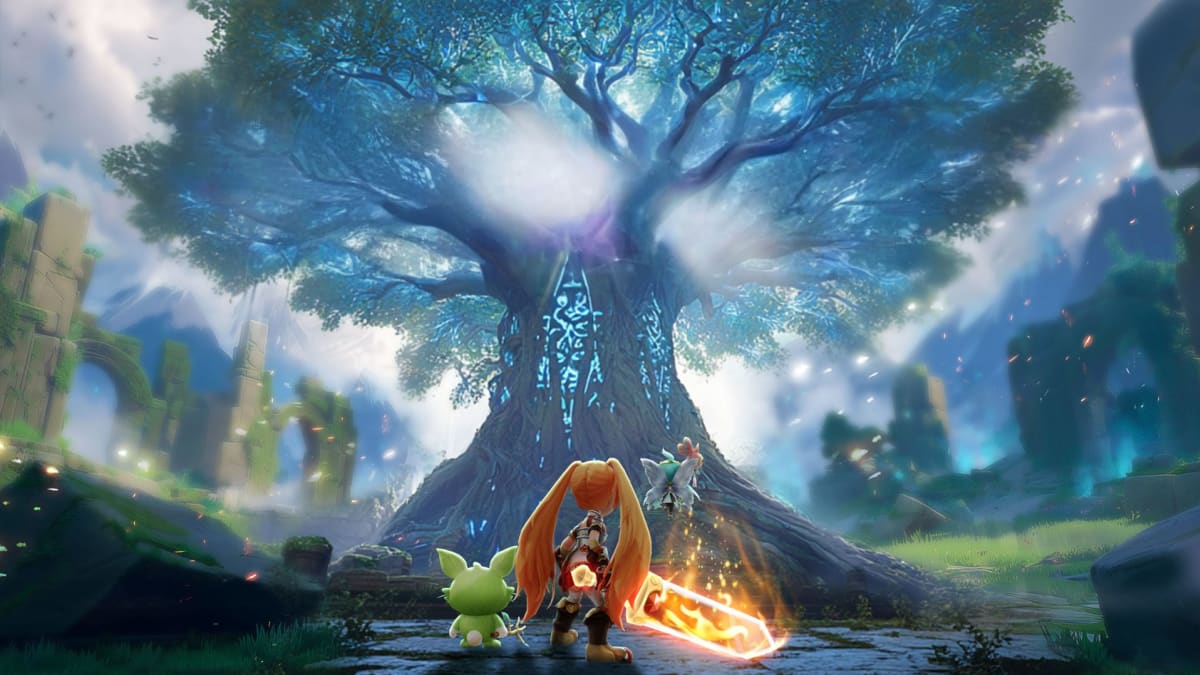
Spirits of Aetheria is a fantasy role-playing game where players team up with magical Spirit companions and jump into fast battles. Each fight lets you bring three Spirits at once, and you can swap between them during combat to react to attacks, protect teammates, or push damage at the right moment. Battles feel quick and smooth, with simple skills that reward good timing rather than random tapping.
The game gives players full freedom to shape their character. There are no locked classes, so skills can be mixed and changed as you play. One moment you might focus on magic attacks, and later you can switch to bows or close combat without losing progress.
How to Install Spirits of Aetheria on PC
- Visit the game’s page and press the “Play Spirits of Aetheria on PC” button.
- Find the installer file in your browser’s download list and open it.
- Set up BlueStacks and start it on your computer.
- Log in to the Google Play Store, download the game, and jump in.
How to Install Spirits of Aetheria on Mac with BlueStacks Air
- Download BlueStacks Air: Open the game’s page and select the “Play Spirits of Aetheria on Mac” button to get the installer.
- Install BlueStacks Air: Double-click the BlueStacksInstaller.pkg file and follow the setup steps.
- Launch and Sign-In: Open BlueStacks Air from Applications or Launchpad and sign in with your Google account.
- Install Spirits of Aetheria: Search for the game in the Play Store and install it.
- Start Playing: Open the game and begin your adventure.
Already Using BlueStacks? Get Started Faster
- Open the game’s page and click the “Spirits of Aetheria on PC” button.
- Start BlueStacks on your PC or Mac.
- Download the game from the BlueStacks Store or Google Play Store.
- Launch the game and play.
Minimum System Requirements
BlueStacks runs smoothly on most computers and keeps system needs simple:
- OS: Windows 7 or newer, macOS 11 (Big Sur) or newer
- Processor: Intel, AMD, or Apple Silicon processor (M1–M4)
- RAM: At least 4GB memory
- Storage: 10GB of free disk space
- Permissions: Admin access on the computer
- Graphics: Updated drivers from Microsoft or your chip maker
Spirits of Aetheria is a great fit for players who like action RPGs with freedom to test different play styles. Younger gamers can enjoy short sessions after school, while longer weekends are perfect for guild events or group battles. Playing with friends makes Spirit swaps and combos even more fun, but solo players can still progress at a comfortable pace.
Playing Spirits of Aetheria on PC or Mac with BlueStacks makes battles easier to follow thanks to the larger screen and keyboard-and-mouse controls. Spirit swapping feels quicker, aiming skills feel clearer, and long sessions stay comfortable without draining a phone battery.