Legend of the Spear
Legend of the Spear

Legend of the Spear

Action

| Pungang

Play on PC with BlueStacks or from our cloud

  • Overview
  • Game Features
  • How to Play

Page Modified On: January 13, 2026

Play Legend of the Spear on PC or Mac

Join millions to experience Legend of the Spear, an exciting Action game from Pungang. With BlueStacks App Player, you are always a step ahead of your opponent, ready to outplay them with faster gameplay and better control with the mouse and keyboard on your PC or Mac.

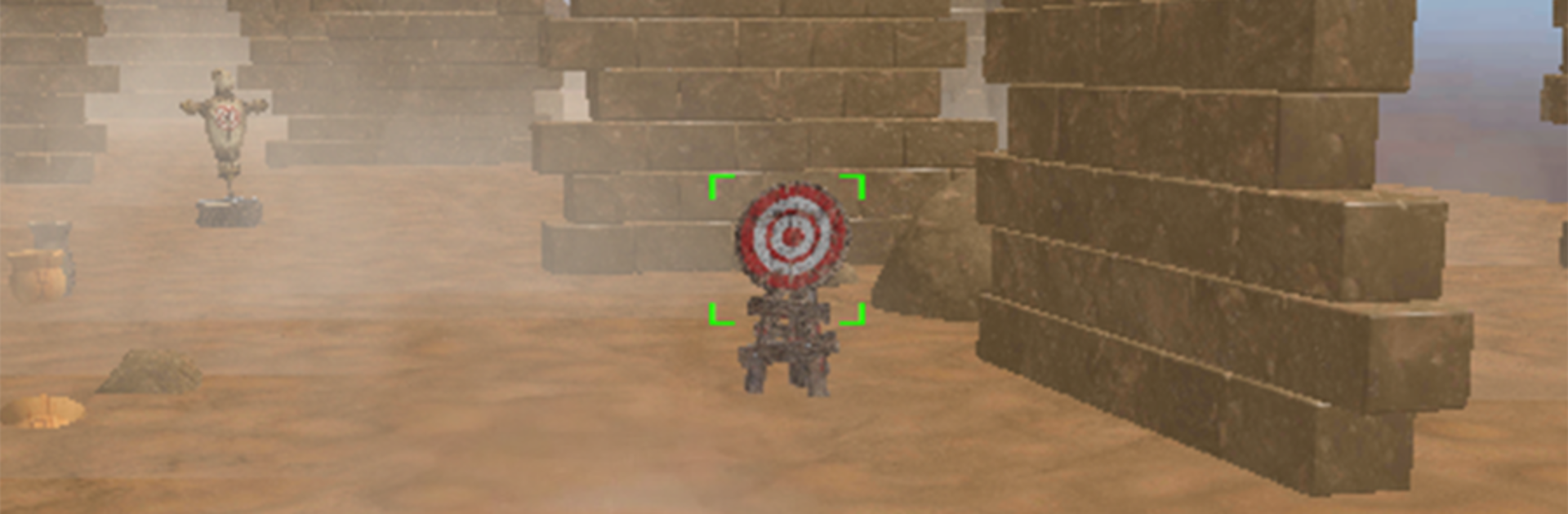
Legend of the Spear plays like a tight action game where timing and spacing matter more than button mashing. Players run a hero with a spear in one hand and a bow ready for when things get ugly at range, and the whole fight flow is about switching between both without losing rhythm. A quick poke or sweep to stagger a knight, a small step back to avoid the swing, then an arrow to finish before the shield comes up. The maps lean into castles and old battlefields, with narrow stairs, courtyards, and traps that punish lazy footwork. Spikes, falling bits, and tricky layouts keep the pressure high, so a clean dodge or smart angle makes a big difference.

There is steady progression too. Weapons can be upgraded so the spear hits faster or harder, and new abilities unlock that change how a combo starts or ends, like a longer lunge or a shot that pierces. Enemies push for different answers, so a shielded brute asks for footwork and side hits, while archers force movement and quick bow work. On PC with BlueStacks, mouse aim for the bow feels natural and keyboard mapping makes dodging and spear thrusts nice and snappy, which helps when the game throws several threats plus a trap at once. Hits land with a good thud, animations read clearly, and the pace stays urgent without feeling unfair, unless someone gets greedy and overextends, then it snowballs fast.

Start your journey now. Download the game on BlueStacks, invite your friends, and march on a new adventure.


Game Features

Enhancements

  • Macros
  • Multi Instance
  • Multi Instance Sync
  • Eco Mode
  • Enhancements
Macros

Macros

Skip the boring parts of a game. Play Legend of the Spear with Macros and get the edge. Simply record a sequence of commands and execute them at any moment.
Multi Instance

Multi Instance

Why limit to one game on your phone when you can play many on your PC? Open multiple instances of Legend of the Spear at once with Multi-Instance. Leverage the power of different accounts by doing more.
Multi Instance Sync

Multi Instance Sync

Get the best out of Legend of the Spear with Multi-Instance Sync. Play the game from different accounts and build your own empire. Use Multi-instance sync to repeat the action in the main BlueStacks instance on all other instances.
Eco Mode

Eco Mode

Find the rarest heroes by making multiple summons in Legend of the Spear. And while you are at it, reduce your PC’s resource consumption with the Eco Mode. Farm efficiently. Get the best results.
Read More

How to Download and Play Legend of the Spear on PC or Mac

  • Download and install BlueStacks on your PC or Mac

  • Complete Google sign-in to access the Play Store, or do it later

  • Look for Legend of the Spear in the search bar at the top right corner

  • Click to install Legend of the Spear from the search results

  • Complete Google sign-in (if you skipped step 2) to install Legend of the Spear

  • Click the Legend of the Spear icon on the home screen to start playing

video
Watch Video

Minimum System Requirements

With BlueStacks 5, you can get started on a PC that fulfills the following requirements.

  • Operating System

    Microsoft Windows 7 or above, macOS 11 (Big Sur) or above

  • Processor

    Intel, AMD or Apple Silicon Processor

  • RAM

    at least 4GB

  • HDD

    10GB Free Disk Space

Note:

* You must be an Administrator on your PC. Up to date graphics drivers from Microsoft or the chipset vendor.

Legend of the Spear - FAQs

  • How to play Legend of the Spear on Windows PC & Mac?

    Play Legend of the Spear on your PC or Mac by following these simple steps.

    • Click on 'Play Legend of the Spear on PC’ to download BlueStacks
    • Install it and log-in to Google Play Store
    • Launch and play the game.
  • Why is BlueStacks the fastest and safest platform to play games on PC?

    BlueStacks respects your privacy and is always safe and secure to use. It does not carry any malware, spyware, or any sort of additional software that could harm your PC.

    It is engineered to optimize speed and performance for a seamless gaming experience.

  • What are Legend of the Spear PC requirements?

    Minimum requirement to run Legend of the Spear on your PC

    • OS: Microsoft Windows 7 or above MacOS 11 (Big Sur) or above
    • Processor: Intel, AMD or Apple Silicon Processor
    • RAM: Your PC must have at least 4GB of RAM. (Note that having 4GB or more disk space is not a substitute for RAM)
    • HDD: 10GB Free Disk Space.
    • You must be an Administrator on your PC.