Archer Heroes: Tower Defense

Archer Heroes: Tower Defense

Action

| pokoko Studio UG (haftungsbeschränkt)

Play on PC with BlueStacks or from our cloud

  • Overview
  • Game Features
  • How to Play

Page Modified On: August 15, 2026

Play Archer Heroes: Tower Defense on PC or Mac

Step into the World of Archer Heroes: Tower Defense, a thrilling Action game from the house of pokoko Studio UG (haftungsbeschränkt). Play this Android game on BlueStacks App Player and experience immersive gaming on PC or Mac.

About the Game

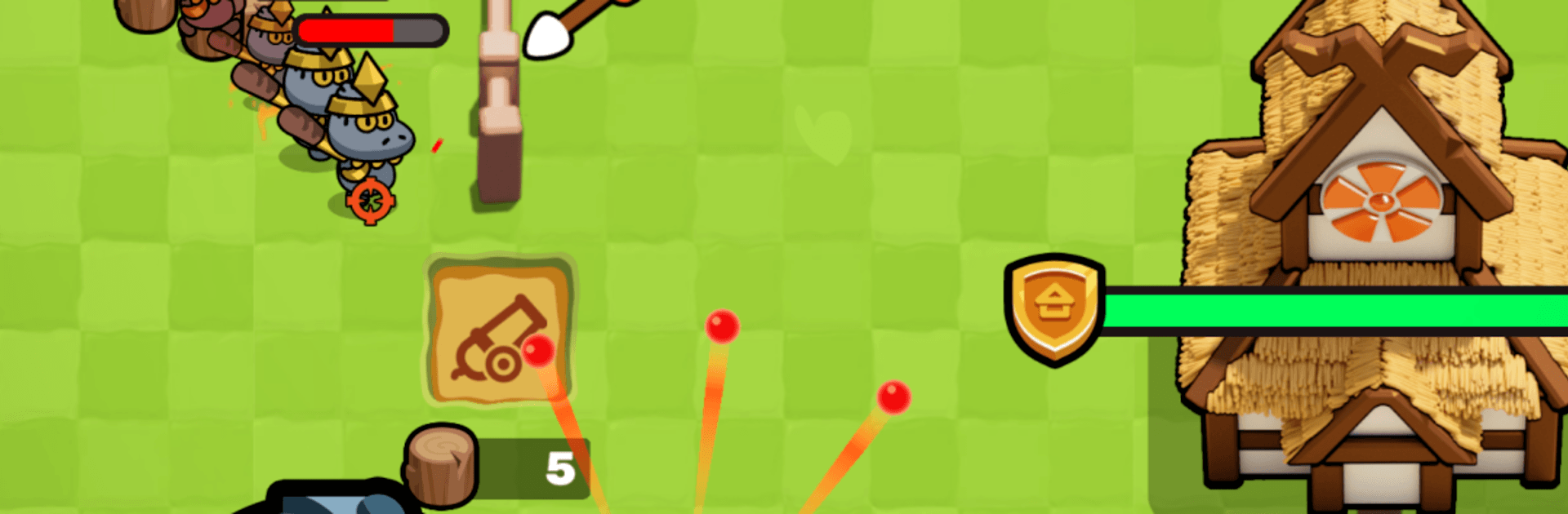
Archer Heroes: Tower Defense blends quick reflexes with smart planning in a way that feels instantly satisfying. It’s an Action roguelite where you guide a lone archer through chaotic skirmishes, weaving between enemy strikes while dropping towers to hold the line. Every run shakes things up with new perks, gear, and enemy mixes, so you’re always adjusting your build and your aim. Prefer a bigger view? It plays nicely on BlueStacks if you want the action front and center.

Game Features

  • Reactive Archery Combat: Move, dodge, and fire on the fly while the screen fills with threats that won’t wait their turn.
  • Build as You Fight: Place and upgrade towers mid-battle to slow, funnel, and shred incoming waves.
  • Roguelite Runs: Collect randomized skills and gear each attempt, then experiment with wild combinations that can change your playstyle.
  • Boss Showdowns: Square off against massive gods, ruthless demons, and towering giants with patterns you’ll learn to outsmart.
  • Fresh Every Time: New room layouts, enemy lineups, and perk synergies keep each push feeling different.
  • Meaningful Loot: Snag coins and materials to unlock lasting boosts and sharpen your arsenal between attempts.
  • Skill Over Spam: Simple controls to pick up, but smart positioning, timing, and target focus decide who walks away.
  • Snappy Sessions: Jump into quick stages that are perfect for short bursts, or chain runs when you’re in the zone.

Get ready for a buttery smooth, high-performance gaming action only on BlueStacks.

Game Features

Enhancements

  • Macros
  • Multi Instance
  • Multi Instance Sync
  • Eco Mode
  • Enhancements
Macros

Macros

Skip the boring parts of a game. Play Archer Heroes: Tower Defense with Macros and get the edge. Simply record a sequence of commands and execute them at any moment.
Multi Instance

Multi Instance

Why limit to one game on your phone when you can play many on your PC? Open multiple instances of Archer Heroes: Tower Defense at once with Multi-Instance. Leverage the power of different accounts by doing more.
Multi Instance Sync

Multi Instance Sync

Get the best out of Archer Heroes: Tower Defense with Multi-Instance Sync. Play the game from different accounts and build your own empire. Use Multi-instance sync to repeat the action in the main BlueStacks instance on all other instances.
Eco Mode

Eco Mode

Find the rarest heroes by making multiple summons in Archer Heroes: Tower Defense. And while you are at it, reduce your PC’s resource consumption with the Eco Mode. Farm efficiently. Get the best results.
Read More

How to Download and Play Archer Heroes: Tower Defense on PC or Mac

  • Download and install BlueStacks on your PC or Mac

  • Complete Google sign-in to access the Play Store, or do it later

  • Look for Archer Heroes: Tower Defense in the search bar at the top right corner

  • Click to install Archer Heroes: Tower Defense from the search results

  • Complete Google sign-in (if you skipped step 2) to install Archer Heroes: Tower Defense

  • Click the Archer Heroes: Tower Defense icon on the home screen to start playing

video
Watch Video

Minimum System Requirements

With BlueStacks 5, you can get started on a PC that fulfills the following requirements.

  • Operating System

    Microsoft Windows 7 or above, macOS 11 (Big Sur) or above

  • Processor

    Intel, AMD or Apple Silicon Processor

  • RAM

    at least 4GB

  • HDD

    10GB Free Disk Space

Note:

* You must be an Administrator on your PC. Up to date graphics drivers from Microsoft or the chipset vendor.

Archer Heroes: Tower Defense - FAQs

  • How to play Archer Heroes: Tower Defense on Windows PC & Mac?

    Play Archer Heroes: Tower Defense on your PC or Mac by following these simple steps.

    • Click on 'Play Archer Heroes: Tower Defense on PC’ to download BlueStacks
    • Install it and log-in to Google Play Store
    • Launch and play the game.
  • Why is BlueStacks the fastest and safest platform to play games on PC?

    BlueStacks respects your privacy and is always safe and secure to use. It does not carry any malware, spyware, or any sort of additional software that could harm your PC.

    It is engineered to optimize speed and performance for a seamless gaming experience.

  • What are Archer Heroes: Tower Defense PC requirements?

    Minimum requirement to run Archer Heroes: Tower Defense on your PC

    • OS: Microsoft Windows 7 or above MacOS 11 (Big Sur) or above
    • Processor: Intel, AMD or Apple Silicon Processor
    • RAM: Your PC must have at least 4GB of RAM. (Note that having 4GB or more disk space is not a substitute for RAM)
    • HDD: 10GB Free Disk Space.
    • You must be an Administrator on your PC.