
Battlefield of Ragnarok Game

Battlefield of Ragnarok Game

Action

| MidDream Studios

Play on PC with BlueStacks or from our cloud

  • Overview
  • Game Features
  • How to Play

Page Modified On: May 21, 2025

Play Battlefield of Ragnarok Game on PC or Mac

Step into the World of Battlefield of Ragnarok Game, a thrilling Action game from the house of MidDream Studios. Play this Android game on BlueStacks App Player and experience immersive gaming on PC or Mac.

About the Game

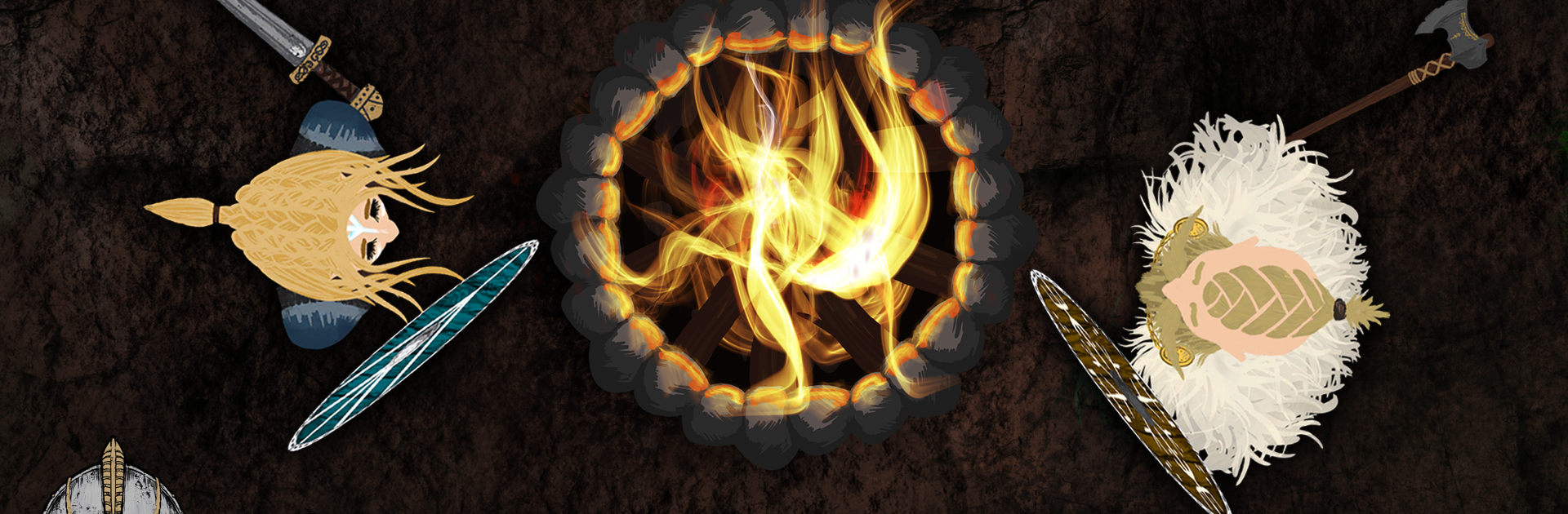
Ready to step into a Viking brawl where legends clash and every fight could be your last (or not, since you’re already in Valhalla)? Battlefield of Ragnarok Game throws you into wild, fast-paced action against other players, all with a sprinkle of myth and Norse chaos. Whether you’re itching for a quick duel or want to see your Viking grow into a true legend, this Action title from MidDream Studios has you covered. Play on your phone or fire it up on BlueStacks if you’re after that mouse-and-keyboard edge.

Game Features

  • Fierce Multiplayer Combat
    Jump online and face off against fellow fallen warriors in epic PvP showdowns. Outmaneuver your rivals, watch your back, and don’t be surprised when a berserk Viking comes out of nowhere.

  • Grow Stronger Every Match
    Collect glowing runes as you fight—each one buffs your size and power. Compete to climb the scoreboard or just show off your muscle in front of friends.

  • Weapons Galore
    Start off at the bottom, but with enough determination (and maybe some luck), you’ll earn your way to axes, swords, shields, and more. Prefer throwing knives or hurling stones? Go for it.

  • Choose Your Battle Style
    Mix and match melee or ranged weapons to fit how you like to play. Rush in with a claymore or keep your distance—either way, you’re fighting Viking-style.

  • Crazy Viking Customization
    Style your warrior with a mix of outfits, wild hair, and—you guessed it—majestic beards. Want a chainmail bikini and a bushy beard? Nobody’s judging (not even Odin).

  • Epic Power-Ups
    Grab a quick bite of mead or mushrooms mid-fight for a sudden boost. The right pick-up could turn the whole battle around.

  • Handmade Norse Art & Music
    Experience visuals inspired by Norse myths, hand-crafted by Raven from the North. Pair that with a haunting original soundtrack from Nemuer for serious old-world vibes.

If you want to battle in Valhalla with the fastest clicking fingers, try it on BlueStacks for an extra edge.

Ready to top the leaderboard? We bet you do. Let precise controls and sharp visuals optimized on BlueStacks lead you to victory.


Game Features

Enhancements

  • Macros
  • Multi Instance
  • Multi Instance Sync
  • Eco Mode
  • Enhancements
Macros

Macros

Skip the boring parts of a game. Play Battlefield of Ragnarok Game with Macros and get the edge. Simply record a sequence of commands and execute them at any moment.
Multi Instance

Multi Instance

Why limit to one game on your phone when you can play many on your PC? Open multiple instances of Battlefield of Ragnarok Game at once with Multi-Instance. Leverage the power of different accounts by doing more.
Multi Instance Sync

Multi Instance Sync

Get the best out of Battlefield of Ragnarok Game with Multi-Instance Sync. Play the game from different accounts and build your own empire. Use Multi-instance sync to repeat the action in the main BlueStacks instance on all other instances.
Eco Mode

Eco Mode

Find the rarest heroes by making multiple summons in Battlefield of Ragnarok Game. And while you are at it, reduce your PC’s resource consumption with the Eco Mode. Farm efficiently. Get the best results.
Read More

How to Download and Play Battlefield of Ragnarok Game on PC or Mac

  • Download and install BlueStacks on your PC or Mac

  • Complete Google sign-in to access the Play Store, or do it later

  • Look for Battlefield of Ragnarok Game in the search bar at the top right corner

  • Click to install Battlefield of Ragnarok Game from the search results

  • Complete Google sign-in (if you skipped step 2) to install Battlefield of Ragnarok Game

  • Click the Battlefield of Ragnarok Game icon on the home screen to start playing

video
Watch Video

Minimum System Requirements

With BlueStacks 5, you can get started on a PC that fulfills the following requirements.

  • Operating System

    Microsoft Windows 7 or above, macOS 11 (Big Sur) or above

  • Processor

    Intel, AMD or Apple Silicon Processor

  • RAM

    at least 4GB

  • HDD

    10GB Free Disk Space

Note:

* You must be an Administrator on your PC. Up to date graphics drivers from Microsoft or the chipset vendor.

Battlefield of Ragnarok Game - FAQs

  • How to play Battlefield of Ragnarok Game on Windows PC & Mac?

    Play Battlefield of Ragnarok Game on your PC or Mac by following these simple steps.

    • Click on 'Play Battlefield of Ragnarok Game on PC’ to download BlueStacks
    • Install it and log-in to Google Play Store
    • Launch and play the game.
  • Why is BlueStacks the fastest and safest platform to play games on PC?

    BlueStacks respects your privacy and is always safe and secure to use. It does not carry any malware, spyware, or any sort of additional software that could harm your PC.

    It is engineered to optimize speed and performance for a seamless gaming experience.

  • What are Battlefield of Ragnarok Game PC requirements?

    Minimum requirement to run Battlefield of Ragnarok Game on your PC

    • OS: Microsoft Windows 7 or above MacOS 11 (Big Sur) or above
    • Processor: Intel, AMD or Apple Silicon Processor
    • RAM: Your PC must have at least 4GB of RAM. (Note that having 4GB or more disk space is not a substitute for RAM)
    • HDD: 10GB Free Disk Space.
    • You must be an Administrator on your PC.







