God Weapons
God Weapons

God Weapons

Action

| UMICHAT

Play on PC with BlueStacks or from our cloud

  • Overview
  • Game Features
  • How to Play

Page Modified On: May 05, 2026

Play God Weapons on PC or Mac

From the innovators and creators at UMICHAT, God Weapons is another fun addition to the World of Action games. Go beyond your mobile screen and play it bigger and better on your PC or Mac. An immersive experience awaits you.

About the Game

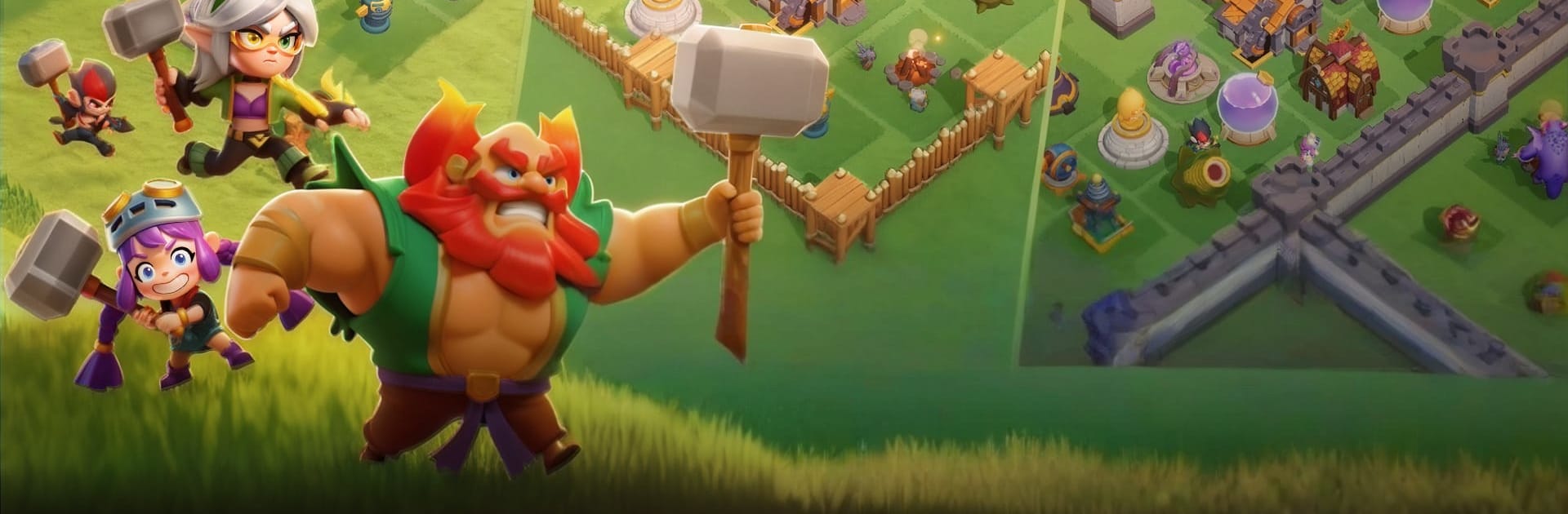
God Weapons is a wild, break-stuff Action game from UMICHAT where crafting and combat are basically the same thing. You’re dropped onto a molten world full of hostile towers and oddball creatures, then handed the tools to smash, scavenge, and forge your own over-the-top arsenal. Runs are fast, messy, and packed with surprises—perfect if you like chaos with a side of creativity. Prefer a bigger screen? It plays great on PC with BlueStacks.

Game Features

  • Forge-First Combat: Rip parts from enemy towers, melt them down, and shape ridiculous blades, hammers, and hybrids. Mix perks to build weapons that feel uniquely yours.
  • Ever-Changing Runs: Maps, events, and encounters shuffle every time. One minute you’re chasing coin sprites; the next, you’re dodging cursed shoes or facing a towering tree guardian.
  • Towers That Fight Back: These aren’t just walls to knock over. Expect traps, cannons, and nasty surprises as you siege, sprint, and smash your way through.
  • Loot With Personality: Random drops come with funky traits that stack into outrageous combos. Find synergies, push your luck, and watch the damage numbers get a little silly.
  • Build, Upgrade, Defend: Pour gold into your workshop to boost production and unlock new blueprints with stars. Just keep an eye on raids—your stash isn’t as safe as you think.
  • Boss-Sized Smackdowns: Face colossal foes that test both your reflexes and your latest creation. Big hits feel chunky, loud, and wonderfully destructive.
  • Quick Hits or Deep Sessions: Hop in for a fast run or settle in for a long forge-a-thon. The pick-up-and-play flow makes experimentation easy and rewarding.

Start your journey now. Download the game on BlueStacks, invite your friends, and march on a new adventure.


Game Features

Enhancements

  • Macros
  • Multi Instance
  • Multi Instance Sync
  • Eco Mode
  • Enhancements
Macros

Macros

Skip the boring parts of a game. Play God Weapons with Macros and get the edge. Simply record a sequence of commands and execute them at any moment.
Multi Instance

Multi Instance

Why limit to one game on your phone when you can play many on your PC? Open multiple instances of God Weapons at once with Multi-Instance. Leverage the power of different accounts by doing more.
Multi Instance Sync

Multi Instance Sync

Get the best out of God Weapons with Multi-Instance Sync. Play the game from different accounts and build your own empire. Use Multi-instance sync to repeat the action in the main BlueStacks instance on all other instances.
Eco Mode

Eco Mode

Find the rarest heroes by making multiple summons in God Weapons. And while you are at it, reduce your PC’s resource consumption with the Eco Mode. Farm efficiently. Get the best results.
Read More

How to Download and Play God Weapons on PC or Mac

  • Download and install BlueStacks on your PC or Mac

  • Complete Google sign-in to access the Play Store, or do it later

  • Look for God Weapons in the search bar at the top right corner

  • Click to install God Weapons from the search results

  • Complete Google sign-in (if you skipped step 2) to install God Weapons

  • Click the God Weapons icon on the home screen to start playing

video
Watch Video

Minimum System Requirements

With BlueStacks 5, you can get started on a PC that fulfills the following requirements.

  • Operating System

    Microsoft Windows 7 or above, macOS 11 (Big Sur) or above

  • Processor

    Intel, AMD or Apple Silicon Processor

  • RAM

    at least 4GB

  • HDD

    10GB Free Disk Space

Note:

* You must be an Administrator on your PC. Up to date graphics drivers from Microsoft or the chipset vendor.

God Weapons - FAQs

  • How to play God Weapons on Windows PC & Mac?

    Play God Weapons on your PC or Mac by following these simple steps.

    • Click on 'Play God Weapons on PC’ to download BlueStacks
    • Install it and log-in to Google Play Store
    • Launch and play the game.
  • Why is BlueStacks the fastest and safest platform to play games on PC?

    BlueStacks respects your privacy and is always safe and secure to use. It does not carry any malware, spyware, or any sort of additional software that could harm your PC.

    It is engineered to optimize speed and performance for a seamless gaming experience.

  • What are God Weapons PC requirements?

    Minimum requirement to run God Weapons on your PC

    • OS: Microsoft Windows 7 or above MacOS 11 (Big Sur) or above
    • Processor: Intel, AMD or Apple Silicon Processor
    • RAM: Your PC must have at least 4GB of RAM. (Note that having 4GB or more disk space is not a substitute for RAM)
    • HDD: 10GB Free Disk Space.
    • You must be an Administrator on your PC.