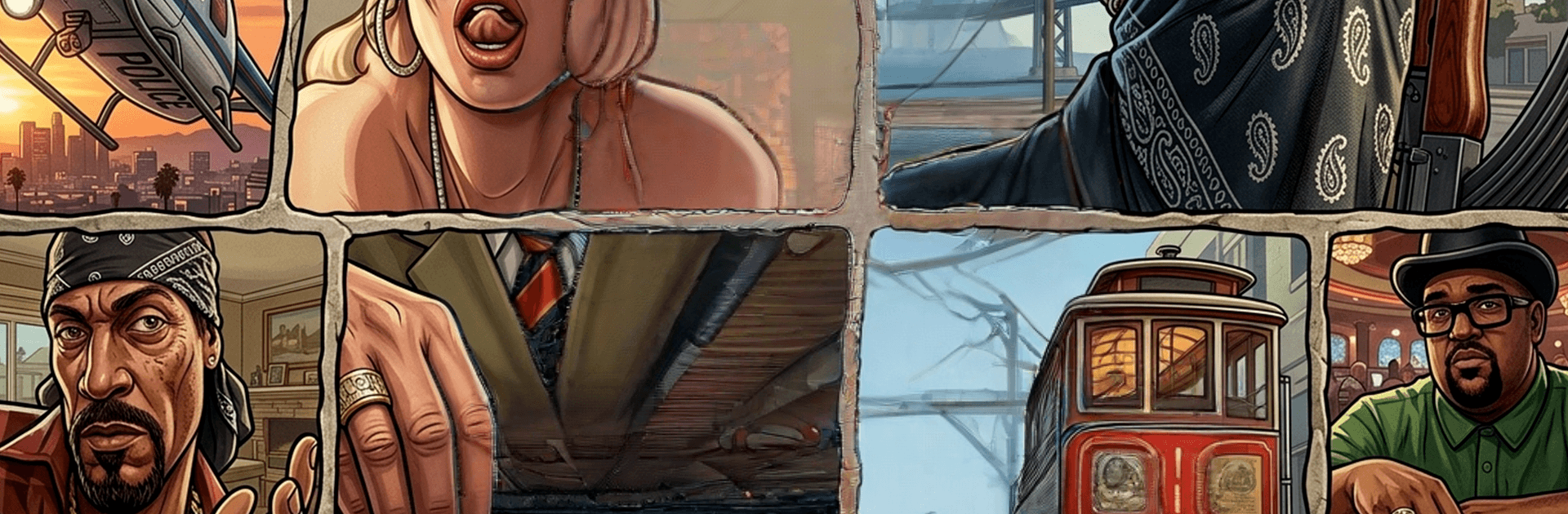
Grand Theft Auto: San Andreas

Grand Theft Auto: San Andreas

Action

| THEMA ARCHITECTS LIMITED

Play on PC with BlueStacks or from our cloud

  • Overview
  • Game Features
  • How to Play

Page Modified On: June 25, 2026

Play Grand Theft Auto: San Andreas on PC or Mac

Play Grand Theft Auto: San Andreas by THEMA ARCHITECTS LIMITED on PC or Mac with BlueStacks. Use a bigger screen, mouse and keyboard controls, and smoother performance while you play.

About the Game

Grand Theft Auto: San Andreas drops you into a gritty, sprawling state where every block has a story and trouble’s never far away. You’re CJ, back home and pulled into a tangle of family ties, turf wars, and messy loyalties. Expect high-energy Action, a ton of freedom, and more “one-more-mission” nights than you planned.

Game Features

  • Open-world playground: Cruise through busy cities, dusty deserts, and quiet countryside—then hop back into neon streets when you’re ready to stir things up again.
  • Story-driven chaos: Follow CJ’s journey through rival gangs, old friends, and crooked deals, tackling missions that swing from low-key errands to high-stakes showdowns.
  • Vehicles for every mood: Steal a sleek sports car, pop a wheelie on a bike, pilot a chopper, or splash through canals in a speedboat. If it moves, you can probably take it.
  • Combat your way: Brawl up close or go loud with firearms. Mix stealthy approaches with all-out firefights depending on the mission—and your patience level.
  • Turf and side hustles: Battle for territory, race through city streets, take odd jobs, or just mess around with stunts and challenges for quick cash and bragging rights.
  • Make it yours: Hit the barber, throw on new outfits, bulk up at the gym, and fine-tune stats to shape how CJ looks and handles.
  • Radio and atmosphere: Flip through stations packed with music and chatter that set the tone whether you’re cruising at sunset or running from sirens.
  • Flexible controls: Smooth, responsive touch controls on mobile—and if you prefer keyboard and mouse, you can play on PC with BlueStacks for comfy driving and precise aiming.

Start playing Grand Theft Auto: San Andreas on BlueStacks and get a smoother, more comfortable PC or Mac setup.


Game Features

Enhancements

  • Macros
  • Multi Instance
  • Multi Instance Sync
  • Eco Mode
  • Enhancements
Macros

Macros

Skip the boring parts of a game. Play Grand Theft Auto: San Andreas with Macros and get the edge. Simply record a sequence of commands and execute them at any moment.
Multi Instance

Multi Instance

Why limit to one game on your phone when you can play many on your PC? Open multiple instances of Grand Theft Auto: San Andreas at once with Multi-Instance. Leverage the power of different accounts by doing more.
Multi Instance Sync

Multi Instance Sync

Get the best out of Grand Theft Auto: San Andreas with Multi-Instance Sync. Play the game from different accounts and build your own empire. Use Multi-instance sync to repeat the action in the main BlueStacks instance on all other instances.
Eco Mode

Eco Mode

Find the rarest heroes by making multiple summons in Grand Theft Auto: San Andreas. And while you are at it, reduce your PC’s resource consumption with the Eco Mode. Farm efficiently. Get the best results.
Read More

How to Download and Play Grand Theft Auto: San Andreas on PC or Mac

  • Download and install BlueStacks on your PC or Mac

  • Complete Google sign-in to access the Play Store, or do it later

  • Look for Grand Theft Auto: San Andreas in the search bar at the top right corner

  • Click to install Grand Theft Auto: San Andreas from the search results

  • Complete Google sign-in (if you skipped step 2) to install Grand Theft Auto: San Andreas

  • Click the Grand Theft Auto: San Andreas icon on the home screen to start playing

video
Watch Video

Minimum System Requirements

With BlueStacks 5, you can get started on a PC that fulfills the following requirements.

  • Operating System

    Microsoft Windows 7 or above, macOS 11 (Big Sur) or above

  • Processor

    Intel, AMD or Apple Silicon Processor

  • RAM

    at least 4GB

  • HDD

    10GB Free Disk Space

Note:

* You must be an Administrator on your PC. Up to date graphics drivers from Microsoft or the chipset vendor.

Grand Theft Auto: San Andreas - FAQs

  • How to play Grand Theft Auto: San Andreas on Windows PC & Mac?

    Play Grand Theft Auto: San Andreas on your PC or Mac by following these simple steps.

    • Click on 'Play Grand Theft Auto: San Andreas on PC’ to download BlueStacks
    • Install it and log-in to Google Play Store
    • Launch and play the game.
  • Why is BlueStacks the fastest and safest platform to play games on PC?

    BlueStacks respects your privacy and is always safe and secure to use. It does not carry any malware, spyware, or any sort of additional software that could harm your PC.

    It is engineered to optimize speed and performance for a seamless gaming experience.

  • What are Grand Theft Auto: San Andreas PC requirements?

    Minimum requirement to run Grand Theft Auto: San Andreas on your PC

    • OS: Microsoft Windows 7 or above MacOS 11 (Big Sur) or above
    • Processor: Intel, AMD or Apple Silicon Processor
    • RAM: Your PC must have at least 4GB of RAM. (Note that having 4GB or more disk space is not a substitute for RAM)
    • HDD: 10GB Free Disk Space.
    • You must be an Administrator on your PC.