Hero City Bank Robbery Crime City Rescue Mission

Hero City Bank Robbery Crime City Rescue Mission

Action

| 3Dee Space

Play on PC with BlueStacks or from our cloud

  • Overview
  • Game Features
  • How to Play

Page Modified On: December 09, 2025

Play Hero City Bank Robbery Crime City Rescue Mission on PC or Mac

Step into the World of Hero City Bank Robbery Crime City Rescue Mission, a thrilling Action game from the house of 3Dee Space. Play this Android game on BlueStacks App Player and experience immersive gaming on PC or Mac.

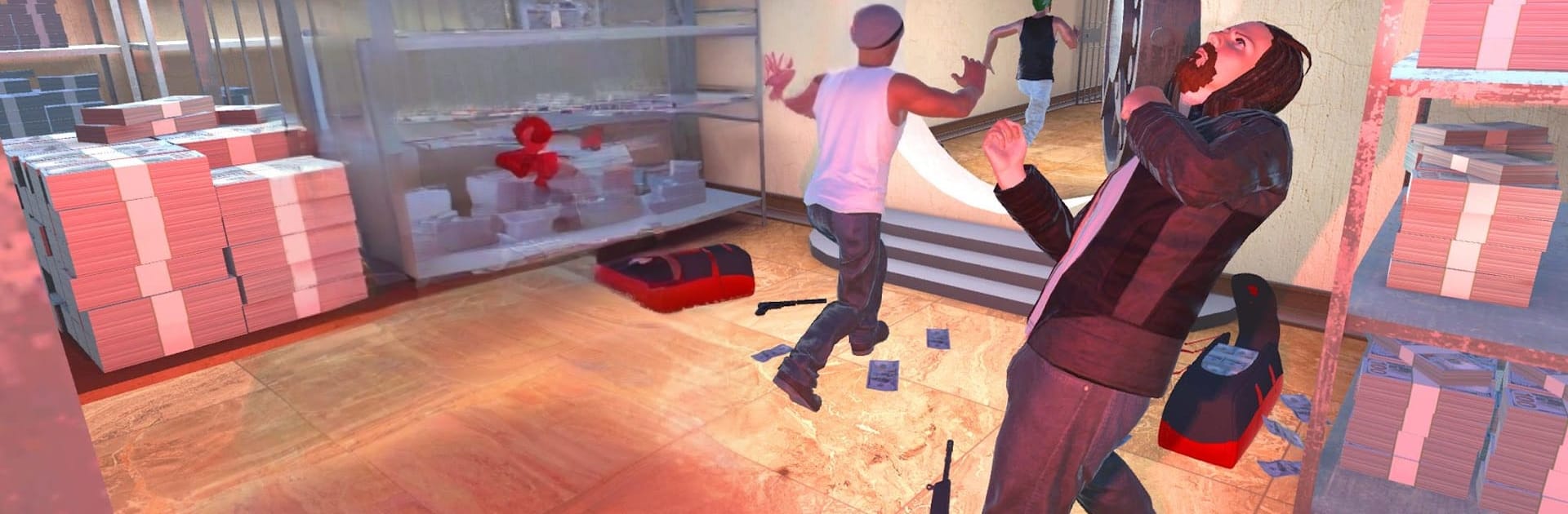
This is a straight-up superhero beat-’em-up set in a flashy, near-future version of New York where gangs are running wild and banks keep getting hit. The player drops in as a caped do-gooder with flight and heavy martial arts moves, jumping between quick rescue missions and brawls with big groups of thugs. One moment it is fists, kicks, and simple combos, the next it swaps to sniper shots to pop a gang leader before he escapes. Missions are short and focused. Reach a hotspot, clear enemies, protect civilians, stop a robbery, move on to the next skirmish. Nothing too complicated to learn, and that is part of the appeal.

The combat leans arcade. Enemies rush in, there is a chunky hit sound, and the hero knocks them around with basic but satisfying timing. Flying around rooftops to intercept trouble feels good, and switching between melee and the rifle keeps things from feeling samey for a while. The graphics are bright and colorful with that classic mobile shine, and the city is big enough to sell the whole crime wave idea. On PC with BlueStacks, keyboard for movement and mouse for aiming makes the sniper sections way cleaner, and flying feels smoother than tapping. Difficulty ramps by throwing more bodies at the player, so it turns into crowd control and smart target picking. For anyone who enjoys quick superhero scuffles, banks to save, and a bit of over-the-top crime patrol energy, this scratches that itch.

Ready to top the leaderboard? We bet you do. Let precise controls and sharp visuals optimized on BlueStacks lead you to victory.

Game Features

Enhancements

  • Macros
  • Multi Instance
  • Multi Instance Sync
  • Eco Mode
  • Enhancements
Macros

Macros

Skip the boring parts of a game. Play Hero City Bank Robbery Crime City Rescue Mission with Macros and get the edge. Simply record a sequence of commands and execute them at any moment.
Multi Instance

Multi Instance

Why limit to one game on your phone when you can play many on your PC? Open multiple instances of Hero City Bank Robbery Crime City Rescue Mission at once with Multi-Instance. Leverage the power of different accounts by doing more.
Multi Instance Sync

Multi Instance Sync

Get the best out of Hero City Bank Robbery Crime City Rescue Mission with Multi-Instance Sync. Play the game from different accounts and build your own empire. Use Multi-instance sync to repeat the action in the main BlueStacks instance on all other instances.
Eco Mode

Eco Mode

Find the rarest heroes by making multiple summons in Hero City Bank Robbery Crime City Rescue Mission. And while you are at it, reduce your PC’s resource consumption with the Eco Mode. Farm efficiently. Get the best results.
Read More

How to Download and Play Hero City Bank Robbery Crime City Rescue Mission on PC or Mac

  • Download and install BlueStacks on your PC or Mac

  • Complete Google sign-in to access the Play Store, or do it later

  • Look for Hero City Bank Robbery Crime City Rescue Mission in the search bar at the top right corner

  • Click to install Hero City Bank Robbery Crime City Rescue Mission from the search results

  • Complete Google sign-in (if you skipped step 2) to install Hero City Bank Robbery Crime City Rescue Mission

  • Click the Hero City Bank Robbery Crime City Rescue Mission icon on the home screen to start playing

video
Watch Video

Minimum System Requirements

With BlueStacks 5, you can get started on a PC that fulfills the following requirements.

  • Operating System

    Microsoft Windows 7 or above, macOS 11 (Big Sur) or above

  • Processor

    Intel, AMD or Apple Silicon Processor

  • RAM

    at least 4GB

  • HDD

    10GB Free Disk Space

Note:

* You must be an Administrator on your PC. Up to date graphics drivers from Microsoft or the chipset vendor.

Hero City Bank Robbery Crime City Rescue Mission - FAQs

  • How to play Hero City Bank Robbery Crime City Rescue Mission on Windows PC & Mac?

    Play Hero City Bank Robbery Crime City Rescue Mission on your PC or Mac by following these simple steps.

    • Click on 'Play Hero City Bank Robbery Crime City Rescue Mission on PC’ to download BlueStacks
    • Install it and log-in to Google Play Store
    • Launch and play the game.
  • Why is BlueStacks the fastest and safest platform to play games on PC?

    BlueStacks respects your privacy and is always safe and secure to use. It does not carry any malware, spyware, or any sort of additional software that could harm your PC.

    It is engineered to optimize speed and performance for a seamless gaming experience.

  • What are Hero City Bank Robbery Crime City Rescue Mission PC requirements?

    Minimum requirement to run Hero City Bank Robbery Crime City Rescue Mission on your PC

    • OS: Microsoft Windows 7 or above MacOS 11 (Big Sur) or above
    • Processor: Intel, AMD or Apple Silicon Processor
    • RAM: Your PC must have at least 4GB of RAM. (Note that having 4GB or more disk space is not a substitute for RAM)
    • HDD: 10GB Free Disk Space.
    • You must be an Administrator on your PC.