Merge Destruction: City Smash

Merge Destruction: City Smash

Action

| Black Pyramid 3D Games Studio

Play on PC with BlueStacks or from our cloud

  • Overview
  • Game Features
  • How to Play

Page Modified On: November 20, 2025

Play Merge Destruction: City Smash on PC or Mac

Bring your A-game to Merge Destruction: City Smash, the Action game sensation from Black Pyramid 3D Games Studio. Give your gameplay the much-needed boost with precise game controls, high FPS graphics, and top-tier features on your PC or Mac with BlueStacks.

About the Game

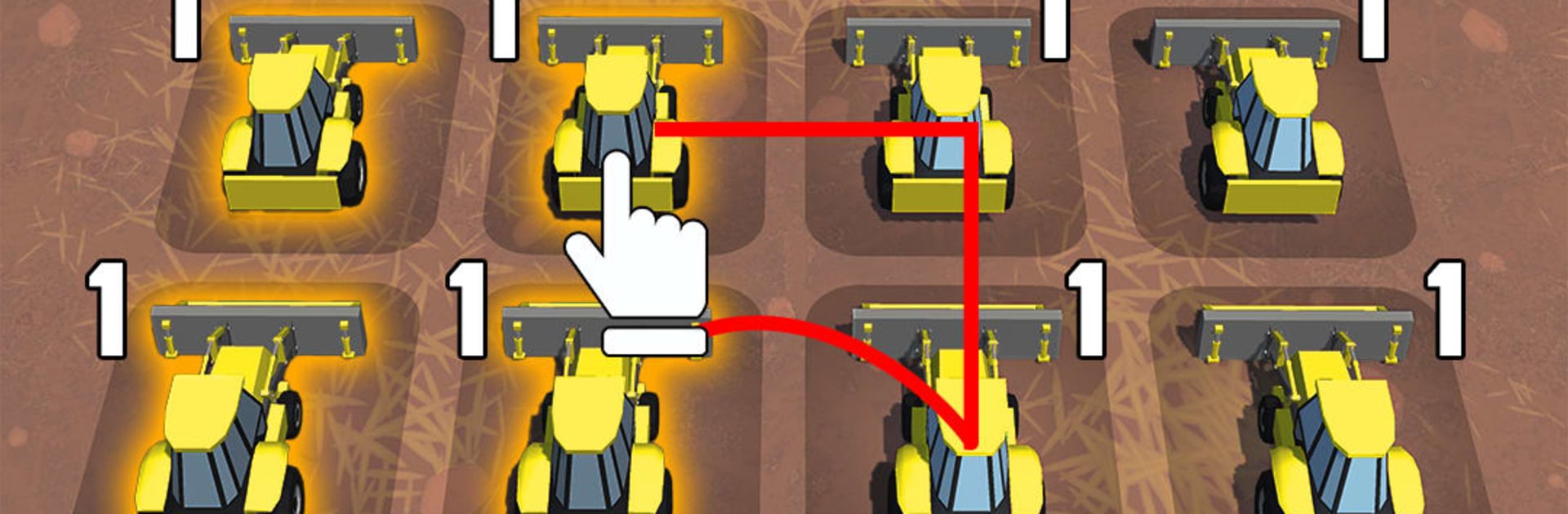
Want to knock down a skyline and flex a bit of strategy while you’re at it? Merge Destruction: City Smash blends chaotic demolition with smart merging—assemble a fleet of bulldozers, fuse them into bigger beasts, and watch concrete give way. It’s an Action sandbox from Black Pyramid 3D Games Studio that’s quick to learn, surprisingly tactical, and comfy to play on mobile or on BlueStacks if you like a larger view.

Game Features

  • Merge-to-Power Gameplay: Spawn dozers, merge matching machines, and turn small clankers into hulking wreckers that can take on tougher structures and threats.
  • Heavy Metal, Heavier Hits: Feel the weight of big equipment as your upgraded dozers shove, ram, and grind through city blocks with crunchy, satisfying impact.
  • Puzzles With Punch: Each level tosses in new layouts and obstacles, so it’s not just “drive forward and smash.” Plan your merges, pick your angles, and clear the objective cleanly.
  • Satisfying Destruction: Walls crumble, towers topple, and chains of debris kick off when your lineup is tuned right. The better your merges, the better the teardown.
  • Build Your Dozer Army: Create a roster with distinct strengths and fuse them at the right time to push past defenses and tall, stubborn builds.
  • Citywide Showdowns: Face escalating challenges and enemy waves in showdown stages where positioning and timing matter as much as raw horsepower.
  • Wild Twists, Big Payoffs: Expect playful surprises—from primal-flavored chaos to unexpected matchups—that keep the destruction fresh across runs.
  • Quick Sessions, Big Booms: Drop in for a few minutes or settle in for a long streak of clears; the loop stays snappy without losing depth.
  • Play Your Way: Touch-friendly on the go, and smooth on PC with BlueStacks if you want crisp control and plenty of screen real estate.

Start your journey now. Download the game on BlueStacks, invite your friends, and march on a new adventure.


Game Features

Enhancements

  • Macros
  • Multi Instance
  • Multi Instance Sync
  • Eco Mode
  • Enhancements
Macros

Macros

Skip the boring parts of a game. Play Merge Destruction: City Smash with Macros and get the edge. Simply record a sequence of commands and execute them at any moment.
Multi Instance

Multi Instance

Why limit to one game on your phone when you can play many on your PC? Open multiple instances of Merge Destruction: City Smash at once with Multi-Instance. Leverage the power of different accounts by doing more.
Multi Instance Sync

Multi Instance Sync

Get the best out of Merge Destruction: City Smash with Multi-Instance Sync. Play the game from different accounts and build your own empire. Use Multi-instance sync to repeat the action in the main BlueStacks instance on all other instances.
Eco Mode

Eco Mode

Find the rarest heroes by making multiple summons in Merge Destruction: City Smash. And while you are at it, reduce your PC’s resource consumption with the Eco Mode. Farm efficiently. Get the best results.
Read More

How to Download and Play Merge Destruction: City Smash on PC or Mac

  • Download and install BlueStacks on your PC or Mac

  • Complete Google sign-in to access the Play Store, or do it later

  • Look for Merge Destruction: City Smash in the search bar at the top right corner

  • Click to install Merge Destruction: City Smash from the search results

  • Complete Google sign-in (if you skipped step 2) to install Merge Destruction: City Smash

  • Click the Merge Destruction: City Smash icon on the home screen to start playing

video
Watch Video

Minimum System Requirements

With BlueStacks 5, you can get started on a PC that fulfills the following requirements.

  • Operating System

    Microsoft Windows 7 or above, macOS 11 (Big Sur) or above

  • Processor

    Intel, AMD or Apple Silicon Processor

  • RAM

    at least 4GB

  • HDD

    10GB Free Disk Space

Note:

* You must be an Administrator on your PC. Up to date graphics drivers from Microsoft or the chipset vendor.

Merge Destruction: City Smash - FAQs

  • How to play Merge Destruction: City Smash on Windows PC & Mac?

    Play Merge Destruction: City Smash on your PC or Mac by following these simple steps.

    • Click on 'Play Merge Destruction: City Smash on PC’ to download BlueStacks
    • Install it and log-in to Google Play Store
    • Launch and play the game.
  • Why is BlueStacks the fastest and safest platform to play games on PC?

    BlueStacks respects your privacy and is always safe and secure to use. It does not carry any malware, spyware, or any sort of additional software that could harm your PC.

    It is engineered to optimize speed and performance for a seamless gaming experience.

  • What are Merge Destruction: City Smash PC requirements?

    Minimum requirement to run Merge Destruction: City Smash on your PC

    • OS: Microsoft Windows 7 or above MacOS 11 (Big Sur) or above
    • Processor: Intel, AMD or Apple Silicon Processor
    • RAM: Your PC must have at least 4GB of RAM. (Note that having 4GB or more disk space is not a substitute for RAM)
    • HDD: 10GB Free Disk Space.
    • You must be an Administrator on your PC.