Stick Hero: Comic Superhero

Stick Hero: Comic Superhero

Action

| Arcade Puzzle

Play on PC with BlueStacks or from our cloud

  • Overview
  • Game Features
  • How to Play

Page Modified On: September 07, 2026

Play Stick Hero: Comic Superhero on PC or Mac

Stick Hero: Comic Superhero by Arcade Puzzle has plenty to keep you busy. BlueStacks lets you play it on PC or Mac with more screen space, better control, and fewer mobile limits.

About the Game

Stick Hero: Comic Superhero is an Action brawler with a smart twist: you don’t just fight—you merge heroes on the fly to shape the battle. Build a quirky squad of stick heroes and notorious villains, fuse them into stronger versions, and send them swinging through story stages, boss arenas, and quick 1v1s. Like playing on a bigger screen? It runs smoothly on BlueStacks without getting in your way.

Game Features

  • Hero Merging: Combine matching fighters mid-fight to create tougher units, turning close calls into clutch comebacks if you’re fast enough.
  • Build Your Squad: Draft a team of legends and rogues, mix roles, and discover pair synergies that unlock flashy tag-team finishers.
  • Distinct Abilities: Every hero has unique skills, stats, and specials—stunners, shielders, blasters, and more to cover every situation.
  • Multiple Modes: Tackle a long Story campaign, go head-to-head in Versus, climb the bracket in Tournament, or polish your timing in Training.
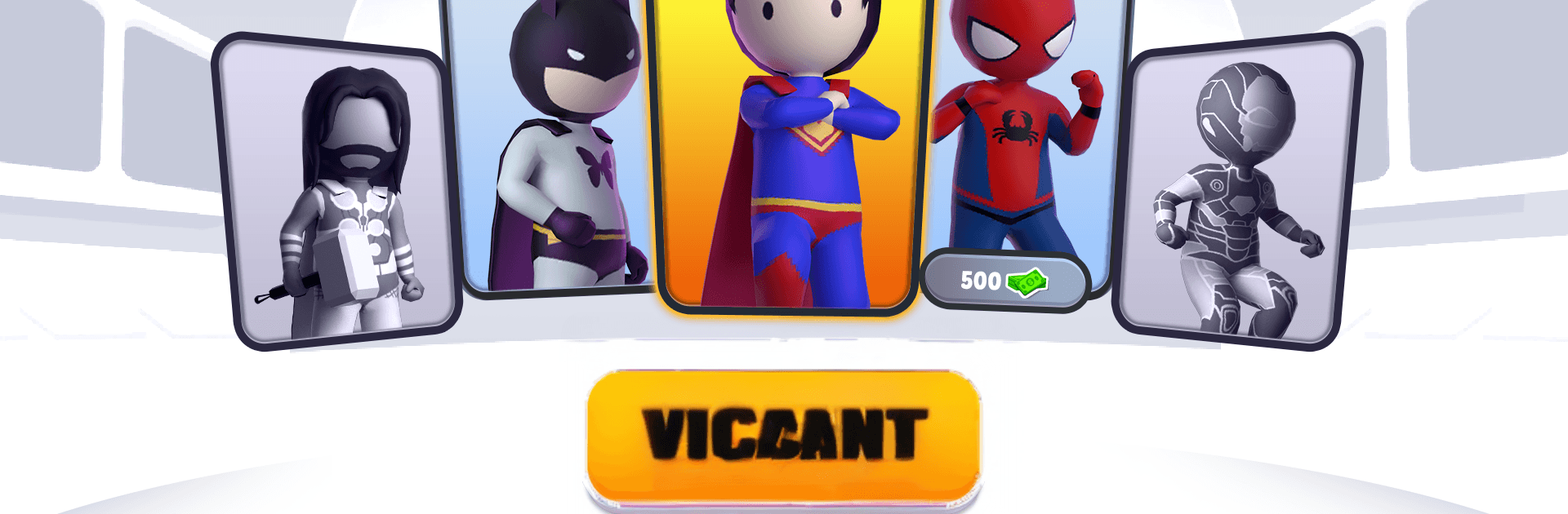
  • Expanding Roster: Recruit 20+ stick fighters, from web-slinging spiders to iron-clad agents, rocket riders, and a certain strange doctor archetype.
  • Deep Progression: Upgrade heroes, boost stats, and unlock over a hundred special moves to shred tougher stages and bosses.
  • Four Worlds: Fight across four distinct settings with new hazards, enemy types, and rhythm-shifting encounters.
  • Offline Friendly: Play anytime, anywhere—quick sessions work great even when you’re not connected.
  • Simple Controls: Easy to pick up, surprisingly technical once you weave merges, spacing, and timing into your game plan.
  • Big Bads & Quests: Face a mysterious cosmic challenger, protect the city from invading waves, and push back threats before they reach your base.
  • Combo Pairings: Slot specific hero-and-villain duos together to trigger powerful combo moves that clear crowds or melt bosses.

BlueStacks gives you more room to focus on the game and less time adjusting around mobile limitations.


Game Features

Enhancements

  • Macros
  • Multi Instance
  • Multi Instance Sync
  • Eco Mode
  • Enhancements
Macros

Macros

Skip the boring parts of a game. Play Stick Hero: Comic Superhero with Macros and get the edge. Simply record a sequence of commands and execute them at any moment.
Multi Instance

Multi Instance

Why limit to one game on your phone when you can play many on your PC? Open multiple instances of Stick Hero: Comic Superhero at once with Multi-Instance. Leverage the power of different accounts by doing more.
Multi Instance Sync

Multi Instance Sync

Get the best out of Stick Hero: Comic Superhero with Multi-Instance Sync. Play the game from different accounts and build your own empire. Use Multi-instance sync to repeat the action in the main BlueStacks instance on all other instances.
Eco Mode

Eco Mode

Find the rarest heroes by making multiple summons in Stick Hero: Comic Superhero. And while you are at it, reduce your PC’s resource consumption with the Eco Mode. Farm efficiently. Get the best results.
Read More

How to Download and Play Stick Hero: Comic Superhero on PC or Mac

  • Download and install BlueStacks on your PC or Mac

  • Complete Google sign-in to access the Play Store, or do it later

  • Look for Stick Hero: Comic Superhero in the search bar at the top right corner

  • Click to install Stick Hero: Comic Superhero from the search results

  • Complete Google sign-in (if you skipped step 2) to install Stick Hero: Comic Superhero

  • Click the Stick Hero: Comic Superhero icon on the home screen to start playing

video
Watch Video

Minimum System Requirements

With BlueStacks 5, you can get started on a PC that fulfills the following requirements.

  • Operating System

    Microsoft Windows 7 or above, macOS 11 (Big Sur) or above

  • Processor

    Intel, AMD or Apple Silicon Processor

  • RAM

    at least 4GB

  • HDD

    10GB Free Disk Space

Note:

* You must be an Administrator on your PC. Up to date graphics drivers from Microsoft or the chipset vendor.

Stick Hero: Comic Superhero - FAQs

  • How to play Stick Hero: Comic Superhero on Windows PC & Mac?

    Play Stick Hero: Comic Superhero on your PC or Mac by following these simple steps.

    • Click on 'Play Stick Hero: Comic Superhero on PC’ to download BlueStacks
    • Install it and log-in to Google Play Store
    • Launch and play the game.
  • Why is BlueStacks the fastest and safest platform to play games on PC?

    BlueStacks respects your privacy and is always safe and secure to use. It does not carry any malware, spyware, or any sort of additional software that could harm your PC.

    It is engineered to optimize speed and performance for a seamless gaming experience.

  • What are Stick Hero: Comic Superhero PC requirements?

    Minimum requirement to run Stick Hero: Comic Superhero on your PC

    • OS: Microsoft Windows 7 or above MacOS 11 (Big Sur) or above
    • Processor: Intel, AMD or Apple Silicon Processor
    • RAM: Your PC must have at least 4GB of RAM. (Note that having 4GB or more disk space is not a substitute for RAM)
    • HDD: 10GB Free Disk Space.
    • You must be an Administrator on your PC.