The Deep
The Deep

The Deep

Action

| LeikinGames

Play on PC with BlueStacks or from our cloud

  • Overview
  • Game Features
  • How to Play

Page Modified On: June 17, 2025

Play The Deep on PC or Mac

Bring your A-game to The Deep, the Action game sensation from LeikinGames. Give your gameplay the much-needed boost with precise game controls, high FPS graphics, and top-tier features on your PC or Mac with BlueStacks.

About the Game

The Deep from LeikinGames throws you right into the thick of things—one room at a time. If you’re the kind of player who gets a kick out of roguelike action, you’ll feel at home here, dodging wild enemies and experimenting with new weapons while you try to make it just a little bit further. Every floor gets trickier, so you’ll need quick reflexes and smart choices to keep moving down through the dungeon. And yeah, every run is different—there’s never really a dull moment.

Game Features

  • Unique Heroes:
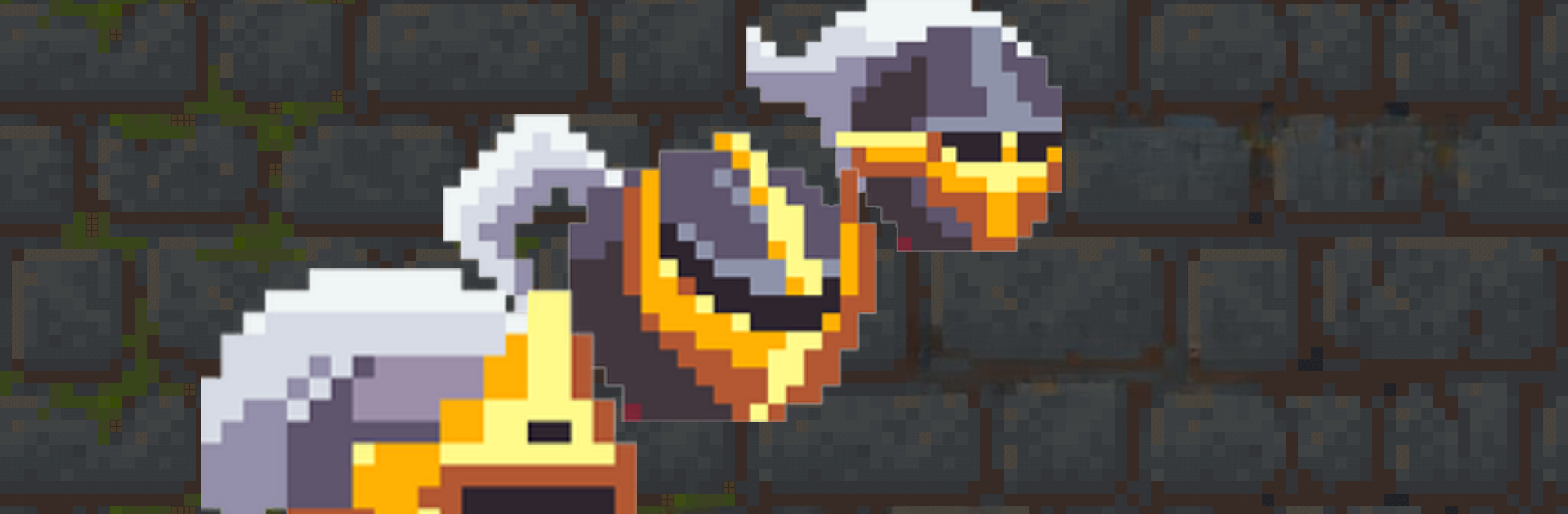
    You’ve got three distinctly different heroes to choose from, all with their own quirks and ultimate powers. The Paladin’s slow but pretty much a tank, the Healer can patch herself (and friends) up mid-battle, and the Scout is quick on his feet—and sometimes flat-out untouchable.

  • Wild Enemy Variety:
    Don’t expect to coast by; foes come in all types, from insane kamikaze attackers that blow up if they reach you, to sneaky ninjas who’ll keep you on your toes, and persistent shooters that’ll force you to keep moving.

  • Weapon Madness:
    From magical staffs that shoot in every direction, to a giant earth-shattering hammer or speedy blowpipes, there’s a wild mix of weaponry to mess around with. Some weapons lock on, some require precision, and a few will have you clearing whole rooms if you use them right.

  • Ever-Changing Floors:
    No two runs feel the same. The layout’s always shuffled and so are the mobs you’ll face; sometimes you get lucky, sometimes it’s pure chaos. Either way, you’ll never get bored.

  • Intense, Fast Combat:
    Fights are quick, frantic, and never far away. You’re always making split-second decisions—most of which involve blasting, bashing, or zipping away from trouble.

  • Enhanced Controls with BlueStacks:
    Want a little more control (and maybe an edge)? Try playing The Deep with BlueStacks for that crispy mouse and keyboard setup. It makes dodging, aiming, and swapping weapons a whole lot smoother.

Ready to top the leaderboard? We bet you do. Let precise controls and sharp visuals optimized on BlueStacks lead you to victory.


Game Features

Enhancements

  • Macros
  • Multi Instance
  • Multi Instance Sync
  • Eco Mode
  • Enhancements
Macros

Macros

Skip the boring parts of a game. Play The Deep with Macros and get the edge. Simply record a sequence of commands and execute them at any moment.
Multi Instance

Multi Instance

Why limit to one game on your phone when you can play many on your PC? Open multiple instances of The Deep at once with Multi-Instance. Leverage the power of different accounts by doing more.
Multi Instance Sync

Multi Instance Sync

Get the best out of The Deep with Multi-Instance Sync. Play the game from different accounts and build your own empire. Use Multi-instance sync to repeat the action in the main BlueStacks instance on all other instances.
Eco Mode

Eco Mode

Find the rarest heroes by making multiple summons in The Deep. And while you are at it, reduce your PC’s resource consumption with the Eco Mode. Farm efficiently. Get the best results.
Read More

How to Download and Play The Deep on PC or Mac

  • Download and install BlueStacks on your PC or Mac

  • Complete Google sign-in to access the Play Store, or do it later

  • Look for The Deep in the search bar at the top right corner

  • Click to install The Deep from the search results

  • Complete Google sign-in (if you skipped step 2) to install The Deep

  • Click the The Deep icon on the home screen to start playing

video
Watch Video

Minimum System Requirements

With BlueStacks 5, you can get started on a PC that fulfills the following requirements.

  • Operating System

    Microsoft Windows 7 or above, macOS 11 (Big Sur) or above

  • Processor

    Intel, AMD or Apple Silicon Processor

  • RAM

    at least 4GB

  • HDD

    10GB Free Disk Space

Note:

* You must be an Administrator on your PC. Up to date graphics drivers from Microsoft or the chipset vendor.

The Deep - FAQs

  • How to play The Deep on Windows PC & Mac?

    Play The Deep on your PC or Mac by following these simple steps.

    • Click on 'Play The Deep on PC’ to download BlueStacks
    • Install it and log-in to Google Play Store
    • Launch and play the game.
  • Why is BlueStacks the fastest and safest platform to play games on PC?

    BlueStacks respects your privacy and is always safe and secure to use. It does not carry any malware, spyware, or any sort of additional software that could harm your PC.

    It is engineered to optimize speed and performance for a seamless gaming experience.

  • What are The Deep PC requirements?

    Minimum requirement to run The Deep on your PC

    • OS: Microsoft Windows 7 or above MacOS 11 (Big Sur) or above
    • Processor: Intel, AMD or Apple Silicon Processor
    • RAM: Your PC must have at least 4GB of RAM. (Note that having 4GB or more disk space is not a substitute for RAM)
    • HDD: 10GB Free Disk Space.
    • You must be an Administrator on your PC.