Zero Aim Zone
Zero Aim Zone

Zero Aim Zone

Action

| Game Wise

Play on PC with BlueStacks or from our cloud

  • Overview
  • Game Features
  • How to Play

Page Modified On: October 12, 2026

Play Zero Aim Zone on PC or Mac

Play Zero Aim Zone by Game Wise on PC or Mac with BlueStacks. Use a bigger screen, mouse and keyboard controls, and smoother performance while you play.

About the Game

Zero Aim Zone is an Action score-chaser where every shot buys you another second. It’s built around quick reflexes, tight timing, and that steady hand you swear you have—until the next wave spawns. Practice on your own or square up against a friend; the goal’s simple: stay alive and push your best score higher.

Game Features

  • Endless survival loop: Drop one threat and another appears instantly, keeping the pressure on from the first second to the last.
  • Score hunt: The longer you endure, the faster that counter climbs—perfect for chasing personal bests and brag-worthy runs.
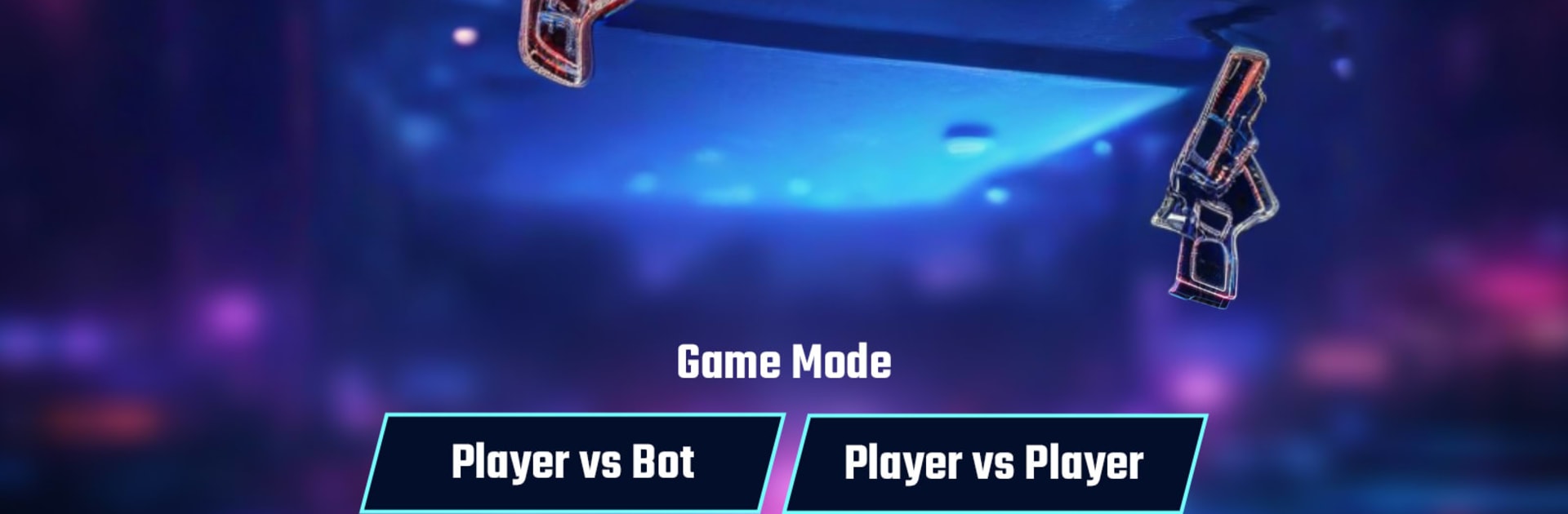
  • Player vs Bot: Sharpen your aim against AI to test weapons, warm up, or experiment with new approaches at your own pace.
  • 1v1 local multiplayer: Connect over hotspot/Wi‑Fi and settle it head-to-head without needing an internet connection.
  • Distinct weapons: Unlock a variety of guns with different damage profiles and rhythms so you can play fast, precise, or somewhere in between.
  • Smooth, responsive feel: Snappy controls and clean feedback make flicks, tracks, and tiny corrections feel natural.
  • Reflex-driven combat: Wins come from accuracy and timing, rewarding focus when the screen starts to swarm.
  • Offline, on your terms: Play anywhere, any time—great for short bursts or long survival streaks.
  • Fast sessions: Jump in, rack up a score, reset, and go again—action without the wait.
  • BlueStacks support: Want a bigger view and mouse precision? Zero Aim Zone runs great on PC with BlueStacks.

BlueStacks gives you more room to focus on the game and less time adjusting around mobile limitations.


Game Features

Enhancements

  • Macros
  • Multi Instance
  • Multi Instance Sync
  • Eco Mode
  • Enhancements
Macros

Macros

Skip the boring parts of a game. Play Zero Aim Zone with Macros and get the edge. Simply record a sequence of commands and execute them at any moment.
Multi Instance

Multi Instance

Why limit to one game on your phone when you can play many on your PC? Open multiple instances of Zero Aim Zone at once with Multi-Instance. Leverage the power of different accounts by doing more.
Multi Instance Sync

Multi Instance Sync

Get the best out of Zero Aim Zone with Multi-Instance Sync. Play the game from different accounts and build your own empire. Use Multi-instance sync to repeat the action in the main BlueStacks instance on all other instances.
Eco Mode

Eco Mode

Find the rarest heroes by making multiple summons in Zero Aim Zone. And while you are at it, reduce your PC’s resource consumption with the Eco Mode. Farm efficiently. Get the best results.
Read More

How to Download and Play Zero Aim Zone on PC or Mac

  • Download and install BlueStacks on your PC or Mac

  • Complete Google sign-in to access the Play Store, or do it later

  • Look for Zero Aim Zone in the search bar at the top right corner

  • Click to install Zero Aim Zone from the search results

  • Complete Google sign-in (if you skipped step 2) to install Zero Aim Zone

  • Click the Zero Aim Zone icon on the home screen to start playing

video
Watch Video

Minimum System Requirements

With BlueStacks 5, you can get started on a PC that fulfills the following requirements.

  • Operating System

    Microsoft Windows 7 or above, macOS 11 (Big Sur) or above

  • Processor

    Intel, AMD or Apple Silicon Processor

  • RAM

    at least 4GB

  • HDD

    10GB Free Disk Space

Note:

* You must be an Administrator on your PC. Up to date graphics drivers from Microsoft or the chipset vendor.

Zero Aim Zone - FAQs

  • How to play Zero Aim Zone on Windows PC & Mac?

    Play Zero Aim Zone on your PC or Mac by following these simple steps.

    • Click on 'Play Zero Aim Zone on PC’ to download BlueStacks
    • Install it and log-in to Google Play Store
    • Launch and play the game.
  • Why is BlueStacks the fastest and safest platform to play games on PC?

    BlueStacks respects your privacy and is always safe and secure to use. It does not carry any malware, spyware, or any sort of additional software that could harm your PC.

    It is engineered to optimize speed and performance for a seamless gaming experience.

  • What are Zero Aim Zone PC requirements?

    Minimum requirement to run Zero Aim Zone on your PC

    • OS: Microsoft Windows 7 or above MacOS 11 (Big Sur) or above
    • Processor: Intel, AMD or Apple Silicon Processor
    • RAM: Your PC must have at least 4GB of RAM. (Note that having 4GB or more disk space is not a substitute for RAM)
    • HDD: 10GB Free Disk Space.
    • You must be an Administrator on your PC.