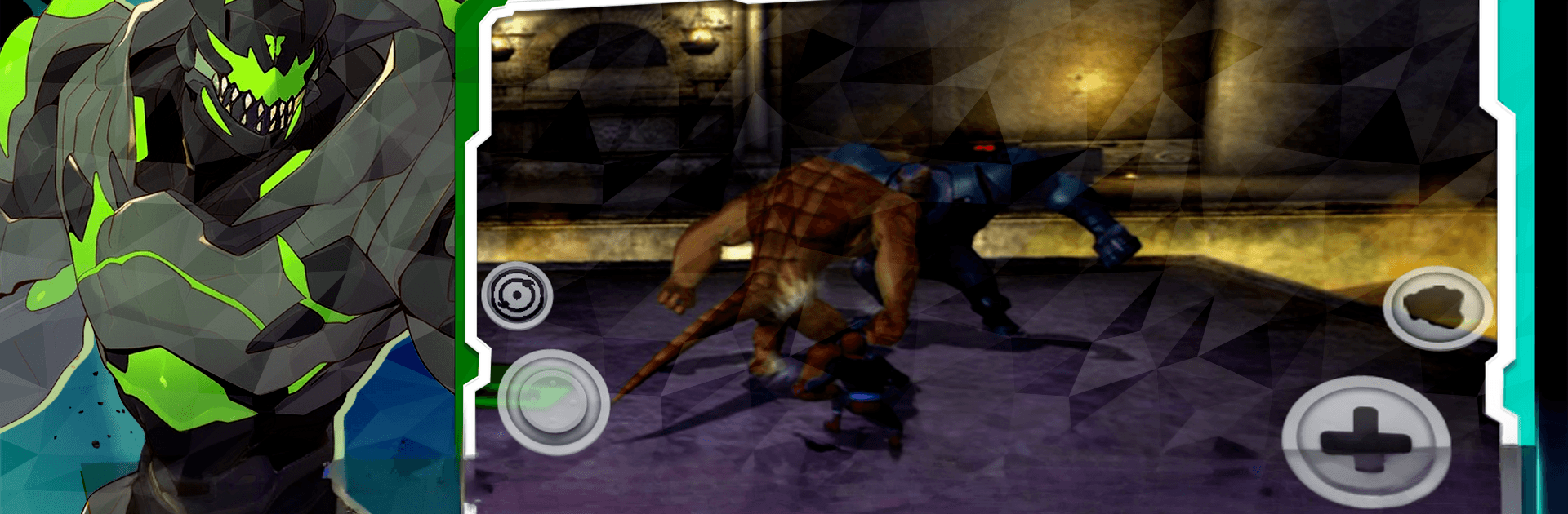
Alien Hero: Ultimate Battle

Alien Hero: Ultimate Battle

Adventure

| AXIOME DEV

Play on PC with BlueStacks or from our cloud

  • Overview
  • Game Features
  • How to Play

Page Modified On: June 17, 2026

Play Alien Hero: Ultimate Battle on PC or Mac

Bring your A-game to Alien Hero: Ultimate Battle, the Adventure game sensation from AXIOME DEV. Give your gameplay the much-needed boost with precise game controls, high FPS graphics, and top-tier features on your PC or Mac with BlueStacks.

About the Game

Alien Hero: Ultimate Battle throws you into an Adventure where a young hero can shift into powerful alien forms on the fly. It’s part explosive action, part smart decision-making, with missions that pull you across strange planets and chaotic battlegrounds. Expect quick swaps, big hits, and a steady sense of discovery as you push back a threat that’s way bigger than you.

Game Features

  • Shape-Shifting Arsenal: Swap between distinct alien forms, each with its own strengths, movement style, and flashy finishers. Pick the right form for the job, then switch mid-fight when the situation changes.
  • Snappy, High-Impact Battles: Fast-paced combat rewards timing and awareness. Chain attacks, dodge at the last second, and keep the pressure on enemies that won’t sit still.
  • Worlds to Get Lost In: Travel through varied environments—rusted outposts, glittering skylines, eerie ruins—packed with secrets, branching routes, and hazards to outsmart.
  • Mission-Driven Adventure: Tackle story quests and side objectives that ask you to rescue, investigate, and outlast. Each win nudges you closer to saving the universe.
  • Strategy in Every Swap: Enemies come with shields, armor, or sneaky tricks. Read their patterns, then counter with the alien form that breaks their defenses.
  • Upgrades and Power-Ups: Earn new abilities, enhance stats, and slot in power-ups that change how your favorite forms play. Build a loadout that fits your style.
  • Boss Fights with Bite: Big, memorable encounters that test your reflexes and your plan. Learn their phases, punish their mistakes, and make your moment count.
  • Smooth on PC with BlueStacks: Prefer a bigger screen and crisp controls? The game feels great running on BlueStacks, so you can really see those alien abilities shine.

Get ready for a buttery smooth, high-performance gaming action only on BlueStacks.

Game Features

Enhancements

  • Macros
  • Multi Instance
  • Multi Instance Sync
  • Script
  • Enhancements
Macros

Macros

Automate the predictable in Alien Hero: Ultimate Battle and transform your gameplay with Macros. Get access to inventive Macros in the BlueStacks Macro Community
Multi Instance

Multi Instance

Play Alien Hero: Ultimate Battle on one window. And chat with your friend on the other. Press CTRL + Shift + 8 to open the Multi-Instance Manager. And start creating fresh instances or clone an existing one.
Multi Instance Sync

Multi Instance Sync

Play Alien Hero: Ultimate Battle with the power of Multi-Instance Sync. Replicate what you are doing on the main instance on all other instances. Level up faster, play more.
Script

Script

Script your way to gaming glory in Alien Hero: Ultimate Battle with BlueStacks Script. Write and run a set of commands to automate repeated tasks. Trigger the command by assigning it to any key.
Read More

How to Download and Play Alien Hero: Ultimate Battle on PC or Mac

  • Download and install BlueStacks on your PC or Mac

  • Complete Google sign-in to access the Play Store, or do it later

  • Look for Alien Hero: Ultimate Battle in the search bar at the top right corner

  • Click to install Alien Hero: Ultimate Battle from the search results

  • Complete Google sign-in (if you skipped step 2) to install Alien Hero: Ultimate Battle

  • Click the Alien Hero: Ultimate Battle icon on the home screen to start playing

video
Watch Video

Minimum System Requirements

With BlueStacks 5, you can get started on a PC that fulfills the following requirements.

  • Operating System

    Microsoft Windows 7 or above, macOS 11 (Big Sur) or above

  • Processor

    Intel, AMD or Apple Silicon Processor

  • RAM

    at least 4GB

  • HDD

    10GB Free Disk Space

Note:

* You must be an Administrator on your PC. Up to date graphics drivers from Microsoft or the chipset vendor.

Alien Hero: Ultimate Battle - FAQs

  • How to play Alien Hero: Ultimate Battle on Windows PC & Mac?

    Play Alien Hero: Ultimate Battle on your PC or Mac by following these simple steps.

    • Click on 'Play Alien Hero: Ultimate Battle on PC’ to download BlueStacks
    • Install it and log-in to Google Play Store
    • Launch and play the game.
  • Why is BlueStacks the fastest and safest platform to play games on PC?

    BlueStacks respects your privacy and is always safe and secure to use. It does not carry any malware, spyware, or any sort of additional software that could harm your PC.

    It is engineered to optimize speed and performance for a seamless gaming experience.

  • What are Alien Hero: Ultimate Battle PC requirements?

    Minimum requirement to run Alien Hero: Ultimate Battle on your PC

    • OS: Microsoft Windows 7 or above MacOS 11 (Big Sur) or above
    • Processor: Intel, AMD or Apple Silicon Processor
    • RAM: Your PC must have at least 4GB of RAM. (Note that having 4GB or more disk space is not a substitute for RAM)
    • HDD: 10GB Free Disk Space.
    • You must be an Administrator on your PC.