
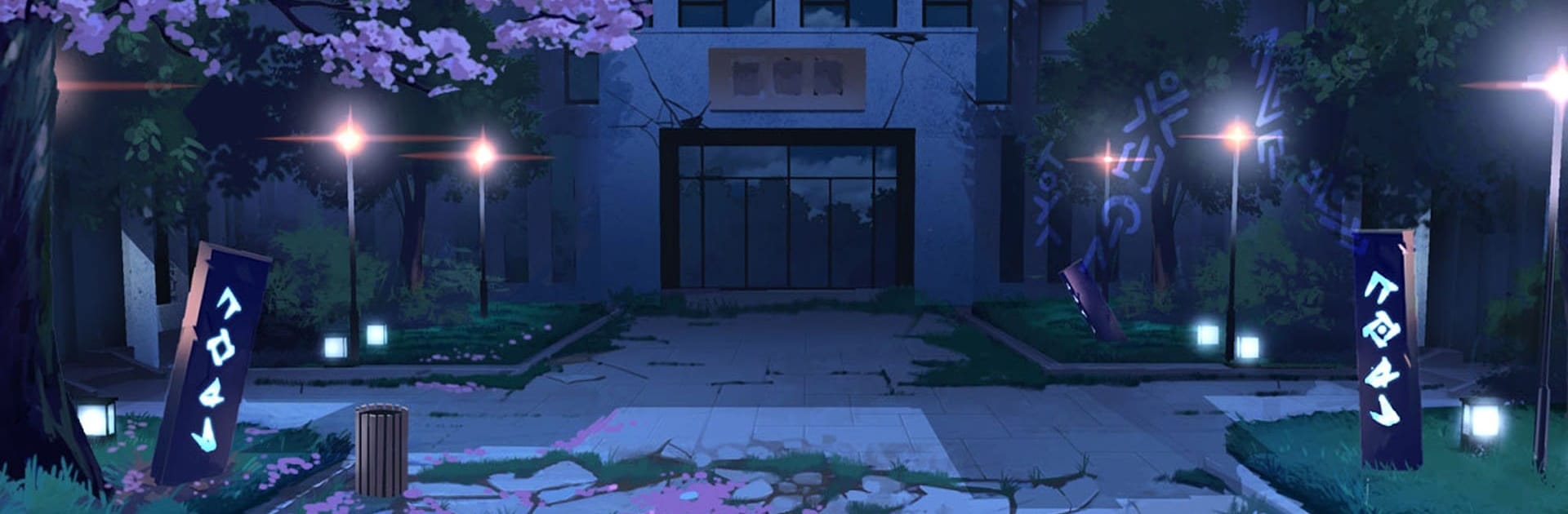
Bound Spirits: Inf. Corridor

Bound Spirits: Inf. Corridor

Adventure

| MulhamAppDeveloper

Play on PC with BlueStacks or from our cloud

  • Overview
  • Game Features
  • How to Play

Page Modified On: April 21, 2026

Play Bound Spirits: Inf. Corridor on PC or Mac

From the innovators and creators at MulhamAppDeveloper, Bound Spirits: Inf. Corridor is another fun addition to the World of Adventure games. Go beyond your mobile screen and play it bigger and better on your PC or Mac. An immersive experience awaits you.

About the Game

Bound Spirits: Inf. Corridor is a strategy-first card battler set in a strange, shifting alien dimension. You’ll collect heroes from rival factions, put together a tight-knit squad, and send them into brisk, high-stakes clashes—or let the game handle the grind with hands-off play when you’re busy. It’s an Adventure from MulhamAppDeveloper that rewards smart planning, flexible tactics, and a bit of experimentation.

Game Features

  • Squad-Building Strategy: Recruit heroes from different factions and piece together a roster that actually works. Mix roles, stack synergies, and tweak your lineup until it clicks.
  • Active or Hands-Off: Feel like calling the shots? Take control in tense battles. Stepping away? Auto-battles keep rewards coming so progress doesn’t stall.
  • Faction Variety: Each faction brings its own style and attitude. Test odd pairings, discover surprising combos, and find your go-to team for tougher encounters.
  • Quick, Punchy Battles: Fights are fast but not mindless. Turn order, skill timing, and who you put on the field matter more than sheer stats.
  • Meaningful Progress: Upgrade your heroes, refine your deck, and keep pushing through an ever-deepening corridor of challenges at your own pace.
  • Smart Deck Management: Balance damage dealers, protectors, and control units so your team survives the opening burst and finishes strong.
  • Clean PC Play with BlueStacks: Prefer a bigger screen and easy multitasking? It runs smoothly on BlueStacks, making squad tuning and longer sessions feel effortless.

Make your gaming sessions memorable with precise controls that give you an edge in close combats and visuals that pop up, bringing every character to life.


Game Features

Enhancements

  • Macros
  • Multi Instance
  • Multi Instance Sync
  • Script
  • Enhancements
Macros

Macros

Automate the predictable in Bound Spirits: Inf. Corridor and transform your gameplay with Macros. Get access to inventive Macros in the BlueStacks Macro Community
Multi Instance

Multi Instance

Play Bound Spirits: Inf. Corridor on one window. And chat with your friend on the other. Press CTRL + Shift + 8 to open the Multi-Instance Manager. And start creating fresh instances or clone an existing one.
Multi Instance Sync

Multi Instance Sync

Play Bound Spirits: Inf. Corridor with the power of Multi-Instance Sync. Replicate what you are doing on the main instance on all other instances. Level up faster, play more.
Script

Script

Script your way to gaming glory in Bound Spirits: Inf. Corridor with BlueStacks Script. Write and run a set of commands to automate repeated tasks. Trigger the command by assigning it to any key.
Read More

How to Download and Play Bound Spirits: Inf. Corridor on PC or Mac

  • Download and install BlueStacks on your PC or Mac

  • Complete Google sign-in to access the Play Store, or do it later

  • Look for Bound Spirits: Inf. Corridor in the search bar at the top right corner

  • Click to install Bound Spirits: Inf. Corridor from the search results

  • Complete Google sign-in (if you skipped step 2) to install Bound Spirits: Inf. Corridor

  • Click the Bound Spirits: Inf. Corridor icon on the home screen to start playing

video
Watch Video

Minimum System Requirements

With BlueStacks 5, you can get started on a PC that fulfills the following requirements.

  • Operating System

    Microsoft Windows 7 or above, macOS 11 (Big Sur) or above

  • Processor

    Intel, AMD or Apple Silicon Processor

  • RAM

    at least 4GB

  • HDD

    10GB Free Disk Space

Note:

* You must be an Administrator on your PC. Up to date graphics drivers from Microsoft or the chipset vendor.

Bound Spirits: Inf. Corridor - FAQs

  • How to play Bound Spirits: Inf. Corridor on Windows PC & Mac?

    Play Bound Spirits: Inf. Corridor on your PC or Mac by following these simple steps.

    • Click on 'Play Bound Spirits: Inf. Corridor on PC’ to download BlueStacks
    • Install it and log-in to Google Play Store
    • Launch and play the game.
  • Why is BlueStacks the fastest and safest platform to play games on PC?

    BlueStacks respects your privacy and is always safe and secure to use. It does not carry any malware, spyware, or any sort of additional software that could harm your PC.

    It is engineered to optimize speed and performance for a seamless gaming experience.

  • What are Bound Spirits: Inf. Corridor PC requirements?

    Minimum requirement to run Bound Spirits: Inf. Corridor on your PC

    • OS: Microsoft Windows 7 or above MacOS 11 (Big Sur) or above
    • Processor: Intel, AMD or Apple Silicon Processor
    • RAM: Your PC must have at least 4GB of RAM. (Note that having 4GB or more disk space is not a substitute for RAM)
    • HDD: 10GB Free Disk Space.
    • You must be an Administrator on your PC.







