City of Fools: Hidden Object

City of Fools: Hidden Object

Adventure

| Absolutist Ltd

Play on PC with BlueStacks or from our cloud

  • Overview
  • Game Features
  • How to Play

Page Modified On: December 05, 2025

Play City of Fools: Hidden Object on PC or Mac

Bring your A-game to City of Fools: Hidden Object, the Adventure game sensation from Absolutist Ltd. Give your gameplay the much-needed boost with precise game controls, high FPS graphics, and top-tier features on your PC or Mac with BlueStacks.

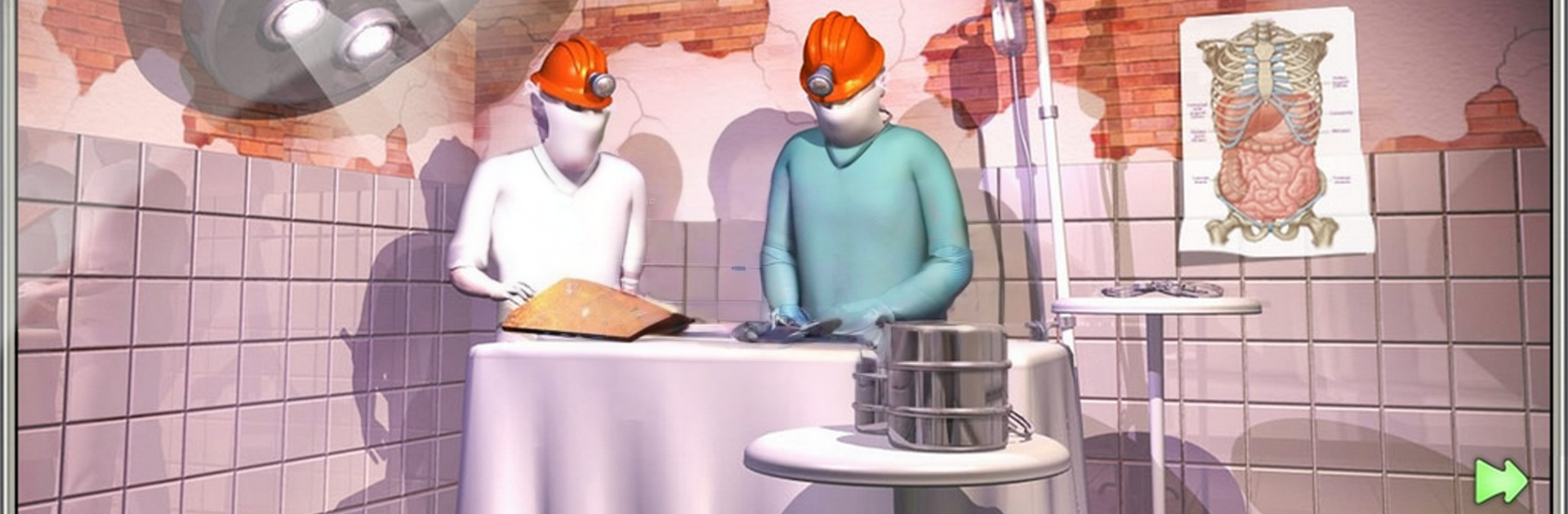
City of Fools is one of those oddball hidden object adventures where the whole town feels like a puzzle. It drops the player into Tundel as a journalist chasing a UFO story, then immediately turns everything sideways. The mayor is missing, the ticket to reach him costs more than the wallet allows, and every resident has a bizarre favor to ask. It is open, not a straight line, so the player wanders between houses and shops, collecting items, bartering, sometimes doing something slightly shady, and piecing together small tasks that stack up into cash and clues. The humor leans silly and a little snarky, and the cartoon art sells the weirdness without trying too hard.

What stands out is the freedom. There are about fifty spots to poke into, with optional hidden object scenes, mini games, and a map that actually helps. Taxi and metro are there so walking does not eat the whole evening, and the inventory is huge so hoarding stuff is no problem. It can be messy, in a good way. The task book keeps track, but the city still feels like a real scavenger hunt, with lots of backtracking and aha moments when an item finally clicks. On PC with BlueStacks, the larger screen and mouse make spotting tiny things and hopping around menus alot easier, which fits this game’s slow, nosy, search-everywhere pacing.

Slay your opponents with your epic moves. Play it your way on BlueStacks and dominate the battlefield.


Game Features

Enhancements

  • Macros
  • Multi Instance
  • Multi Instance Sync
  • Script
  • Enhancements
Macros

Macros

Automate the predictable in City of Fools: Hidden Object and transform your gameplay with Macros. Get access to inventive Macros in the BlueStacks Macro Community
Multi Instance

Multi Instance

Play City of Fools: Hidden Object on one window. And chat with your friend on the other. Press CTRL + Shift + 8 to open the Multi-Instance Manager. And start creating fresh instances or clone an existing one.
Multi Instance Sync

Multi Instance Sync

Play City of Fools: Hidden Object with the power of Multi-Instance Sync. Replicate what you are doing on the main instance on all other instances. Level up faster, play more.
Script

Script

Script your way to gaming glory in City of Fools: Hidden Object with BlueStacks Script. Write and run a set of commands to automate repeated tasks. Trigger the command by assigning it to any key.
Read More

How to Download and Play City of Fools: Hidden Object on PC or Mac

  • Download and install BlueStacks on your PC or Mac

  • Complete Google sign-in to access the Play Store, or do it later

  • Look for City of Fools: Hidden Object in the search bar at the top right corner

  • Click to install City of Fools: Hidden Object from the search results

  • Complete Google sign-in (if you skipped step 2) to install City of Fools: Hidden Object

  • Click the City of Fools: Hidden Object icon on the home screen to start playing

video
Watch Video

Minimum System Requirements

With BlueStacks 5, you can get started on a PC that fulfills the following requirements.

  • Operating System

    Microsoft Windows 7 or above, macOS 11 (Big Sur) or above

  • Processor

    Intel, AMD or Apple Silicon Processor

  • RAM

    at least 4GB

  • HDD

    10GB Free Disk Space

Note:

* You must be an Administrator on your PC. Up to date graphics drivers from Microsoft or the chipset vendor.

City of Fools: Hidden Object - FAQs

  • How to play City of Fools: Hidden Object on Windows PC & Mac?

    Play City of Fools: Hidden Object on your PC or Mac by following these simple steps.

    • Click on 'Play City of Fools: Hidden Object on PC’ to download BlueStacks
    • Install it and log-in to Google Play Store
    • Launch and play the game.
  • Why is BlueStacks the fastest and safest platform to play games on PC?

    BlueStacks respects your privacy and is always safe and secure to use. It does not carry any malware, spyware, or any sort of additional software that could harm your PC.

    It is engineered to optimize speed and performance for a seamless gaming experience.

  • What are City of Fools: Hidden Object PC requirements?

    Minimum requirement to run City of Fools: Hidden Object on your PC

    • OS: Microsoft Windows 7 or above MacOS 11 (Big Sur) or above
    • Processor: Intel, AMD or Apple Silicon Processor
    • RAM: Your PC must have at least 4GB of RAM. (Note that having 4GB or more disk space is not a substitute for RAM)
    • HDD: 10GB Free Disk Space.
    • You must be an Administrator on your PC.