Escape Game: SUMMER TUNNEL

Escape Game: SUMMER TUNNEL

Adventure

| KinGin Studio

Play on PC with BlueStacks or from our cloud

  • Overview
  • Game Features
  • How to Play

Page Modified On: September 21, 2026

Play Escape Game: SUMMER TUNNEL on PC or Mac

Escape Game: SUMMER TUNNEL by KinGin Studio has plenty to keep you busy. BlueStacks lets you play it on PC or Mac with more screen space, better control, and fewer mobile limits.

About the Game

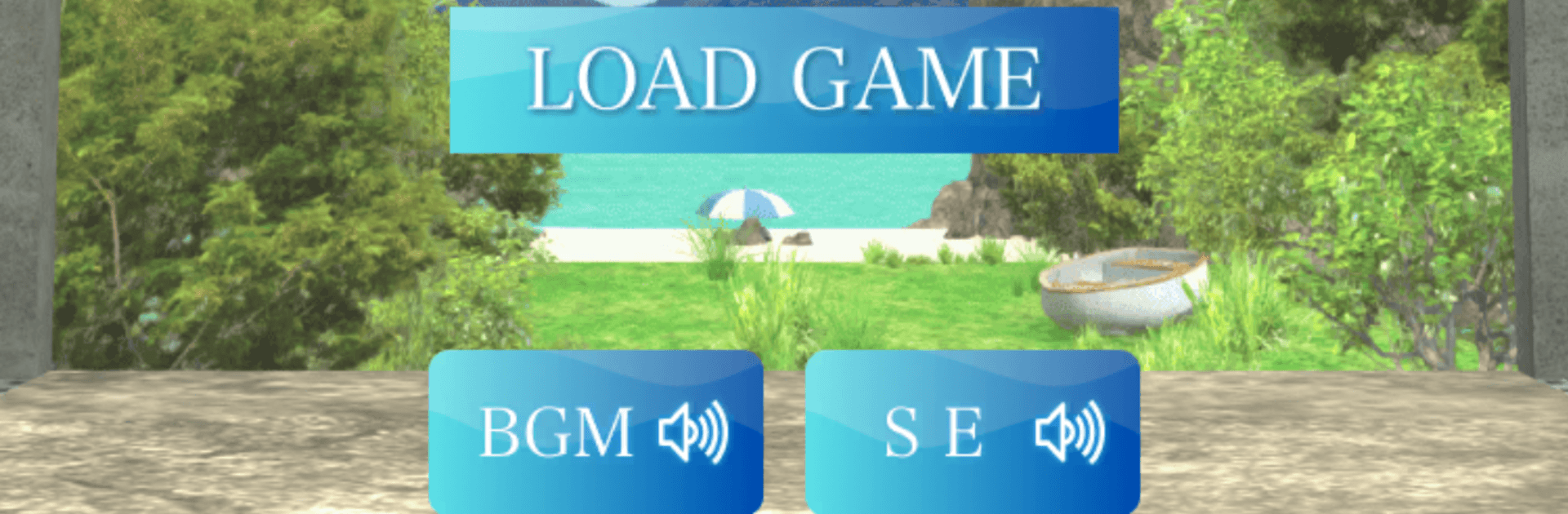
Escape Game: SUMMER TUNNEL drops you at the mouth of an old seaside tunnel on a blazing summer day, with only scattered memories to guide you. It’s an Adventure experience that blends thoughtful puzzles with a quiet, nostalgic story, letting you piece together what happened as you move from sunlit beach to shadowy passage. Expect a gentle pace, a few goosebumps, and that “oh wow” feeling when the last memory clicks into place.

Game Features

  • Evocative summer setting: Explore a midsummer shoreline, an aging tunnel, and familiar landmarks that feel both comforting and a little eerie.
  • Tap-only controls: Play with simple taps that make exploring and solving intuitive, while still leaving room for clever, layered challenges.
  • Puzzles with heart: Find clues, read the scene, and use logic to unlock solutions that connect neatly with the story you’re uncovering.
  • Helpful hint system: Stuck on a step? Gradual hints nudge you forward without spoiling the satisfaction of figuring it out.
  • Auto-save always on: Step away anytime and return right where you left off—no manual saving needed.
  • Item discovery and combos: Pick up items, zoom in for close inspection, and combine pieces when a solution calls for a little ingenuity.
  • Clean inventory management: Use a scrollable item bar to keep tools organized and easy to access while you investigate.
  • Smooth navigation: Move with arrows and hotspots, and toggle optional movement guides if you want a little extra direction.
  • Built-in notepad: Jot down tricky patterns or multi-step hints so you don’t lose the thread mid-puzzle.
  • Play comfortably on PC: Runs smoothly with BlueStacks for those who prefer a keyboard-and-mouse vibe without changing the game’s laid-back feel.
  • Immersive soundscapes: Gentle music and ambient effects add warmth and tension, matching the mystery’s slow-burn mood.

Start playing Escape Game: SUMMER TUNNEL on BlueStacks and get a smoother, more comfortable PC or Mac setup.


Game Features

Enhancements

  • Macros
  • Multi Instance
  • Multi Instance Sync
  • Script
  • Enhancements
Macros

Macros

Automate the predictable in Escape Game: SUMMER TUNNEL and transform your gameplay with Macros. Get access to inventive Macros in the BlueStacks Macro Community
Multi Instance

Multi Instance

Play Escape Game: SUMMER TUNNEL on one window. And chat with your friend on the other. Press CTRL + Shift + 8 to open the Multi-Instance Manager. And start creating fresh instances or clone an existing one.
Multi Instance Sync

Multi Instance Sync

Play Escape Game: SUMMER TUNNEL with the power of Multi-Instance Sync. Replicate what you are doing on the main instance on all other instances. Level up faster, play more.
Script

Script

Script your way to gaming glory in Escape Game: SUMMER TUNNEL with BlueStacks Script. Write and run a set of commands to automate repeated tasks. Trigger the command by assigning it to any key.
Read More

How to Download and Play Escape Game: SUMMER TUNNEL on PC or Mac

  • Download and install BlueStacks on your PC or Mac

  • Complete Google sign-in to access the Play Store, or do it later

  • Look for Escape Game: SUMMER TUNNEL in the search bar at the top right corner

  • Click to install Escape Game: SUMMER TUNNEL from the search results

  • Complete Google sign-in (if you skipped step 2) to install Escape Game: SUMMER TUNNEL

  • Click the Escape Game: SUMMER TUNNEL icon on the home screen to start playing

video
Watch Video

Minimum System Requirements

With BlueStacks 5, you can get started on a PC that fulfills the following requirements.

  • Operating System

    Microsoft Windows 7 or above, macOS 11 (Big Sur) or above

  • Processor

    Intel, AMD or Apple Silicon Processor

  • RAM

    at least 4GB

  • HDD

    10GB Free Disk Space

Note:

* You must be an Administrator on your PC. Up to date graphics drivers from Microsoft or the chipset vendor.

Escape Game: SUMMER TUNNEL - FAQs

  • How to play Escape Game: SUMMER TUNNEL on Windows PC & Mac?

    Play Escape Game: SUMMER TUNNEL on your PC or Mac by following these simple steps.

    • Click on 'Play Escape Game: SUMMER TUNNEL on PC’ to download BlueStacks
    • Install it and log-in to Google Play Store
    • Launch and play the game.
  • Why is BlueStacks the fastest and safest platform to play games on PC?

    BlueStacks respects your privacy and is always safe and secure to use. It does not carry any malware, spyware, or any sort of additional software that could harm your PC.

    It is engineered to optimize speed and performance for a seamless gaming experience.

  • What are Escape Game: SUMMER TUNNEL PC requirements?

    Minimum requirement to run Escape Game: SUMMER TUNNEL on your PC

    • OS: Microsoft Windows 7 or above MacOS 11 (Big Sur) or above
    • Processor: Intel, AMD or Apple Silicon Processor
    • RAM: Your PC must have at least 4GB of RAM. (Note that having 4GB or more disk space is not a substitute for RAM)
    • HDD: 10GB Free Disk Space.
    • You must be an Administrator on your PC.