
Grunt Monster Blitz
Grunt Monster Blitz

Grunt Monster Blitz

Adventure

| Fly Net

Play on PC with BlueStacks or from our cloud

  • Overview
  • Game Features
  • How to Play

Page Modified On: October 24, 2025

Play Grunt Monster Blitz on PC or Mac

Bring your A-game to Grunt Monster Blitz, the Adventure game sensation from Fly Net. Give your gameplay the much-needed boost with precise game controls, high FPS graphics, and top-tier features on your PC or Mac with BlueStacks.

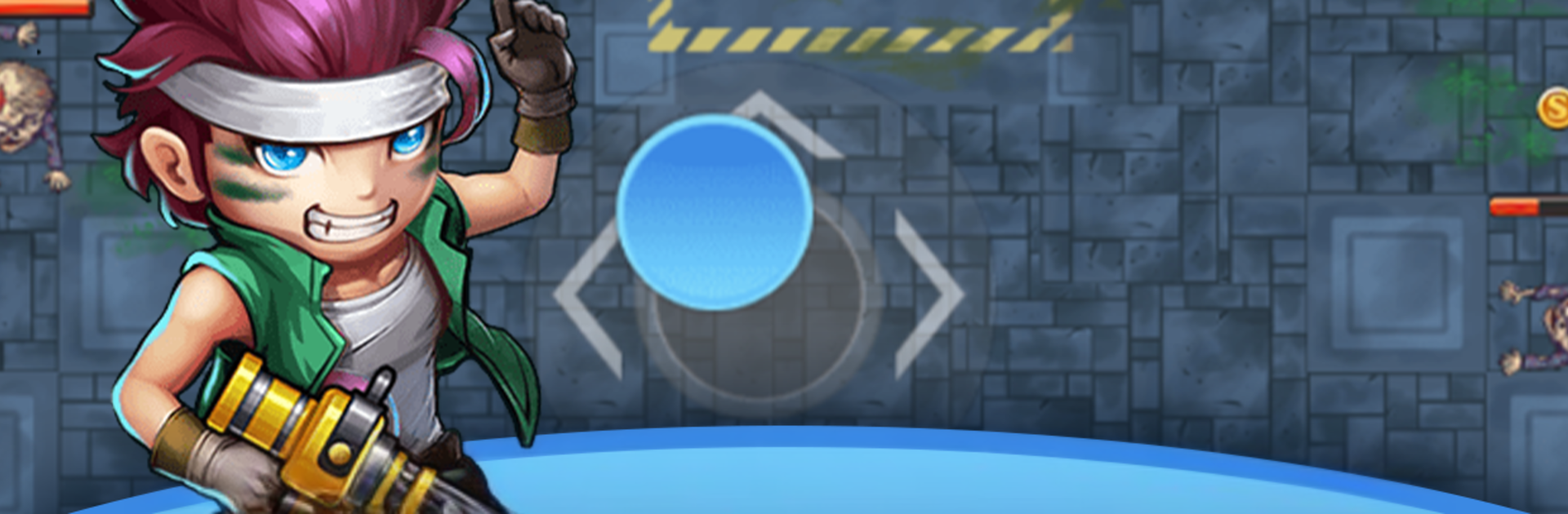
Grunt Monster Blitz is one of those arena survival games where the hero fires on their own, so the whole job is staying alive and moving smart. The character sprays bullets into the crowd while the player steers, weaving through gaps, scooping up quick buffs, and snagging coins whenever there is a safe window. Early rounds feel calm, then the screen fills up fast and one bad sidestep turns into a wipe. The pull here is that coins buy permanent upgrades between runs, so damage, health, pickup range, and other little tweaks stack up over time and change how each round flows. Movement is simple enough to do one-handed on phone, but on PC with BlueStacks it is easy to map keys and get tighter dodging, plus the bigger screen helps track the edge of the swarm. Power-ups during a run feel punchy, and choosing what to grab is a nice bit of risk versus reward, go for raw damage to thin the pack or more survivability so there is time to kite and collect. It works great for short sessions, but it also turns into that just one more run loop because the difficulty keeps climbing and there is always another upgrade to save for. If someone wants a clean arcade shooter that is about spacing, timing, and quick decisions, this hits that note without extra fluff getting in the way.

Ready to top the leaderboard? We bet you do. Let precise controls and sharp visuals optimized on BlueStacks lead you to victory.


Game Features

Enhancements

  • Macros
  • Multi Instance
  • Multi Instance Sync
  • Script
  • Enhancements
Macros

Macros

Automate the predictable in Grunt Monster Blitz and transform your gameplay with Macros. Get access to inventive Macros in the BlueStacks Macro Community
Multi Instance

Multi Instance

Play Grunt Monster Blitz on one window. And chat with your friend on the other. Press CTRL + Shift + 8 to open the Multi-Instance Manager. And start creating fresh instances or clone an existing one.
Multi Instance Sync

Multi Instance Sync

Play Grunt Monster Blitz with the power of Multi-Instance Sync. Replicate what you are doing on the main instance on all other instances. Level up faster, play more.
Script

Script

Script your way to gaming glory in Grunt Monster Blitz with BlueStacks Script. Write and run a set of commands to automate repeated tasks. Trigger the command by assigning it to any key.
Read More

How to Download and Play Grunt Monster Blitz on PC or Mac

  • Download and install BlueStacks on your PC or Mac

  • Complete Google sign-in to access the Play Store, or do it later

  • Look for Grunt Monster Blitz in the search bar at the top right corner

  • Click to install Grunt Monster Blitz from the search results

  • Complete Google sign-in (if you skipped step 2) to install Grunt Monster Blitz

  • Click the Grunt Monster Blitz icon on the home screen to start playing

video
Watch Video

Minimum System Requirements

With BlueStacks 5, you can get started on a PC that fulfills the following requirements.

  • Operating System

    Microsoft Windows 7 or above, macOS 11 (Big Sur) or above

  • Processor

    Intel, AMD or Apple Silicon Processor

  • RAM

    at least 4GB

  • HDD

    10GB Free Disk Space

Note:

* You must be an Administrator on your PC. Up to date graphics drivers from Microsoft or the chipset vendor.

Grunt Monster Blitz - FAQs

  • How to play Grunt Monster Blitz on Windows PC & Mac?

    Play Grunt Monster Blitz on your PC or Mac by following these simple steps.

    • Click on 'Play Grunt Monster Blitz on PC’ to download BlueStacks
    • Install it and log-in to Google Play Store
    • Launch and play the game.
  • Why is BlueStacks the fastest and safest platform to play games on PC?

    BlueStacks respects your privacy and is always safe and secure to use. It does not carry any malware, spyware, or any sort of additional software that could harm your PC.

    It is engineered to optimize speed and performance for a seamless gaming experience.

  • What are Grunt Monster Blitz PC requirements?

    Minimum requirement to run Grunt Monster Blitz on your PC

    • OS: Microsoft Windows 7 or above MacOS 11 (Big Sur) or above
    • Processor: Intel, AMD or Apple Silicon Processor
    • RAM: Your PC must have at least 4GB of RAM. (Note that having 4GB or more disk space is not a substitute for RAM)
    • HDD: 10GB Free Disk Space.
    • You must be an Administrator on your PC.







