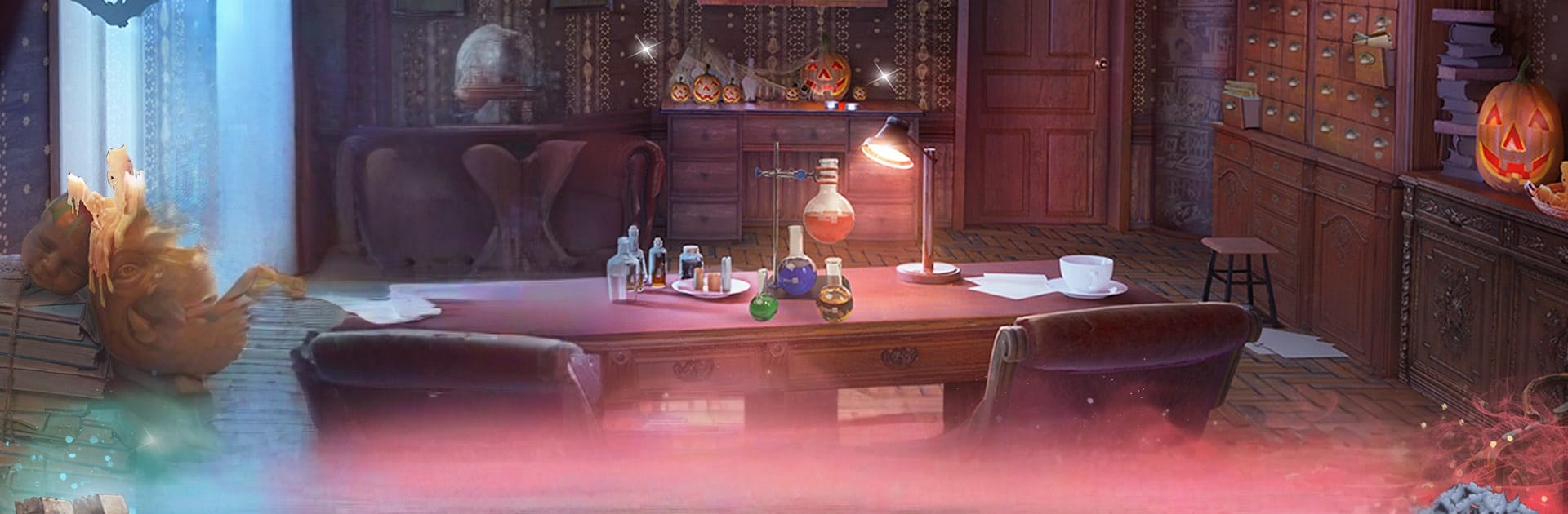
Halloween Stories 6 Mark Bone

Halloween Stories 6 Mark Bone

Adventure

| Elephant Games AR LLC

Play on PC with BlueStacks or from our cloud

  • Overview
  • Game Features
  • How to Play

Page Modified On: November 20, 2025

Play Halloween Stories 6 Mark Bone on PC or Mac

Explore a whole new adventure with Halloween Stories 6 Mark Bone, a Adventure game created by Elephant Games AR LLC. Experience great gameplay with BlueStacks, the most popular gaming platform to play Android games on your PC or Mac.

Halloween Stories 6 Mark Bone is one of those spooky hidden object adventures that leans into Halloween mood without turning into a jump scare fest. It follows Agatha Blake, a medium who heads to the old Adamini castle after a detective sends a cryptic plea for help. The hook lands fast. a strange mark shows up on her hand, the same mark found on old bones scattered around the place, and the castle clearly has a nasty protector that should not be loose. The story keeps tossing little reveals about past disappearances and who might have unleashed the evil, so it stays interesting instead of just wandering room to room.

Moment to moment, it is classic seek and solve. Hidden object scenes mix word lists and silhouette hunts, with a few smart interactions layered in so it is not just clicking everything. Between those, there are puzzle locks, pattern gadgets, and short mini-games that break up the pace. Nothing feels unfair, just enough thinking to feel clever. The art is gloomy in a good way, lots of candlelight and old stone halls, and the soundtrack sells the chills. On PC with BlueStacks, a mouse makes finding tiny items faster, and the bigger screen helps spot sneaky clues, which is honestly all this genre needs. There is a bonus chapter about Theresa Adamini that fills in the castle’s past, plus optional collectibles, achievements, and replayable scenes for anyone who likes cleaning up every corner.

Start your journey now. Download the game on BlueStacks, invite your friends, and march on a new adventure.


Game Features

Enhancements

  • Macros
  • Multi Instance
  • Multi Instance Sync
  • Script
  • Enhancements
Macros

Macros

Automate the predictable in Halloween Stories 6 Mark Bone and transform your gameplay with Macros. Get access to inventive Macros in the BlueStacks Macro Community
Multi Instance

Multi Instance

Play Halloween Stories 6 Mark Bone on one window. And chat with your friend on the other. Press CTRL + Shift + 8 to open the Multi-Instance Manager. And start creating fresh instances or clone an existing one.
Multi Instance Sync

Multi Instance Sync

Play Halloween Stories 6 Mark Bone with the power of Multi-Instance Sync. Replicate what you are doing on the main instance on all other instances. Level up faster, play more.
Script

Script

Script your way to gaming glory in Halloween Stories 6 Mark Bone with BlueStacks Script. Write and run a set of commands to automate repeated tasks. Trigger the command by assigning it to any key.
Read More

How to Download and Play Halloween Stories 6 Mark Bone on PC or Mac

  • Download and install BlueStacks on your PC or Mac

  • Complete Google sign-in to access the Play Store, or do it later

  • Look for Halloween Stories 6 Mark Bone in the search bar at the top right corner

  • Click to install Halloween Stories 6 Mark Bone from the search results

  • Complete Google sign-in (if you skipped step 2) to install Halloween Stories 6 Mark Bone

  • Click the Halloween Stories 6 Mark Bone icon on the home screen to start playing

video
Watch Video

Minimum System Requirements

With BlueStacks 5, you can get started on a PC that fulfills the following requirements.

  • Operating System

    Microsoft Windows 7 or above, macOS 11 (Big Sur) or above

  • Processor

    Intel, AMD or Apple Silicon Processor

  • RAM

    at least 4GB

  • HDD

    10GB Free Disk Space

Note:

* You must be an Administrator on your PC. Up to date graphics drivers from Microsoft or the chipset vendor.

Halloween Stories 6 Mark Bone - FAQs

  • How to play Halloween Stories 6 Mark Bone on Windows PC & Mac?

    Play Halloween Stories 6 Mark Bone on your PC or Mac by following these simple steps.

    • Click on 'Play Halloween Stories 6 Mark Bone on PC’ to download BlueStacks
    • Install it and log-in to Google Play Store
    • Launch and play the game.
  • Why is BlueStacks the fastest and safest platform to play games on PC?

    BlueStacks respects your privacy and is always safe and secure to use. It does not carry any malware, spyware, or any sort of additional software that could harm your PC.

    It is engineered to optimize speed and performance for a seamless gaming experience.

  • What are Halloween Stories 6 Mark Bone PC requirements?

    Minimum requirement to run Halloween Stories 6 Mark Bone on your PC

    • OS: Microsoft Windows 7 or above MacOS 11 (Big Sur) or above
    • Processor: Intel, AMD or Apple Silicon Processor
    • RAM: Your PC must have at least 4GB of RAM. (Note that having 4GB or more disk space is not a substitute for RAM)
    • HDD: 10GB Free Disk Space.
    • You must be an Administrator on your PC.