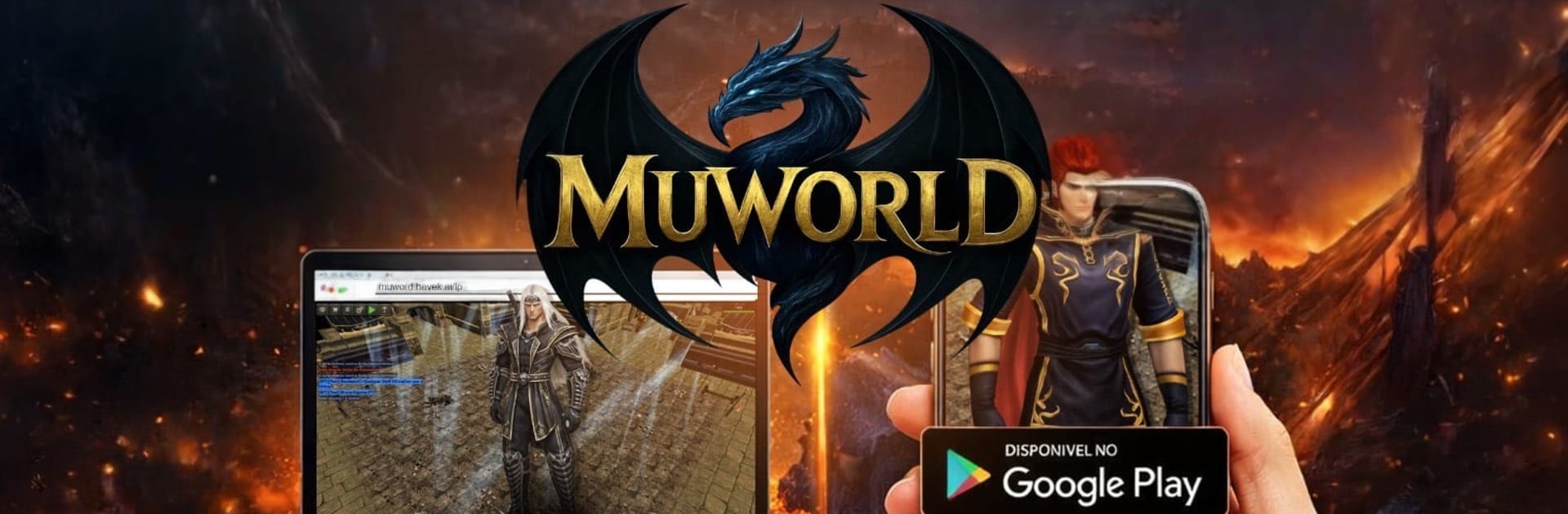
MuWorld
MuWorld

MuWorld

Adventure

| GC Studios Mobile

Play on PC with BlueStacks or from our cloud

  • Overview
  • Game Features
  • How to Play

Page Modified On: April 21, 2026

Play MuWorld on PC or Mac

Bring your A-game to MuWorld, the Adventure game sensation from GC Studios Mobile. Give your gameplay the much-needed boost with precise game controls, high FPS graphics, and top-tier features on your PC or Mac with BlueStacks.

About the Game

MuWorld from GC Studios Mobile brings that classic online RPG vibe to your pocket, with a focus on exploration, teamwork, and steady character growth. It’s an Adventure game where you create a hero, head out into a living world, and take on challenges with friends or solo—at your own pace. Prefer a bigger screen or keyboard? You can also play it on BlueStacks without missing a beat.

Game Features

  • Create Your Hero: Build a character that fits your style, tuning stats, skills, and gear to handle quests, bosses, and everything in between.
  • Expansive World: Roam through diverse zones, uncover hidden corners, and pick up quests that range from quick errands to multi-step adventures.
  • Team Up or Go Solo: Jump into co-op challenges with party members or tackle content on your own if you like figuring things out quietly.
  • Competitive Modes: Test your setup against other players in structured PvP options and see how your build stacks up.
  • Gear Hunting: Earn powerful loot from enemies and challenges, then refine, combine, or enhance it to push your build further.
  • Guilds & Community: Join a guild, coordinate raids, share tips, and trade resources with a community that keeps the world buzzing.
  • Smooth Mobile Controls: Tap-friendly movement and quick-access abilities keep battles responsive, whether you’re clearing mobs or facing a boss.
  • Ongoing Events: Time-limited challenges and seasonal activities shake up your routine and offer fresh rewards to chase.

Ready to top the leaderboard? We bet you do. Let precise controls and sharp visuals optimized on BlueStacks lead you to victory.


Game Features

Enhancements

  • Macros
  • Multi Instance
  • Multi Instance Sync
  • Script
  • Enhancements
Macros

Macros

Automate the predictable in MuWorld and transform your gameplay with Macros. Get access to inventive Macros in the BlueStacks Macro Community
Multi Instance

Multi Instance

Play MuWorld on one window. And chat with your friend on the other. Press CTRL + Shift + 8 to open the Multi-Instance Manager. And start creating fresh instances or clone an existing one.
Multi Instance Sync

Multi Instance Sync

Play MuWorld with the power of Multi-Instance Sync. Replicate what you are doing on the main instance on all other instances. Level up faster, play more.
Script

Script

Script your way to gaming glory in MuWorld with BlueStacks Script. Write and run a set of commands to automate repeated tasks. Trigger the command by assigning it to any key.
Read More

How to Download and Play MuWorld on PC or Mac

  • Download and install BlueStacks on your PC or Mac

  • Complete Google sign-in to access the Play Store, or do it later

  • Look for MuWorld in the search bar at the top right corner

  • Click to install MuWorld from the search results

  • Complete Google sign-in (if you skipped step 2) to install MuWorld

  • Click the MuWorld icon on the home screen to start playing

video
Watch Video

Minimum System Requirements

With BlueStacks 5, you can get started on a PC that fulfills the following requirements.

  • Operating System

    Microsoft Windows 7 or above, macOS 11 (Big Sur) or above

  • Processor

    Intel, AMD or Apple Silicon Processor

  • RAM

    at least 4GB

  • HDD

    10GB Free Disk Space

Note:

* You must be an Administrator on your PC. Up to date graphics drivers from Microsoft or the chipset vendor.

MuWorld - FAQs

  • How to play MuWorld on Windows PC & Mac?

    Play MuWorld on your PC or Mac by following these simple steps.

    • Click on 'Play MuWorld on PC’ to download BlueStacks
    • Install it and log-in to Google Play Store
    • Launch and play the game.
  • Why is BlueStacks the fastest and safest platform to play games on PC?

    BlueStacks respects your privacy and is always safe and secure to use. It does not carry any malware, spyware, or any sort of additional software that could harm your PC.

    It is engineered to optimize speed and performance for a seamless gaming experience.

  • What are MuWorld PC requirements?

    Minimum requirement to run MuWorld on your PC

    • OS: Microsoft Windows 7 or above MacOS 11 (Big Sur) or above
    • Processor: Intel, AMD or Apple Silicon Processor
    • RAM: Your PC must have at least 4GB of RAM. (Note that having 4GB or more disk space is not a substitute for RAM)
    • HDD: 10GB Free Disk Space.
    • You must be an Administrator on your PC.