
Poppy Playtime - Chapter 5

Poppy Playtime - Chapter 5

Adventure

| Safia Akhtar

Play on PC with BlueStacks or from our cloud

  • Overview
  • Game Features
  • How to Play

Page Modified On: July 07, 2026

Play Poppy Playtime - Chapter 5 on PC or Mac

Bring your A-game to Poppy Playtime – Chapter 5, the Adventure game sensation from Safia Akhtar. Give your gameplay the much-needed boost with precise game controls, high FPS graphics, and top-tier features on your PC or Mac with BlueStacks.

About the Game

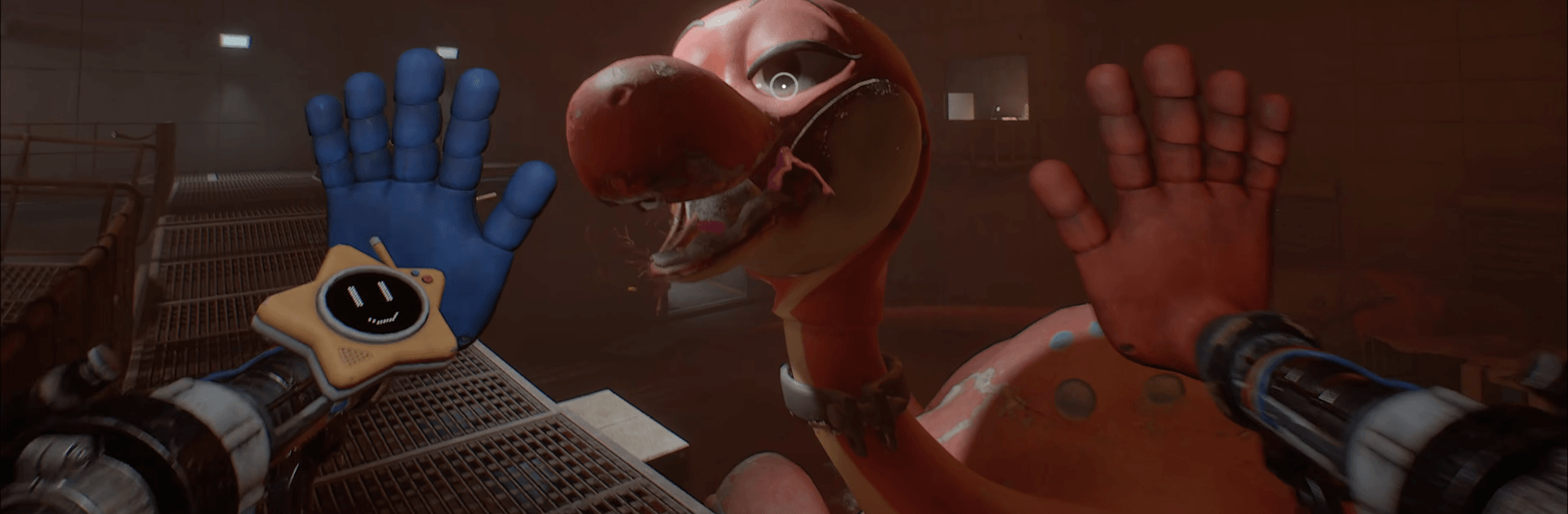
Poppy Playtime – Chapter 5 throws you deeper into the parts of the factory no one was ever meant to see. You’re alone, hunted, and forced to trust your instincts—and a seriously upgraded GrabPack—to make it out. It’s a tense, story-driven Adventure where every hallway hums with danger and every clue could save your skin.

Game Features

  • A Deeper Descent: Navigate new wings of the Playtime facility—maintenance tunnels, hidden labs, and quietly abandoned work floors—each with its own tricks, audio cues, and lurking threats.

  • New and Old Monsters: Huggy Wuggy isn’t the only problem. Other twisted toys and shadowy residents move in the dark, sometimes helpful, sometimes not. The Prototype waits at the center of it all.

  • Smarter Puzzles, Meaner Spaces: Environmental challenges blend logic with survival. Reroute power, outmaneuver traps, and time your moves under pressure while something big breathes just out of sight.

  • Evolved GrabPack Tools: Fresh attachments reshape how you explore—pull panels, bridge gaps, and manipulate heavy machinery with just enough control to feel brave… or reckless.

  • Secrets That Sting: Collect recordings and documents that reveal what really happened behind the smiling branding. The closer you get to the truth, the heavier every footstep feels.

  • Chase and Hide Tension: Dynamic encounters ramp up based on noise and timing. Lighting, sound design, and the sudden absence of music keep your nerves stretched thin.

  • Play Your Way: Want cleaner camera control and sharper inputs? Playing on PC with BlueStacks makes precision puzzle-solving and quick escapes feel especially smooth.

Ready to top the leaderboard? We bet you do. Let precise controls and sharp visuals optimized on BlueStacks lead you to victory.


Game Features

Enhancements

  • Macros
  • Multi Instance
  • Multi Instance Sync
  • Script
  • Enhancements
Macros

Macros

Automate the predictable in Poppy Playtime - Chapter 5 and transform your gameplay with Macros. Get access to inventive Macros in the BlueStacks Macro Community
Multi Instance

Multi Instance

Play Poppy Playtime - Chapter 5 on one window. And chat with your friend on the other. Press CTRL + Shift + 8 to open the Multi-Instance Manager. And start creating fresh instances or clone an existing one.
Multi Instance Sync

Multi Instance Sync

Play Poppy Playtime - Chapter 5 with the power of Multi-Instance Sync. Replicate what you are doing on the main instance on all other instances. Level up faster, play more.
Script

Script

Script your way to gaming glory in Poppy Playtime - Chapter 5 with BlueStacks Script. Write and run a set of commands to automate repeated tasks. Trigger the command by assigning it to any key.
Read More

How to Download and Play Poppy Playtime - Chapter 5 on PC or Mac

  • Download and install BlueStacks on your PC or Mac

  • Complete Google sign-in to access the Play Store, or do it later

  • Look for Poppy Playtime - Chapter 5 in the search bar at the top right corner

  • Click to install Poppy Playtime - Chapter 5 from the search results

  • Complete Google sign-in (if you skipped step 2) to install Poppy Playtime - Chapter 5

  • Click the Poppy Playtime - Chapter 5 icon on the home screen to start playing

video
Watch Video

Minimum System Requirements

With BlueStacks 5, you can get started on a PC that fulfills the following requirements.

  • Operating System

    Microsoft Windows 7 or above, macOS 11 (Big Sur) or above

  • Processor

    Intel, AMD or Apple Silicon Processor

  • RAM

    at least 4GB

  • HDD

    10GB Free Disk Space

Note:

* You must be an Administrator on your PC. Up to date graphics drivers from Microsoft or the chipset vendor.

Poppy Playtime - Chapter 5 - FAQs

  • How to play Poppy Playtime - Chapter 5 on Windows PC & Mac?

    Play Poppy Playtime - Chapter 5 on your PC or Mac by following these simple steps.

    • Click on 'Play Poppy Playtime - Chapter 5 on PC’ to download BlueStacks
    • Install it and log-in to Google Play Store
    • Launch and play the game.
  • Why is BlueStacks the fastest and safest platform to play games on PC?

    BlueStacks respects your privacy and is always safe and secure to use. It does not carry any malware, spyware, or any sort of additional software that could harm your PC.

    It is engineered to optimize speed and performance for a seamless gaming experience.

  • What are Poppy Playtime - Chapter 5 PC requirements?

    Minimum requirement to run Poppy Playtime - Chapter 5 on your PC

    • OS: Microsoft Windows 7 or above MacOS 11 (Big Sur) or above
    • Processor: Intel, AMD or Apple Silicon Processor
    • RAM: Your PC must have at least 4GB of RAM. (Note that having 4GB or more disk space is not a substitute for RAM)
    • HDD: 10GB Free Disk Space.
    • You must be an Administrator on your PC.







