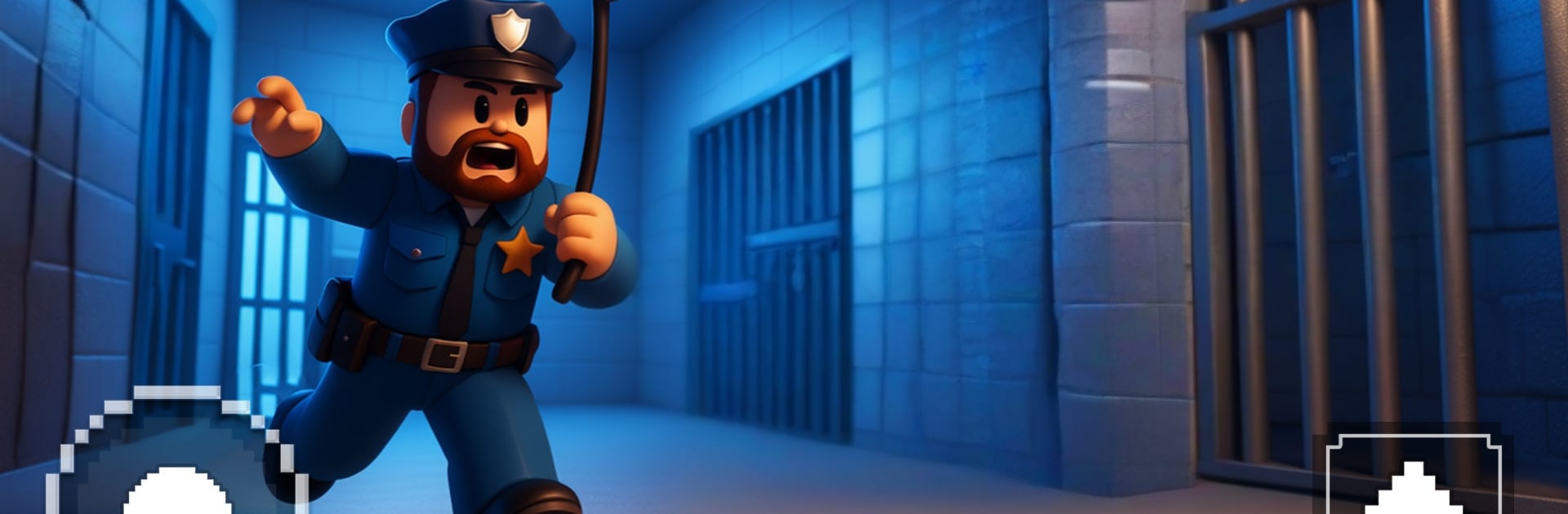
Prison Obby Memer Runner 3d

Prison Obby Memer Runner 3d

Adventure

| Ruling Games

Play on PC with BlueStacks or from our cloud

  • Overview
  • Game Features
  • How to Play

Page Modified On: September 11, 2026

Play Prison Obby Memer Runner 3d on PC or Mac

Prison Obby Memer Runner 3d by Ruling Games has plenty to keep you busy. BlueStacks lets you play it on PC or Mac with more screen space, better control, and fewer mobile limits.

About the Game

Prison Obby Memer Runner 3d turns a prison break into a hilarious, timing-first Adventure that mixes parkour with meme-fueled chaos. You’re sprinting through a towering 3D lockup stuffed with moving traps, goofy guards, and ridiculous surprises, trying to nail every jump before the next hazard swings in. Want it extra smooth on a bigger screen? It runs nicely on PC with BlueStacks.

Game Features

  • Meme mayhem: Every stage sprinkles in joke-y props, gags, and reactions that keep failures funny and victories satisfying.
  • Sharp parkour feel: Run, hop, slide, and climb with tight, responsive controls that reward clean inputs and quick recovery.
  • Wild obby courses: Lasers, swinging hammers, moving platforms, and tilting paths pile on as you push deeper into the maze.
  • Sneak-and-sprint escapes: Watch patrol routes, bait traps, and bolt through openings in short, replay-friendly bursts.
  • Skins, emotes, and flair: Unlock outfits, goofy dances, and reactions that make close calls and wipeouts worth watching.
  • Escalating prison zones: Each wing adds new twists—vertical climbs, blackout corridors, shifting walls, and surprise detours.
  • Beat-the-clock mode: Chase personal bests with timed runs, tight checkpoints, and routes that reward risky shortcuts.
  • Interactive 3D toys: Hit buttons, flip ramps, ride conveyors, and use moving walls to craft faster lines on the fly.
  • Learn-through-fails: Miss a jump, clock the pattern, and come back with cleaner timing and smarter movement.
  • Quick bursts or long grinds: Stages play great in short sessions but have enough nuance for marathon chase-the-perfect-run nights.

Start playing Prison Obby Memer Runner 3d on BlueStacks and get a smoother, more comfortable PC or Mac setup.


Game Features

Enhancements

  • Macros
  • Multi Instance
  • Multi Instance Sync
  • Script
  • Enhancements
Macros

Macros

Automate the predictable in Prison Obby Memer Runner 3d and transform your gameplay with Macros. Get access to inventive Macros in the BlueStacks Macro Community
Multi Instance

Multi Instance

Play Prison Obby Memer Runner 3d on one window. And chat with your friend on the other. Press CTRL + Shift + 8 to open the Multi-Instance Manager. And start creating fresh instances or clone an existing one.
Multi Instance Sync

Multi Instance Sync

Play Prison Obby Memer Runner 3d with the power of Multi-Instance Sync. Replicate what you are doing on the main instance on all other instances. Level up faster, play more.
Script

Script

Script your way to gaming glory in Prison Obby Memer Runner 3d with BlueStacks Script. Write and run a set of commands to automate repeated tasks. Trigger the command by assigning it to any key.
Read More

How to Download and Play Prison Obby Memer Runner 3d on PC or Mac

  • Download and install BlueStacks on your PC or Mac

  • Complete Google sign-in to access the Play Store, or do it later

  • Look for Prison Obby Memer Runner 3d in the search bar at the top right corner

  • Click to install Prison Obby Memer Runner 3d from the search results

  • Complete Google sign-in (if you skipped step 2) to install Prison Obby Memer Runner 3d

  • Click the Prison Obby Memer Runner 3d icon on the home screen to start playing

video
Watch Video

Minimum System Requirements

With BlueStacks 5, you can get started on a PC that fulfills the following requirements.

  • Operating System

    Microsoft Windows 7 or above, macOS 11 (Big Sur) or above

  • Processor

    Intel, AMD or Apple Silicon Processor

  • RAM

    at least 4GB

  • HDD

    10GB Free Disk Space

Note:

* You must be an Administrator on your PC. Up to date graphics drivers from Microsoft or the chipset vendor.

Prison Obby Memer Runner 3d - FAQs

  • How to play Prison Obby Memer Runner 3d on Windows PC & Mac?

    Play Prison Obby Memer Runner 3d on your PC or Mac by following these simple steps.

    • Click on 'Play Prison Obby Memer Runner 3d on PC’ to download BlueStacks
    • Install it and log-in to Google Play Store
    • Launch and play the game.
  • Why is BlueStacks the fastest and safest platform to play games on PC?

    BlueStacks respects your privacy and is always safe and secure to use. It does not carry any malware, spyware, or any sort of additional software that could harm your PC.

    It is engineered to optimize speed and performance for a seamless gaming experience.

  • What are Prison Obby Memer Runner 3d PC requirements?

    Minimum requirement to run Prison Obby Memer Runner 3d on your PC

    • OS: Microsoft Windows 7 or above MacOS 11 (Big Sur) or above
    • Processor: Intel, AMD or Apple Silicon Processor
    • RAM: Your PC must have at least 4GB of RAM. (Note that having 4GB or more disk space is not a substitute for RAM)
    • HDD: 10GB Free Disk Space.
    • You must be an Administrator on your PC.