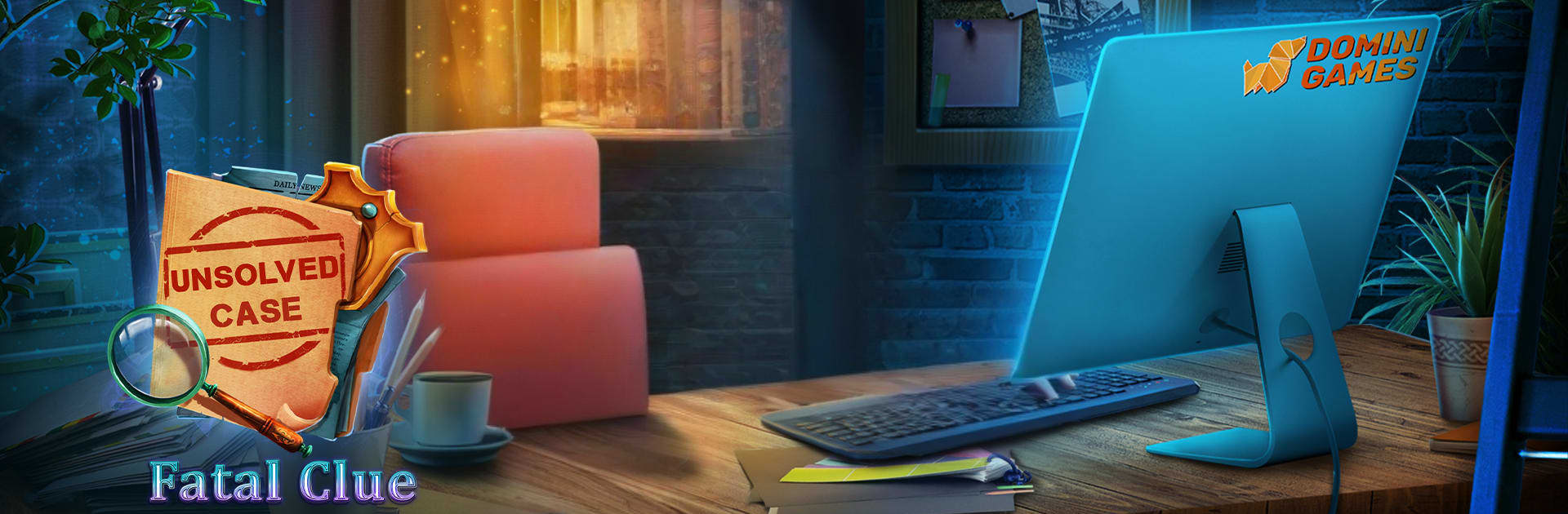
Unsolved Case: Fatal Clue

Unsolved Case: Fatal Clue

Adventure

| Do Games Limited

Play on PC with BlueStacks or from our cloud

  • Overview
  • Game Features
  • How to Play

Page Modified On: May 25, 2026

Play Unsolved Case: Fatal Clue on PC or Mac

Unsolved Case: Fatal Clue by Do Games Limited has plenty to keep you busy. BlueStacks lets you play it on PC or Mac with more screen space, better control, and fewer mobile limits.

About the Game

Unsolved Case: Fatal Clue is an Adventure that drops you into a high‑profile murder in Central Park and asks you to trust your instincts. You’ll juggle sharp interviews, scene searches, and tough calls that can help—or completely derail—the investigation. Prefer a bigger screen? It runs smoothly on BlueStacks, too.

Game Features

  • Choice-driven dialogue: Pick what to say and when. Your words shape relationships, sway witnesses, and nudge the story toward different outcomes.
  • A high-stakes case: An employee from an architecture firm turns up dead, the press is circling, and your new partner, Scott Matthews, is brilliant but… not exactly a people person. Earning trust is on you.
  • Hidden-object sleuthing: Sweep through cluttered crime scenes and offices, spot key evidence, and piece together details that others overlook.
  • Puzzles with purpose: Solve logic and mechanical puzzles woven right into the investigation, each one revealing a clue or unlocking a new lead.
  • Memorable locations: From a tense corner of Central Park to polished firm interiors and shadowy side streets, each area feels distinct and packed with secrets.
  • Collectibles and case files: Track down special items, assemble your evidence, and build a clearer picture of what really happened.
  • Achievements worth chasing: Nail your interviews, crack the hardest puzzles, and earn achievements that show you handled the case like a pro.
  • Bonus area to uncover: Wrap up the investigation thoroughly and you can unlock an extra location that adds a satisfying bit of closure to the mystery.

Ready to top the leaderboard? We bet you do. Let precise controls and sharp visuals optimized on BlueStacks lead you to victory.


Game Features

Enhancements

  • Macros
  • Multi Instance
  • Multi Instance Sync
  • Script
  • Enhancements
Macros

Macros

Automate the predictable in Unsolved Case: Fatal Clue and transform your gameplay with Macros. Get access to inventive Macros in the BlueStacks Macro Community
Multi Instance

Multi Instance

Play Unsolved Case: Fatal Clue on one window. And chat with your friend on the other. Press CTRL + Shift + 8 to open the Multi-Instance Manager. And start creating fresh instances or clone an existing one.
Multi Instance Sync

Multi Instance Sync

Play Unsolved Case: Fatal Clue with the power of Multi-Instance Sync. Replicate what you are doing on the main instance on all other instances. Level up faster, play more.
Script

Script

Script your way to gaming glory in Unsolved Case: Fatal Clue with BlueStacks Script. Write and run a set of commands to automate repeated tasks. Trigger the command by assigning it to any key.
Read More

How to Download and Play Unsolved Case: Fatal Clue on PC or Mac

  • Download and install BlueStacks on your PC or Mac

  • Complete Google sign-in to access the Play Store, or do it later

  • Look for Unsolved Case: Fatal Clue in the search bar at the top right corner

  • Click to install Unsolved Case: Fatal Clue from the search results

  • Complete Google sign-in (if you skipped step 2) to install Unsolved Case: Fatal Clue

  • Click the Unsolved Case: Fatal Clue icon on the home screen to start playing

video
Watch Video

Minimum System Requirements

With BlueStacks 5, you can get started on a PC that fulfills the following requirements.

  • Operating System

    Microsoft Windows 7 or above, macOS 11 (Big Sur) or above

  • Processor

    Intel, AMD or Apple Silicon Processor

  • RAM

    at least 4GB

  • HDD

    10GB Free Disk Space

Note:

* You must be an Administrator on your PC. Up to date graphics drivers from Microsoft or the chipset vendor.

Unsolved Case: Fatal Clue - FAQs

  • How to play Unsolved Case: Fatal Clue on Windows PC & Mac?

    Play Unsolved Case: Fatal Clue on your PC or Mac by following these simple steps.

    • Click on 'Play Unsolved Case: Fatal Clue on PC’ to download BlueStacks
    • Install it and log-in to Google Play Store
    • Launch and play the game.
  • Why is BlueStacks the fastest and safest platform to play games on PC?

    BlueStacks respects your privacy and is always safe and secure to use. It does not carry any malware, spyware, or any sort of additional software that could harm your PC.

    It is engineered to optimize speed and performance for a seamless gaming experience.

  • What are Unsolved Case: Fatal Clue PC requirements?

    Minimum requirement to run Unsolved Case: Fatal Clue on your PC

    • OS: Microsoft Windows 7 or above MacOS 11 (Big Sur) or above
    • Processor: Intel, AMD or Apple Silicon Processor
    • RAM: Your PC must have at least 4GB of RAM. (Note that having 4GB or more disk space is not a substitute for RAM)
    • HDD: 10GB Free Disk Space.
    • You must be an Administrator on your PC.