8 Bit Fighters VS
8 Bit Fighters VS

8 Bit Fighters VS

Arcade

| Zax Ma

Play on PC with BlueStacks or from our cloud

  • Overview
  • Game Features
  • How to Play

Page Modified On: December 08, 2025

Play 8 Bit Fighters VS on PC or Mac

From the innovators and creators at Zax Ma, 8 Bit Fighters VS is another fun addition to the World of Arcade games. Go beyond your mobile screen and play it bigger and better on your PC or Mac. An immersive experience awaits you.

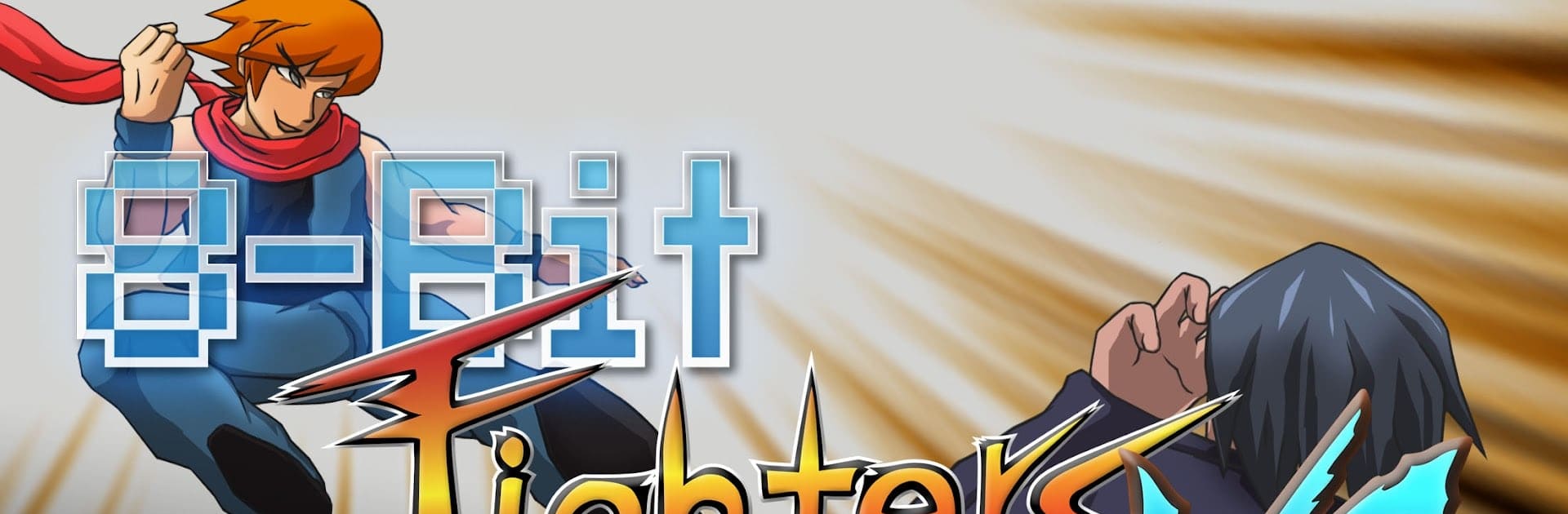
8 Bit Fighters VS is basically a throwback to those old 2D arcade brawlers, but it runs on modern devices without getting fussy. Everything is chunky pixels and hand drawn animations, with moves that look familiar if someone grew up watching classic fighters. Characters all feel different, each with their own silly quirks and big signature attacks, so swapping mains actually changes how a match plays. The pace is quick, rounds are short, and the screen shakes just enough when a combo lands so it feels crunchy without being a mess.

The neat part is the control options. There is a simple control mode that lets newcomers mash with some rhythm and still pull off real combos, though the one button specials use a little energy, so it is not a free win. Then there is the full traditional input mode for quarter circles and all that, which lets experts create those wild corner strings. Toss a Bluetooth controller on mobile and it feels like a tiny console. On PC with BlueStacks, inputs feel clean and the game keeps a steady frame rate, which helps a lot with timing.

Modes cover the usual stuff but in a clean way. Arcade runs through six fights and a boss, with a small leaderboard for high scores. Online is real time matchmaking with ranks that go up or down based on wins. Local versus works over nearby connections when the internet is out, which is great for quick battles at lunch. There is CPU versus for targeting a specific matchup, and a Training room that just runs forever so players can lab setups without pressure. It is free to start, with optional purchases if someone wants to toss support, and new characters drop every so often to keep things fresh.

Get ready for a buttery smooth, high-performance gaming action only on BlueStacks.

Game Features

Enhancements

  • Macros
  • Multi Instance
  • Multi Instance Sync
  • Script
  • Enhancements
Macros

Macros

Automate the predictable in 8 Bit Fighters VS and transform your gameplay with Macros. Get access to inventive Macros in the BlueStacks Macro Community
Multi Instance

Multi Instance

Play 8 Bit Fighters VS on one window. And chat with your friend on the other. Press CTRL + Shift + 8 to open the Multi-Instance Manager. And start creating fresh instances or clone an existing one.
Multi Instance Sync

Multi Instance Sync

Play 8 Bit Fighters VS with the power of Multi-Instance Sync. Replicate what you are doing on the main instance on all other instances. Level up faster, play more.
Script

Script

Script your way to gaming glory in 8 Bit Fighters VS with BlueStacks Script. Write and run a set of commands to automate repeated tasks. Trigger the command by assigning it to any key.
Read More

How to Download and Play 8 Bit Fighters VS on PC or Mac

  • Download and install BlueStacks on your PC or Mac

  • Complete Google sign-in to access the Play Store, or do it later

  • Look for 8 Bit Fighters VS in the search bar at the top right corner

  • Click to install 8 Bit Fighters VS from the search results

  • Complete Google sign-in (if you skipped step 2) to install 8 Bit Fighters VS

  • Click the 8 Bit Fighters VS icon on the home screen to start playing

video
Watch Video

Minimum System Requirements

With BlueStacks 5, you can get started on a PC that fulfills the following requirements.

  • Operating System

    Microsoft Windows 7 or above, macOS 11 (Big Sur) or above

  • Processor

    Intel, AMD or Apple Silicon Processor

  • RAM

    at least 4GB

  • HDD

    10GB Free Disk Space

Note:

* You must be an Administrator on your PC. Up to date graphics drivers from Microsoft or the chipset vendor.

8 Bit Fighters VS - FAQs

  • How to play 8 Bit Fighters VS on Windows PC & Mac?

    Play 8 Bit Fighters VS on your PC or Mac by following these simple steps.

    • Click on 'Play 8 Bit Fighters VS on PC’ to download BlueStacks
    • Install it and log-in to Google Play Store
    • Launch and play the game.
  • Why is BlueStacks the fastest and safest platform to play games on PC?

    BlueStacks respects your privacy and is always safe and secure to use. It does not carry any malware, spyware, or any sort of additional software that could harm your PC.

    It is engineered to optimize speed and performance for a seamless gaming experience.

  • What are 8 Bit Fighters VS PC requirements?

    Minimum requirement to run 8 Bit Fighters VS on your PC

    • OS: Microsoft Windows 7 or above MacOS 11 (Big Sur) or above
    • Processor: Intel, AMD or Apple Silicon Processor
    • RAM: Your PC must have at least 4GB of RAM. (Note that having 4GB or more disk space is not a substitute for RAM)
    • HDD: 10GB Free Disk Space.
    • You must be an Administrator on your PC.