Ball Dash!
Ball Dash!

Ball Dash!

Arcade

| Akshit Sharma

Play on PC with BlueStacks or from our cloud

  • Overview
  • Game Features
  • How to Play

Page Modified On: August 11, 2026

Play Ball Dash! on PC or Mac

Step into the World of Ball Dash!, a thrilling Arcade game from the house of Akshit Sharma. Play this Android game on BlueStacks App Player and experience immersive gaming on PC or Mac.

About the Game

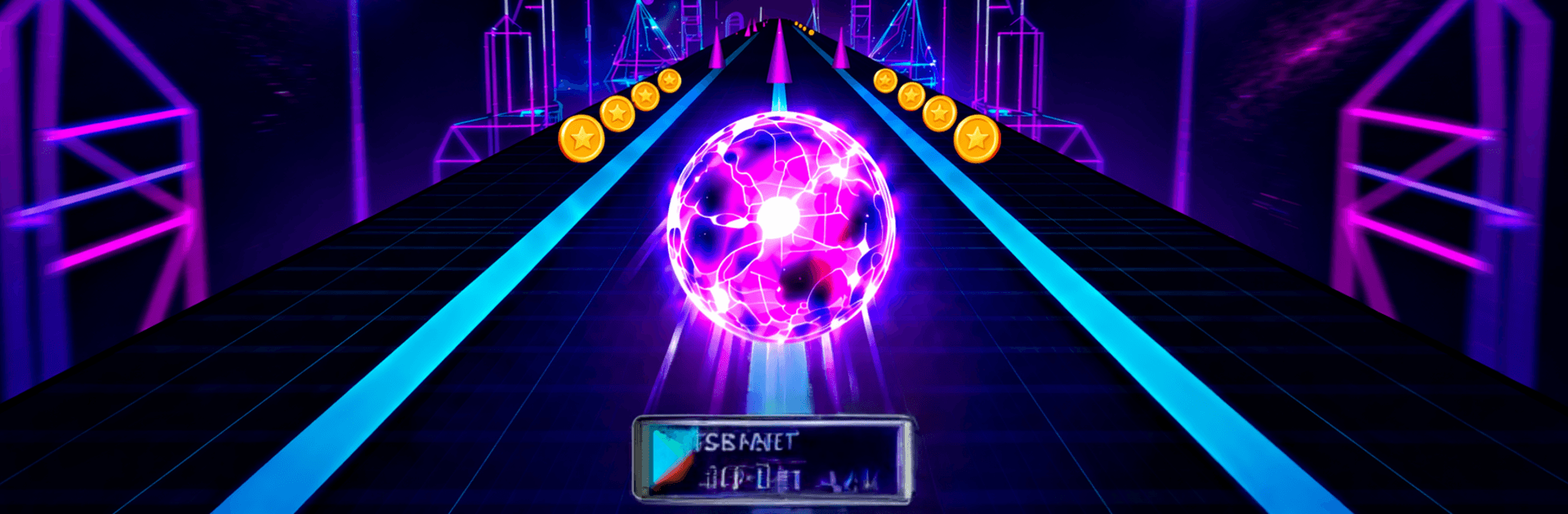
Ball Dash! is a fast, finger‑twitch Arcade runner where a restless sphere rockets down slick lanes packed with hazards. You’re flipping between tracks in a heartbeat, sliding past traps, and chasing that sweet, escalating multiplier. It’s simple to pick up, but once the speed climbs, you’ll feel your reflexes working overtime. Prefer playing on a PC? It runs smoothly on BlueStacks, too.

Game Features

  • Razor‑sharp lane switching: Tap to swap lanes at the last moment and string together precise flips. Nail those clutch moves to push a score multiplier that can climb to x5.
  • Head‑to‑head races: Test your timing in real‑time showdowns—duel 1v1 or jump into 4‑player sprints. Everyone faces the same layout, so it’s all skill, no excuses.
  • Player‑driven trading: Use the in‑game Marketplace to trade cosmetics directly with other players. Hunt down that Lava Lamp theme or bargain for rare Plasma trails to round out your look.
  • Big customization pool: Style your run with 100+ items, including 38+ skins and shapes (Neon, Gold, Holographic, Obsidian), 25+ trails (Lightning, Cherry Blossom, Pixel, Rainbow), and 30+ immersive themes (Animated Galaxy, Synthwave, Arctic Stream).
  • Build a smart loadout: Equip powerups before a run—Shield to absorb a hit, Slow‑Mo for tight gaps, Phase to slip through traps, or Magnet to scoop up coins while you focus on staying alive.
  • Long‑term progression: Knock out daily missions and, when you’ve capped your level, rebirth with a prestige system that grants lasting multipliers to your score and earnings.

Start your journey now. Download the game on BlueStacks, invite your friends, and march on a new adventure.


Game Features

Enhancements

  • Macros
  • Multi Instance
  • Multi Instance Sync
  • Script
  • Enhancements
Macros

Macros

Automate the predictable in Ball Dash! and transform your gameplay with Macros. Get access to inventive Macros in the BlueStacks Macro Community
Multi Instance

Multi Instance

Play Ball Dash! on one window. And chat with your friend on the other. Press CTRL + Shift + 8 to open the Multi-Instance Manager. And start creating fresh instances or clone an existing one.
Multi Instance Sync

Multi Instance Sync

Play Ball Dash! with the power of Multi-Instance Sync. Replicate what you are doing on the main instance on all other instances. Level up faster, play more.
Script

Script

Script your way to gaming glory in Ball Dash! with BlueStacks Script. Write and run a set of commands to automate repeated tasks. Trigger the command by assigning it to any key.
Read More

How to Download and Play Ball Dash! on PC or Mac

  • Download and install BlueStacks on your PC or Mac

  • Complete Google sign-in to access the Play Store, or do it later

  • Look for Ball Dash! in the search bar at the top right corner

  • Click to install Ball Dash! from the search results

  • Complete Google sign-in (if you skipped step 2) to install Ball Dash!

  • Click the Ball Dash! icon on the home screen to start playing

video
Watch Video

Minimum System Requirements

With BlueStacks 5, you can get started on a PC that fulfills the following requirements.

  • Operating System

    Microsoft Windows 7 or above, macOS 11 (Big Sur) or above

  • Processor

    Intel, AMD or Apple Silicon Processor

  • RAM

    at least 4GB

  • HDD

    10GB Free Disk Space

Note:

* You must be an Administrator on your PC. Up to date graphics drivers from Microsoft or the chipset vendor.

Ball Dash! - FAQs

  • How to play Ball Dash! on Windows PC & Mac?

    Play Ball Dash! on your PC or Mac by following these simple steps.

    • Click on 'Play Ball Dash! on PC’ to download BlueStacks
    • Install it and log-in to Google Play Store
    • Launch and play the game.
  • Why is BlueStacks the fastest and safest platform to play games on PC?

    BlueStacks respects your privacy and is always safe and secure to use. It does not carry any malware, spyware, or any sort of additional software that could harm your PC.

    It is engineered to optimize speed and performance for a seamless gaming experience.

  • What are Ball Dash! PC requirements?

    Minimum requirement to run Ball Dash! on your PC

    • OS: Microsoft Windows 7 or above MacOS 11 (Big Sur) or above
    • Processor: Intel, AMD or Apple Silicon Processor
    • RAM: Your PC must have at least 4GB of RAM. (Note that having 4GB or more disk space is not a substitute for RAM)
    • HDD: 10GB Free Disk Space.
    • You must be an Administrator on your PC.