
Exclusive Gaming Content. And More.
Get the latest updates on the BlueStacks Blog.
See MorePlay on PC with BlueStacks or from our cloud
Page Modified On: March 03, 2026
Explore a whole new adventure with BALL x PIT, a Arcade game created by DevolverDigital. Experience great gameplay with BlueStacks, the most popular gaming platform to play Android games on your PC or Mac.
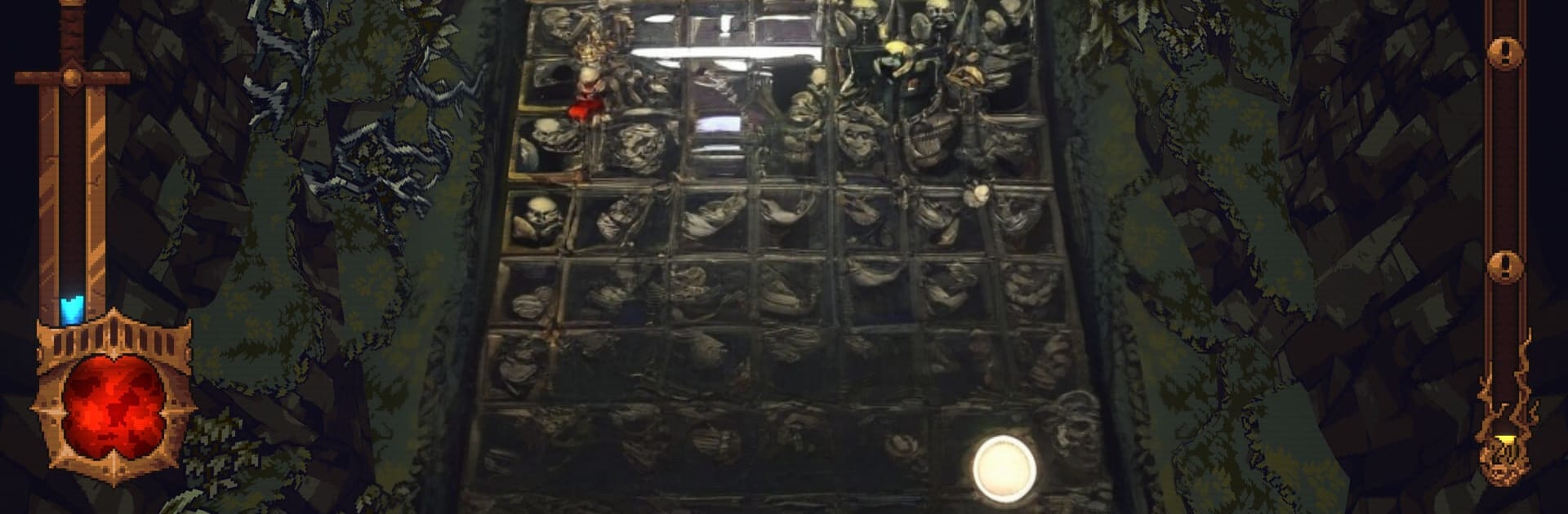
BALL x PIT is a chaotic Arcade roguelite from DevolverDigital where ricocheting shots and wild builds carry you through a monster-packed abyss. You’re scouring the ruins of Ballbylon for treasure, slinging enchanted balls that bounce, split, and explode while you haul spoils back to your growing settlement. It’s fast, a little unhinged, and surprisingly strategic once your combos start cooking.
Ricochet Combat
Bank shots off walls, thread hits through tight corridors, and shred swarms with magic-charged projectiles that turn the arena into a pinball brawl.
Ball Fusion Experiments
Mix and match more than 60 ball types during a run and chase absurd synergies. The right combo can snowball into hundreds of possible outcomes—and some are hilariously overpowered.
Build New Ballbylon
Invest your haul into 70+ structures that boost your runs, unlock fresh characters, open up power-ups, and add new ways to tinker with your loadouts.
Realms That Fight Back
Descend through sun-blasted deserts, icy caverns, brutal forests, and more. Each zone stacks new hazards and throws tougher enemies and big-time bosses in your path.
Recruit Fellow Hunters
Meet treasure seekers with distinct, upgradeable kits that reshape your approach—from precision ricochets to area control to pure chaos. Try ’em all, adapt, and keep what works.
Progress That Sticks
Short, punchy runs feed into long-term growth. Snag resources, unlock permanent perks, and return stronger for another crack at the depths.
Set-and-Forget Automation
Assign homebound heroes to gather materials while you’re spelunking, so your settlement keeps humming even when you’re mid-run.
Plays Great on PC Too
Prefer a mouse and keyboard? Fire up BlueStacks to knock shots with crisp aim and keep your settlement management snappy between dives.
Get ready for a buttery smooth, high-performance gaming action only on BlueStacks.
Automate the predictable in BALL x PIT and transform your gameplay with Macros. Get access to inventive Macros in the BlueStacks Macro Community
Play BALL x PIT on one window. And chat with your friend on the other. Press CTRL + Shift + 8 to open the Multi-Instance Manager. And start creating fresh instances or clone an existing one.
Play BALL x PIT with the power of Multi-Instance Sync. Replicate what you are doing on the main instance on all other instances. Level up faster, play more.
Script your way to gaming glory in BALL x PIT with BlueStacks Script. Write and run a set of commands to automate repeated tasks. Trigger the command by assigning it to any key.
Download and install BlueStacks on your PC or Mac
Complete Google sign-in to access the Play Store, or do it later
Look for BALL x PIT in the search bar at the top right corner
Click to install BALL x PIT from the search results
Complete Google sign-in (if you skipped step 2) to install BALL x PIT
Click the BALL x PIT icon on the home screen to start playing
With BlueStacks 5, you can get started on a PC that fulfills the following requirements.
Microsoft Windows 7 or above, macOS 11 (Big Sur) or above
Intel, AMD or Apple Silicon Processor
at least 4GB
10GB Free Disk Space
* You must be an Administrator on your PC. Up to date graphics drivers from Microsoft or the chipset vendor.

Leave your email and we will notify
you when the game launches
Play BALL x PIT on your PC or Mac by following these simple steps.
BlueStacks respects your privacy and is always safe and secure to use. It does not carry any malware, spyware, or any sort of additional software that could harm your PC.
It is engineered to optimize speed and performance for a seamless gaming experience.
Minimum requirement to run BALL x PIT on your PC

Since you are on your phone, we are going to send you to the Google Play page.
In some cases BlueStacks uses affiliate links when linking to Google Play
BlueStacks 4 is not available on Windows XP. You must have Windows 7 or higher. Windows 10 is recommended.