
Exclusive Gaming Content. And More.
Get the latest updates on the BlueStacks Blog.
See More

Play on PC with BlueStacks or from our cloud
Page Modified On: October 16, 2026
Booster Pack Heroes brings the Arcade genre to life, and throws up exciting challenges for gamers. Developed by Funday Games ApS, this Android game is best experienced on BlueStacks, the World’s #1 app player for PC and Mac users.
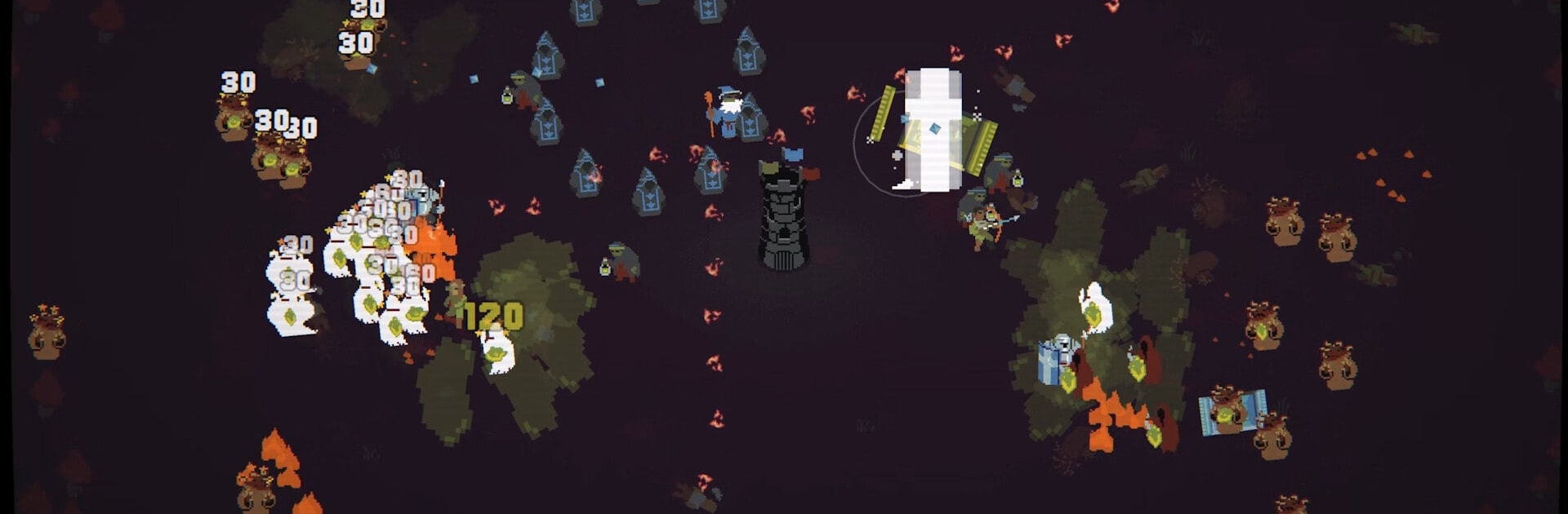
Booster Pack Heroes blends pack-opening thrills with survival chaos in a fast, punchy Arcade experience. You’ll crack open card packs to uncover heroes and spells, throw them into relentless waves of monsters, and keep pushing your best run a little farther each time. Prefer kicking back at a desk? It runs smoothly on BlueStacks without getting in the way.
Start playing Booster Pack Heroes on BlueStacks and get a smoother, more comfortable PC or Mac setup.
Automate the predictable in Booster Pack Heroes and transform your gameplay with Macros. Get access to inventive Macros in the BlueStacks Macro Community
Play Booster Pack Heroes on one window. And chat with your friend on the other. Press CTRL + Shift + 8 to open the Multi-Instance Manager. And start creating fresh instances or clone an existing one.
Play Booster Pack Heroes with the power of Multi-Instance Sync. Replicate what you are doing on the main instance on all other instances. Level up faster, play more.
Script your way to gaming glory in Booster Pack Heroes with BlueStacks Script. Write and run a set of commands to automate repeated tasks. Trigger the command by assigning it to any key.
Download and install BlueStacks on your PC or Mac
Complete Google sign-in to access the Play Store, or do it later
Look for Booster Pack Heroes in the search bar at the top right corner
Click to install Booster Pack Heroes from the search results
Complete Google sign-in (if you skipped step 2) to install Booster Pack Heroes
Click the Booster Pack Heroes icon on the home screen to start playing
With BlueStacks 5, you can get started on a PC that fulfills the following requirements.
Microsoft Windows 7 or above, macOS 11 (Big Sur) or above
Intel, AMD or Apple Silicon Processor
at least 4GB
10GB Free Disk Space
* You must be an Administrator on your PC. Up to date graphics drivers from Microsoft or the chipset vendor.

Leave your email and we will notify
you when the game launches
Play Booster Pack Heroes on your PC or Mac by following these simple steps.
BlueStacks respects your privacy and is always safe and secure to use. It does not carry any malware, spyware, or any sort of additional software that could harm your PC.
It is engineered to optimize speed and performance for a seamless gaming experience.
Minimum requirement to run Booster Pack Heroes on your PC

Since you are on your phone, we are going to send you to the Google Play page.
In some cases BlueStacks uses affiliate links when linking to Google Play
BlueStacks 4 is not available on Windows XP. You must have Windows 7 or higher. Windows 10 is recommended.