American Mahjong Practice

American Mahjong Practice

Board

| Eight Bam LLC

Play on PC with BlueStacks or from our cloud

  • Overview
  • Game Features
  • How to Play

Page Modified On: September 12, 2025

Play American Mahjong Practice on PC or Mac

Explore a whole new adventure with American Mahjong Practice, a Board game created by Eight Bam LLC. Experience great gameplay with BlueStacks, the most popular gaming platform to play Android games on your PC or Mac.

About the Game

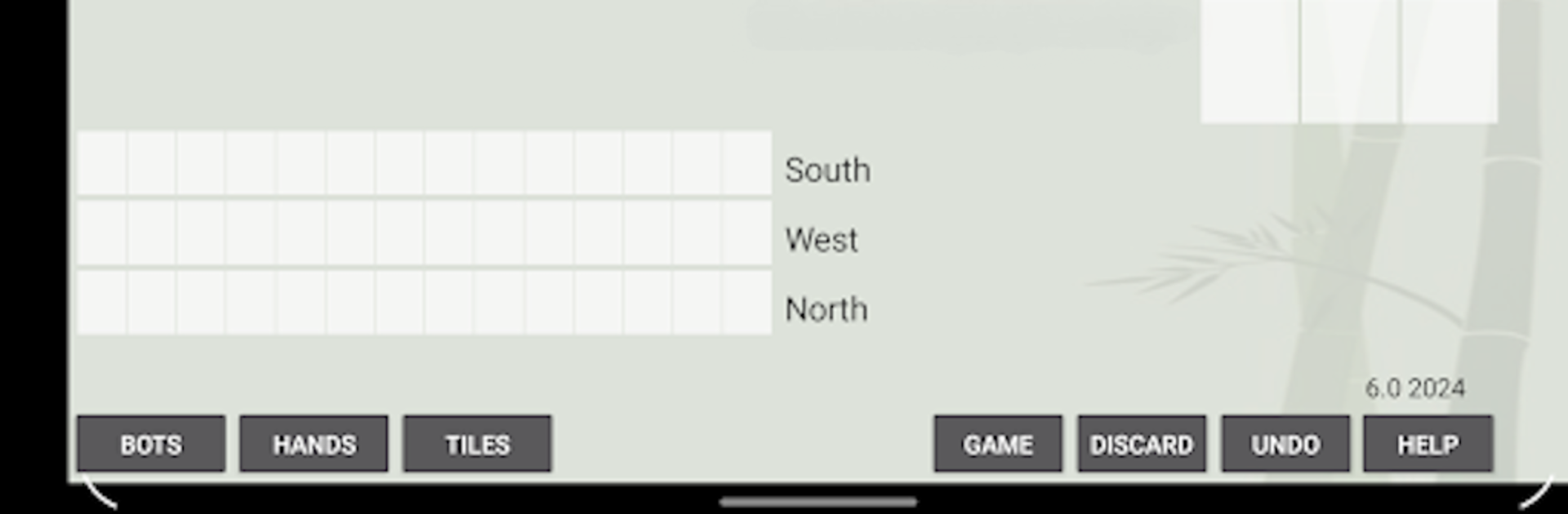
American Mahjong Practice is a relaxed, no-pressure way to sharpen your American Mahjong skills—Charleston and all. It’s built for quick practice runs, thoughtful experimenting, and getting comfortable with the 2025 card at your own pace. This Board title from Eight Bam LLC works completely offline, so you can jump into a hand anytime, anywhere. Prefer a bigger screen? It also runs nicely on PC with BlueStacks.

Game Features

  • Real American style with Charleston: Practice the flow you’ll see at real tables, including the Charleston, without timers breathing down your neck.

  • Smart Suggested Hands: See which hands your tiles naturally lean toward. The app ranks possibilities by how many tiles you already have and even shows overlaps so you can pivot intelligently.

  • Open Play sandbox: Nudge tiles around, try ideas, and backtrack whenever you want. Replay and Undo make it painless to test different paths.

  • Solo or against bots: Play by yourself to study patterns, or flip on Basic Bots in Settings for a more realistic table feel. Easy bots won’t call Mahjong, letting you play a hand through to the end of the wall.

  • Learn the 2025 card: Spend focused time with the current card and get familiar with its categories, combinations, and quirks.

  • Win Filter for full coverage: Hide hands you’ve already won so you can work your way through the entire card without repeating the same stuff.

  • Fast, offline sessions: Short, focused games that fit into a commute, a coffee break, or whenever you’ve got a few minutes to practice.

Get ready for a buttery smooth, high-performance gaming action only on BlueStacks.

Game Features

Enhancements

  • Macros
  • Multi Instance
  • Multi Instance Sync
  • Script
  • Enhancements
Macros

Macros

Automate the predictable in American Mahjong Practice and transform your gameplay with Macros. Get access to inventive Macros in the BlueStacks Macro Community
Multi Instance

Multi Instance

Play American Mahjong Practice on one window. And chat with your friend on the other. Press CTRL + Shift + 8 to open the Multi-Instance Manager. And start creating fresh instances or clone an existing one.
Multi Instance Sync

Multi Instance Sync

Play American Mahjong Practice with the power of Multi-Instance Sync. Replicate what you are doing on the main instance on all other instances. Level up faster, play more.
Script

Script

Script your way to gaming glory in American Mahjong Practice with BlueStacks Script. Write and run a set of commands to automate repeated tasks. Trigger the command by assigning it to any key.
Read More

How to Download and Play American Mahjong Practice on PC or Mac

  • Download and install BlueStacks on your PC or Mac

  • Complete Google sign-in to access the Play Store, or do it later

  • Look for American Mahjong Practice in the search bar at the top right corner

  • Click to install American Mahjong Practice from the search results

  • Complete Google sign-in (if you skipped step 2) to install American Mahjong Practice

  • Click the American Mahjong Practice icon on the home screen to start playing

video
Watch Video

Minimum System Requirements

With BlueStacks 5, you can get started on a PC that fulfills the following requirements.

  • Operating System

    Microsoft Windows 7 or above, macOS 11 (Big Sur) or above

  • Processor

    Intel, AMD or Apple Silicon Processor

  • RAM

    at least 4GB

  • HDD

    10GB Free Disk Space

Note:

* You must be an Administrator on your PC. Up to date graphics drivers from Microsoft or the chipset vendor.

American Mahjong Practice - FAQs

  • How to play American Mahjong Practice on Windows PC & Mac?

    Play American Mahjong Practice on your PC or Mac by following these simple steps.

    • Click on 'Play American Mahjong Practice on PC’ to download BlueStacks
    • Install it and log-in to Google Play Store
    • Launch and play the game.
  • Why is BlueStacks the fastest and safest platform to play games on PC?

    BlueStacks respects your privacy and is always safe and secure to use. It does not carry any malware, spyware, or any sort of additional software that could harm your PC.

    It is engineered to optimize speed and performance for a seamless gaming experience.

  • What are American Mahjong Practice PC requirements?

    Minimum requirement to run American Mahjong Practice on your PC

    • OS: Microsoft Windows 7 or above MacOS 11 (Big Sur) or above
    • Processor: Intel, AMD or Apple Silicon Processor
    • RAM: Your PC must have at least 4GB of RAM. (Note that having 4GB or more disk space is not a substitute for RAM)
    • HDD: 10GB Free Disk Space.
    • You must be an Administrator on your PC.