Chess Pro Trainer™
Chess Pro Trainer™

Chess Pro Trainer™

Board

| Chess With Coach Mark LLC

Play on PC with BlueStacks or from our cloud

  • Overview
  • Game Features
  • How to Play

Page Modified On: August 24, 2026

Play Chess Pro Trainer™ on PC or Mac

Explore a whole new adventure with Chess Pro Trainer™, a Board game created by Chess With Coach Mark LLC. Experience great gameplay with BlueStacks, the most popular gaming platform to play Android games on your PC or Mac.

About the Game

Chess Pro Trainer™ is a Board training app built for players who want puzzle skills to actually show up in real games. Instead of handing you positions that scream “there’s a tactic,” it drops you into realistic scenarios and makes you sense when the shot appears—on move one, three, seven… or not at all. Prefer working on a bigger screen? It runs smoothly on PC with BlueStacks, too.

Game Features

  • In-game tactic timing: Train in positions where you don’t know when (or if) the tactic appears, mirroring real match pressure.
  • 6 recognition conditions: Learn a clear system for spotting tactical triggers so you know when to start calculating, not just how.
  • Two-phase training workflow: First decide “Is there a tactic here?” while moves play out, then solve the tactic once it actually appears.
  • Acceptable move system: Get credit for Valid, Equal, or even Better ideas—not just a single book answer—so creativity and good judgment are rewarded.
  • Real-game sources: Study positions from everyday players, popular creators, super-grandmasters, and classic encounters from chess history.
  • Genius mode: Practice bold, sacrifice-heavy attacks to sharpen calculation and develop fearlessness when the position calls for it.
  • Checks training: Build the habit of scanning every forcing check—simple, essential, and a huge difference-maker in time trouble.
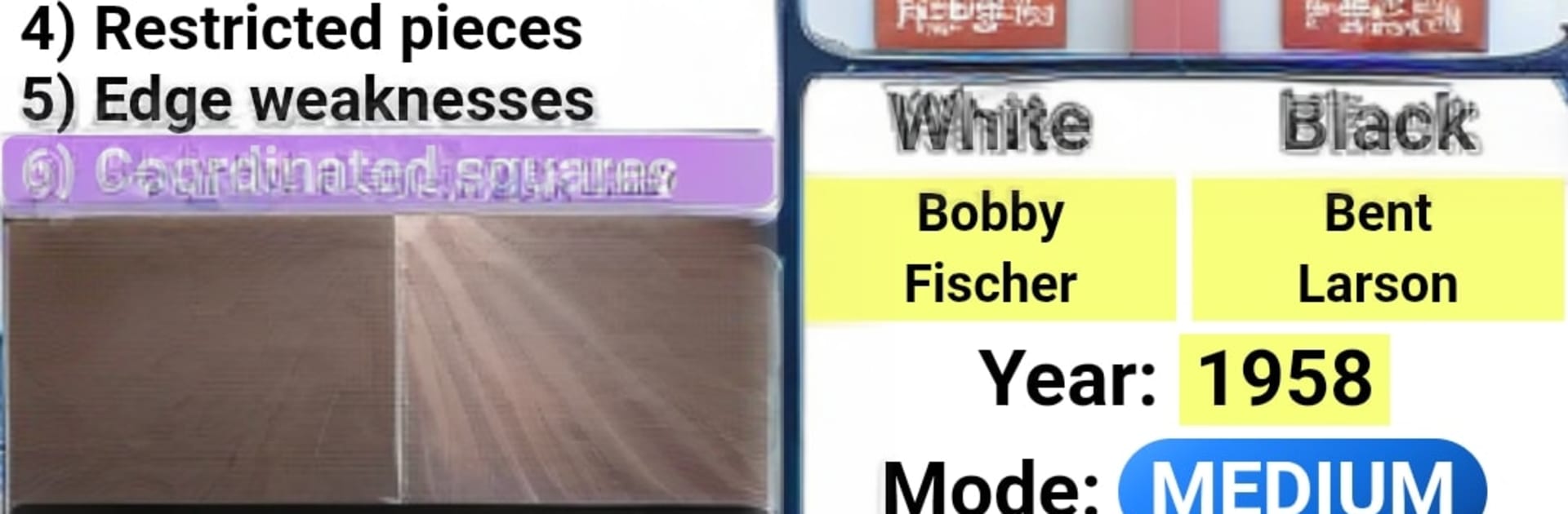
  • Coordinated squares: Learn to spot “action squares” hit by multiple pieces, often the launchpad for decisive tactics around the king.
  • Unprotected pieces rethink: Go beyond the basic “undefended” idea and exploit truly loose targets with a deeper, practical framework.
  • Analysis board with engine: Test lines and compare variations using an integrated analysis board powered by Stockfish.
  • Progress tracking: Follow your score, check detailed stats, and see how you stack up on a global leaderboard.
  • Difficulty and personalization: Choose levels per module, switch board themes, tweak sound, and fine-tune training preferences.
  • Extra practice tools: Drill coordinates or generate fresh studies with a Random Position Generator for open-ended exploration.
  • Critical-moment focus: Work on the swing moments that decide games, so your decision-making improves where it matters most.

Start your journey now. Download the game on BlueStacks, invite your friends, and march on a new adventure.


Game Features

Enhancements

  • Macros
  • Multi Instance
  • Multi Instance Sync
  • Script
  • Enhancements
Macros

Macros

Automate the predictable in Chess Pro Trainer™ and transform your gameplay with Macros. Get access to inventive Macros in the BlueStacks Macro Community
Multi Instance

Multi Instance

Play Chess Pro Trainer™ on one window. And chat with your friend on the other. Press CTRL + Shift + 8 to open the Multi-Instance Manager. And start creating fresh instances or clone an existing one.
Multi Instance Sync

Multi Instance Sync

Play Chess Pro Trainer™ with the power of Multi-Instance Sync. Replicate what you are doing on the main instance on all other instances. Level up faster, play more.
Script

Script

Script your way to gaming glory in Chess Pro Trainer™ with BlueStacks Script. Write and run a set of commands to automate repeated tasks. Trigger the command by assigning it to any key.
Read More

How to Download and Play Chess Pro Trainer™ on PC or Mac

  • Download and install BlueStacks on your PC or Mac

  • Complete Google sign-in to access the Play Store, or do it later

  • Look for Chess Pro Trainer™ in the search bar at the top right corner

  • Click to install Chess Pro Trainer™ from the search results

  • Complete Google sign-in (if you skipped step 2) to install Chess Pro Trainer™

  • Click the Chess Pro Trainer™ icon on the home screen to start playing

video
Watch Video

Minimum System Requirements

With BlueStacks 5, you can get started on a PC that fulfills the following requirements.

  • Operating System

    Microsoft Windows 7 or above, macOS 11 (Big Sur) or above

  • Processor

    Intel, AMD or Apple Silicon Processor

  • RAM

    at least 4GB

  • HDD

    10GB Free Disk Space

Note:

* You must be an Administrator on your PC. Up to date graphics drivers from Microsoft or the chipset vendor.

Chess Pro Trainer™ - FAQs

  • How to play Chess Pro Trainer™ on Windows PC & Mac?

    Play Chess Pro Trainer™ on your PC or Mac by following these simple steps.

    • Click on 'Play Chess Pro Trainer™ on PC’ to download BlueStacks
    • Install it and log-in to Google Play Store
    • Launch and play the game.
  • Why is BlueStacks the fastest and safest platform to play games on PC?

    BlueStacks respects your privacy and is always safe and secure to use. It does not carry any malware, spyware, or any sort of additional software that could harm your PC.

    It is engineered to optimize speed and performance for a seamless gaming experience.

  • What are Chess Pro Trainer™ PC requirements?

    Minimum requirement to run Chess Pro Trainer™ on your PC

    • OS: Microsoft Windows 7 or above MacOS 11 (Big Sur) or above
    • Processor: Intel, AMD or Apple Silicon Processor
    • RAM: Your PC must have at least 4GB of RAM. (Note that having 4GB or more disk space is not a substitute for RAM)
    • HDD: 10GB Free Disk Space.
    • You must be an Administrator on your PC.