Chess AI – Intent Chess

Chess AI – Intent Chess

Board

| UPLINK_GAMER

Play on PC with BlueStacks or from our cloud

  • Overview
  • Game Features
  • How to Play

Page Modified On: September 07, 2026

Play Chess AI – Intent Chess on PC or Mac

Chess AI – Intent Chess by UPLINK_GAMER has plenty to keep you busy. BlueStacks lets you play it on PC or Mac with more screen space, better control, and fewer mobile limits.

About the Game

Ever wish the board could explain itself? Chess AI – Intent Chess is a Board game that teaches chess by showing the “why” behind every move, so beginners don’t have to memorize openings to feel confident. It’s a clean, offline trainer and playable chess board in one, great for self-learners, classrooms, or casual matches at home—and it runs nicely on PC with BlueStacks too.

Game Features

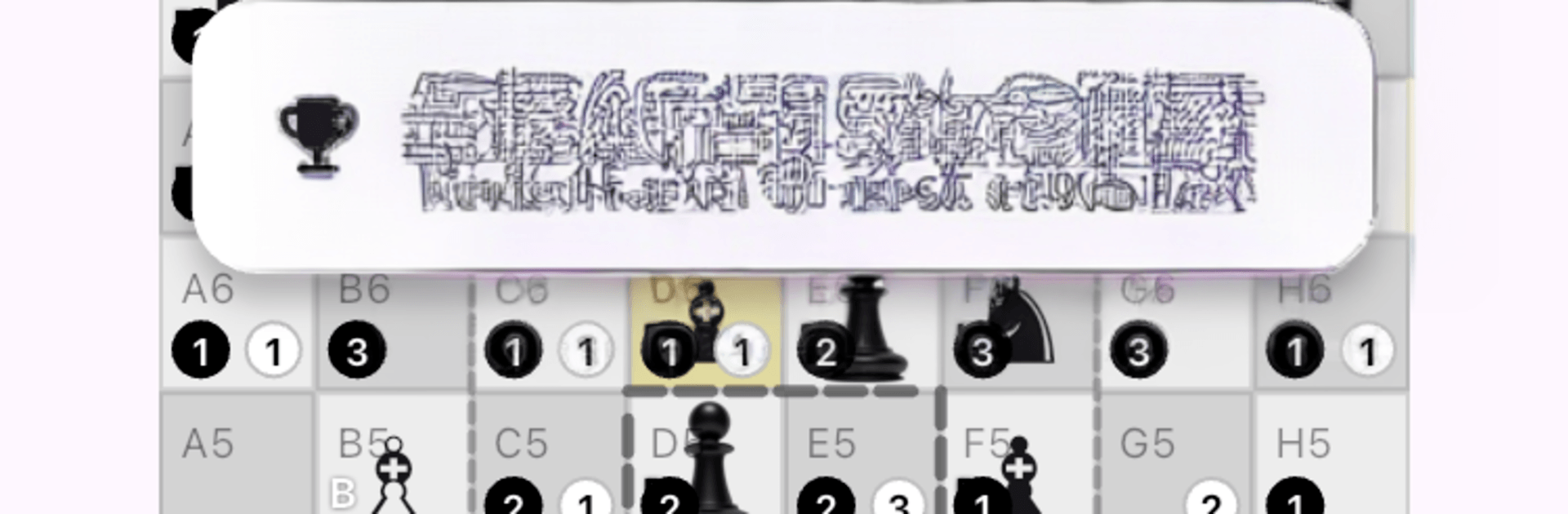
  • Visual intent overlays: See which squares are attacked, defended, or controlled at a glance so plans actually make sense.
  • Safe-move highlights: Tap a piece to view safe options instantly, with risky choices clearly marked.
  • Gentle AI guidance: A simple arrow suggests strong ideas and gives quick, plain-English reasoning behind them.
  • Real-time position readouts: Get live feedback on material, pressure, defense, and central influence while you think.
  • Center-minded cues: Subtle prompts help you understand why controlling the middle matters without turning it into homework.
  • Totally offline play: Practice and play anywhere with no connection required.
  • No ads, no tracking: Learn in peace—no pop-ups, no profiling, just chess.
  • Great for teaching and classrooms: Students grasp concepts faster when the board literally shows attacks, plans, and safe paths.
  • Friendly for mixed skill levels: Play with family or a study buddy; newcomers get visual help while stronger players coach.
  • 51-language support: Switch the interface and guidance to your preferred language in seconds.
  • Runs where you play: Smooth on Chromebook and tablets, and it feels right at home on PC with BlueStacks.

BlueStacks gives you more room to focus on the game and less time adjusting around mobile limitations.


Game Features

Enhancements

  • Macros
  • Multi Instance
  • Multi Instance Sync
  • Script
  • Enhancements
Macros

Macros

Automate the predictable in Chess AI – Intent Chess and transform your gameplay with Macros. Get access to inventive Macros in the BlueStacks Macro Community
Multi Instance

Multi Instance

Play Chess AI – Intent Chess on one window. And chat with your friend on the other. Press CTRL + Shift + 8 to open the Multi-Instance Manager. And start creating fresh instances or clone an existing one.
Multi Instance Sync

Multi Instance Sync

Play Chess AI – Intent Chess with the power of Multi-Instance Sync. Replicate what you are doing on the main instance on all other instances. Level up faster, play more.
Script

Script

Script your way to gaming glory in Chess AI – Intent Chess with BlueStacks Script. Write and run a set of commands to automate repeated tasks. Trigger the command by assigning it to any key.
Read More

How to Download and Play Chess AI – Intent Chess on PC or Mac

  • Download and install BlueStacks on your PC or Mac

  • Complete Google sign-in to access the Play Store, or do it later

  • Look for Chess AI – Intent Chess in the search bar at the top right corner

  • Click to install Chess AI – Intent Chess from the search results

  • Complete Google sign-in (if you skipped step 2) to install Chess AI – Intent Chess

  • Click the Chess AI – Intent Chess icon on the home screen to start playing

video
Watch Video

Minimum System Requirements

With BlueStacks 5, you can get started on a PC that fulfills the following requirements.

  • Operating System

    Microsoft Windows 7 or above, macOS 11 (Big Sur) or above

  • Processor

    Intel, AMD or Apple Silicon Processor

  • RAM

    at least 4GB

  • HDD

    10GB Free Disk Space

Note:

* You must be an Administrator on your PC. Up to date graphics drivers from Microsoft or the chipset vendor.

Chess AI – Intent Chess - FAQs

  • How to play Chess AI – Intent Chess on Windows PC & Mac?

    Play Chess AI – Intent Chess on your PC or Mac by following these simple steps.

    • Click on 'Play Chess AI – Intent Chess on PC’ to download BlueStacks
    • Install it and log-in to Google Play Store
    • Launch and play the game.
  • Why is BlueStacks the fastest and safest platform to play games on PC?

    BlueStacks respects your privacy and is always safe and secure to use. It does not carry any malware, spyware, or any sort of additional software that could harm your PC.

    It is engineered to optimize speed and performance for a seamless gaming experience.

  • What are Chess AI – Intent Chess PC requirements?

    Minimum requirement to run Chess AI – Intent Chess on your PC

    • OS: Microsoft Windows 7 or above MacOS 11 (Big Sur) or above
    • Processor: Intel, AMD or Apple Silicon Processor
    • RAM: Your PC must have at least 4GB of RAM. (Note that having 4GB or more disk space is not a substitute for RAM)
    • HDD: 10GB Free Disk Space.
    • You must be an Administrator on your PC.