Choice of Life: Survival Novel

Choice of Life: Survival Novel

Card

| RETRO WAVE PUBLISHING LIMITED

Play on PC with BlueStacks or from our cloud

  • Overview
  • Game Features
  • How to Play

Page Modified On: August 11, 2026

Play Choice of Life: Survival Novel on PC or Mac

Step into the World of Choice of Life: Survival Novel, a thrilling Card game from the house of RETRO WAVE PUBLISHING LIMITED. Play this Android game on BlueStacks App Player and experience immersive gaming on PC or Mac.

About the Game

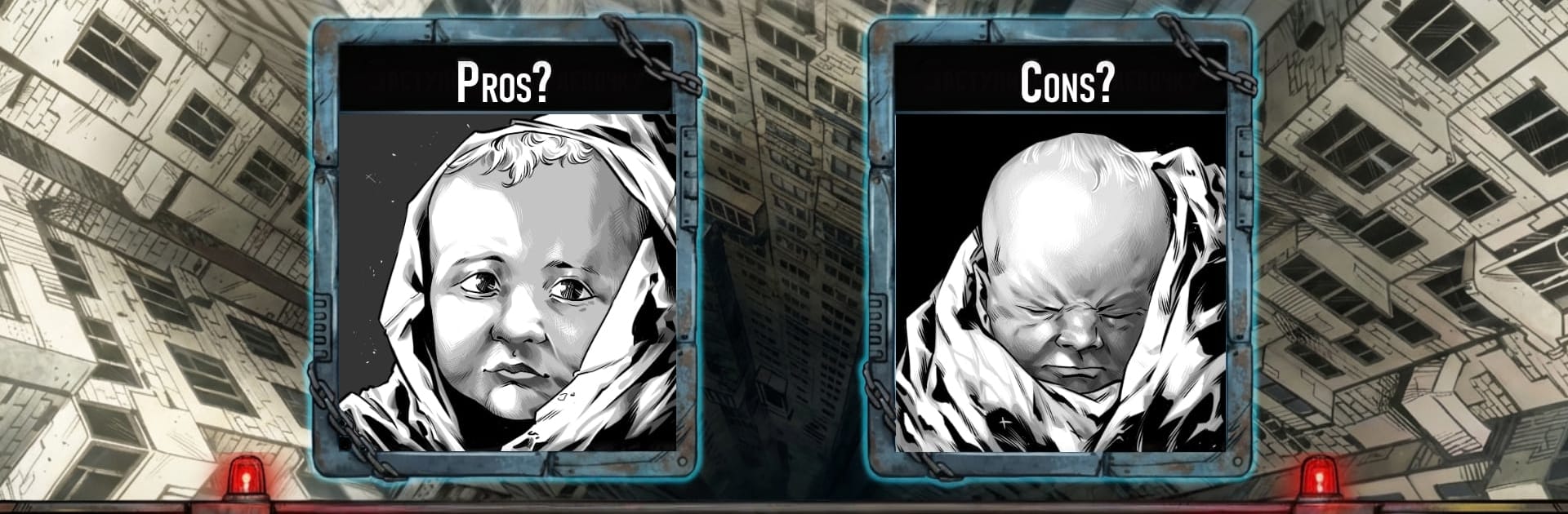
Choice of Life: Survival Novel throws you into Samosbor, a sealed techno-state where one wrong move can cost you your future—or your life. You grow up in the Giga Khrushchevka, a colossal concrete maze of homes, labs, and factories with sirens, inspections, and doors that lock when danger rolls in. It’s a story-driven experience where every decision nudges your fate—career, beliefs, relationships, and survival all hang on what you choose next.

Game Features

  • Branching Paths: Shape your story through meaningful choices that lead to different scenes, consequences, and endings. No two runs feel the same.
  • Harsh Mega-Block Life: Live inside the windowless Giga Khrushchevka, where sealed corridors, block isolation, and constant oversight create a steady, unnerving pressure.
  • Careers With Teeth: Work your way up as a liquidator, scientist, party functionary, or devotee of a rising faith. Each path rewrites your priorities and risks.
  • Survival and Standing: Balance job performance, ideology, reputation, and the neighbors watching from behind thin walls. Your status can open doors—or get them slammed shut.
  • Samosbor Emergencies: When the siren blares, decisions come fast. There aren’t really “safe” options here—only tradeoffs you’ll have to live with.
  • Atmosphere First: Moody 2D art and tight writing keep the focus on tension, worldbuilding, and the fallout from your choices.
  • Rumors and Secrets: Hear whispers about restricted zones and strange phenomena. Push too hard and you might uncover truths the system doesn’t want you to see.
  • Replay-Ready Structure: Short, punchy moments stack into big outcomes, encouraging experimentation and fresh approaches on each playthrough.
  • Easy to Read Anywhere: The clean presentation feels great on mobile—and if you prefer playing on a larger display, it’s comfortable through BlueStacks too.

BlueStacks gives you more room to focus on the game and less time adjusting around mobile limitations.


Game Features

Enhancements

  • Macros
  • Multi Instance
  • Multi Instance Sync
  • Script
  • Enhancements
Macros

Macros

Automate the predictable in Choice of Life: Survival Novel and transform your gameplay with Macros. Get access to inventive Macros in the BlueStacks Macro Community
Multi Instance

Multi Instance

Play Choice of Life: Survival Novel on one window. And chat with your friend on the other. Press CTRL + Shift + 8 to open the Multi-Instance Manager. And start creating fresh instances or clone an existing one.
Multi Instance Sync

Multi Instance Sync

Play Choice of Life: Survival Novel with the power of Multi-Instance Sync. Replicate what you are doing on the main instance on all other instances. Level up faster, play more.
Script

Script

Script your way to gaming glory in Choice of Life: Survival Novel with BlueStacks Script. Write and run a set of commands to automate repeated tasks. Trigger the command by assigning it to any key.
Read More

How to Download and Play Choice of Life: Survival Novel on PC or Mac

  • Download and install BlueStacks on your PC or Mac

  • Complete Google sign-in to access the Play Store, or do it later

  • Look for Choice of Life: Survival Novel in the search bar at the top right corner

  • Click to install Choice of Life: Survival Novel from the search results

  • Complete Google sign-in (if you skipped step 2) to install Choice of Life: Survival Novel

  • Click the Choice of Life: Survival Novel icon on the home screen to start playing

video
Watch Video

Minimum System Requirements

With BlueStacks 5, you can get started on a PC that fulfills the following requirements.

  • Operating System

    Microsoft Windows 7 or above, macOS 11 (Big Sur) or above

  • Processor

    Intel, AMD or Apple Silicon Processor

  • RAM

    at least 4GB

  • HDD

    10GB Free Disk Space

Note:

* You must be an Administrator on your PC. Up to date graphics drivers from Microsoft or the chipset vendor.

Choice of Life: Survival Novel - FAQs

  • How to play Choice of Life: Survival Novel on Windows PC & Mac?

    Play Choice of Life: Survival Novel on your PC or Mac by following these simple steps.

    • Click on 'Play Choice of Life: Survival Novel on PC’ to download BlueStacks
    • Install it and log-in to Google Play Store
    • Launch and play the game.
  • Why is BlueStacks the fastest and safest platform to play games on PC?

    BlueStacks respects your privacy and is always safe and secure to use. It does not carry any malware, spyware, or any sort of additional software that could harm your PC.

    It is engineered to optimize speed and performance for a seamless gaming experience.

  • What are Choice of Life: Survival Novel PC requirements?

    Minimum requirement to run Choice of Life: Survival Novel on your PC

    • OS: Microsoft Windows 7 or above MacOS 11 (Big Sur) or above
    • Processor: Intel, AMD or Apple Silicon Processor
    • RAM: Your PC must have at least 4GB of RAM. (Note that having 4GB or more disk space is not a substitute for RAM)
    • HDD: 10GB Free Disk Space.
    • You must be an Administrator on your PC.