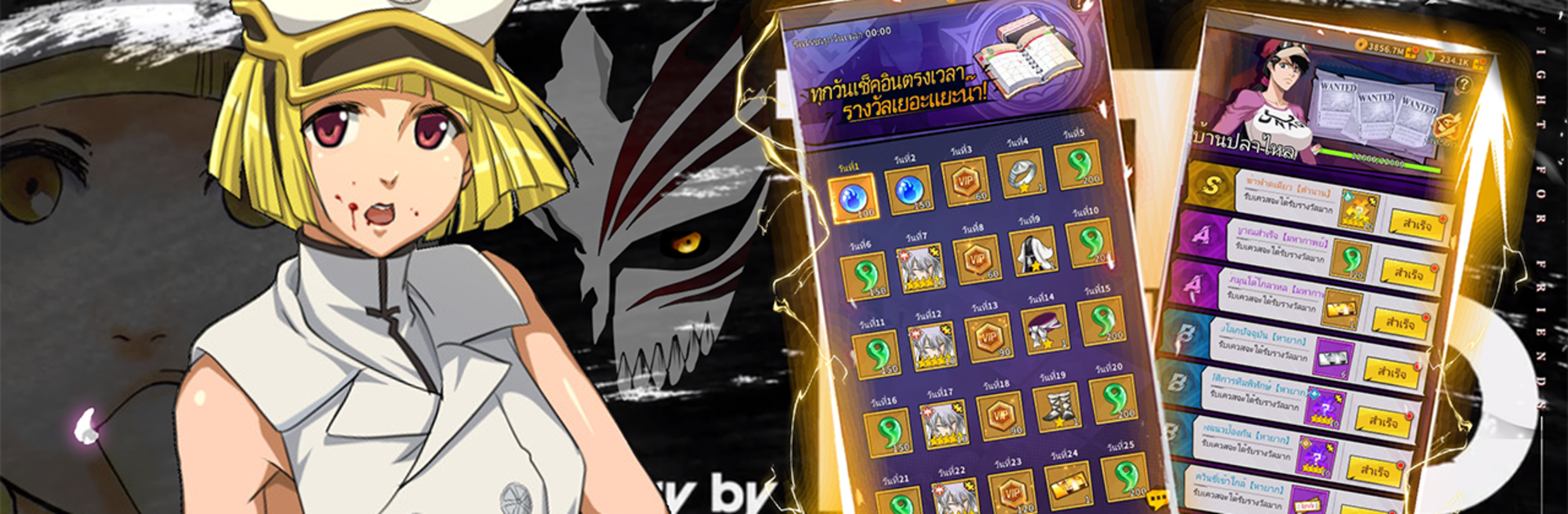
เทพมรณะ
เทพมรณะ

เทพมรณะ

Card

| Black Game

Play on PC with BlueStacks or from our cloud

  • Overview
  • Game Features
  • How to Play

Page Modified On: August 25, 2025

Play เทพมรณะ on PC or Mac

Bring your A-game to เทพมรณะ, the Card game sensation from Black Game. Give your gameplay the much-needed boost with precise game controls, high FPS graphics, and top-tier features on your PC or Mac with BlueStacks.

About the Game

If you’re looking for a card game that goes beyond the basics, เทพมรณะ from Black Game has you covered. This isn’t just your average Card genre experience—it drops you into a flashy 3D world packed with action, heroes, and strategy that’ll keep you guessing what’s next. Whether you’re a collector, tactician, or someone who just wants to see what kind of chaos you can stir up with your lineup, you’ll find plenty to mess around with. Playing on BlueStacks only makes those colorful battles look even better.

Game Features

  • A Huge Roster of Heroes:
    Pick your favorites from over a hundred different cards, each sporting a unique design and play style. There’s something fun about mixing and matching heroes to see what kind of team clicks best for you.

  • Stylish 3D World:
    The game wraps your battles in fresh 3D visuals. Redesigned card art and stories, paired with faction vibes, help each battle scene pop out from the rest.

  • Impressive Voice Work:
    Characters are brought to life with voice acting from some big-name talent. The sounds and banter pull you right into the fight—try not to get too distracted by the cool lines.

  • Easy Rewards & Surprises:
    You’re never short on perks here. Expect free high-tier cards, streaks of card draws, and tons of daily bonuses. Events, festivals, and guild goodies give you more ways to power up without having to overthink things.

  • Hands-Off Progression:
    Got your hands full? No problem. The vertical screen design is perfect for one-handed play, and the “leave it and level up” mechanics mean your squad gets stronger even when you’re not glued to your screen.

  • Social Play & Teamwork:
    Love bringing friends along for the ride? Form guilds, swap heroes, chat about strategy, and take down tough bosses as a crew. Lending a hand—or a hero—to a friend is easy, and there are plenty of ways to get that teamwork boost.

Ready to top the leaderboard? We bet you do. Let precise controls and sharp visuals optimized on BlueStacks lead you to victory.


Game Features

Enhancements

  • Macros
  • Multi Instance
  • Multi Instance Sync
  • Script
  • Enhancements
Macros

Macros

Automate the predictable in เทพมรณะ and transform your gameplay with Macros. Get access to inventive Macros in the BlueStacks Macro Community
Multi Instance

Multi Instance

Play เทพมรณะ on one window. And chat with your friend on the other. Press CTRL + Shift + 8 to open the Multi-Instance Manager. And start creating fresh instances or clone an existing one.
Multi Instance Sync

Multi Instance Sync

Play เทพมรณะ with the power of Multi-Instance Sync. Replicate what you are doing on the main instance on all other instances. Level up faster, play more.
Script

Script

Script your way to gaming glory in เทพมรณะ with BlueStacks Script. Write and run a set of commands to automate repeated tasks. Trigger the command by assigning it to any key.
Read More

How to Download and Play เทพมรณะ on PC or Mac

  • Download and install BlueStacks on your PC or Mac

  • Complete Google sign-in to access the Play Store, or do it later

  • Look for เทพมรณะ in the search bar at the top right corner

  • Click to install เทพมรณะ from the search results

  • Complete Google sign-in (if you skipped step 2) to install เทพมรณะ

  • Click the เทพมรณะ icon on the home screen to start playing

video
Watch Video

Minimum System Requirements

With BlueStacks 5, you can get started on a PC that fulfills the following requirements.

  • Operating System

    Microsoft Windows 7 or above, macOS 11 (Big Sur) or above

  • Processor

    Intel, AMD or Apple Silicon Processor

  • RAM

    at least 4GB

  • HDD

    10GB Free Disk Space

Note:

* You must be an Administrator on your PC. Up to date graphics drivers from Microsoft or the chipset vendor.

เทพมรณะ - FAQs

  • How to play เทพมรณะ on Windows PC & Mac?

    Play เทพมรณะ on your PC or Mac by following these simple steps.

    • Click on 'Play เทพมรณะ on PC’ to download BlueStacks
    • Install it and log-in to Google Play Store
    • Launch and play the game.
  • Why is BlueStacks the fastest and safest platform to play games on PC?

    BlueStacks respects your privacy and is always safe and secure to use. It does not carry any malware, spyware, or any sort of additional software that could harm your PC.

    It is engineered to optimize speed and performance for a seamless gaming experience.

  • What are เทพมรณะ PC requirements?

    Minimum requirement to run เทพมรณะ on your PC

    • OS: Microsoft Windows 7 or above MacOS 11 (Big Sur) or above
    • Processor: Intel, AMD or Apple Silicon Processor
    • RAM: Your PC must have at least 4GB of RAM. (Note that having 4GB or more disk space is not a substitute for RAM)
    • HDD: 10GB Free Disk Space.
    • You must be an Administrator on your PC.