Dragon Force Guilds
Dragon Force Guilds

Dragon Force Guilds

Card

| Haniya Apps

Play on PC with BlueStacks or from our cloud

  • Overview
  • Game Features
  • How to Play

Page Modified On: May 11, 2026

Play Dragon Force Guilds on PC or Mac

Explore a whole new adventure with Dragon Force Guilds, a Card game created by Haniya Apps. Experience great gameplay with BlueStacks, the most popular gaming platform to play Android games on your PC or Mac.

About the Game

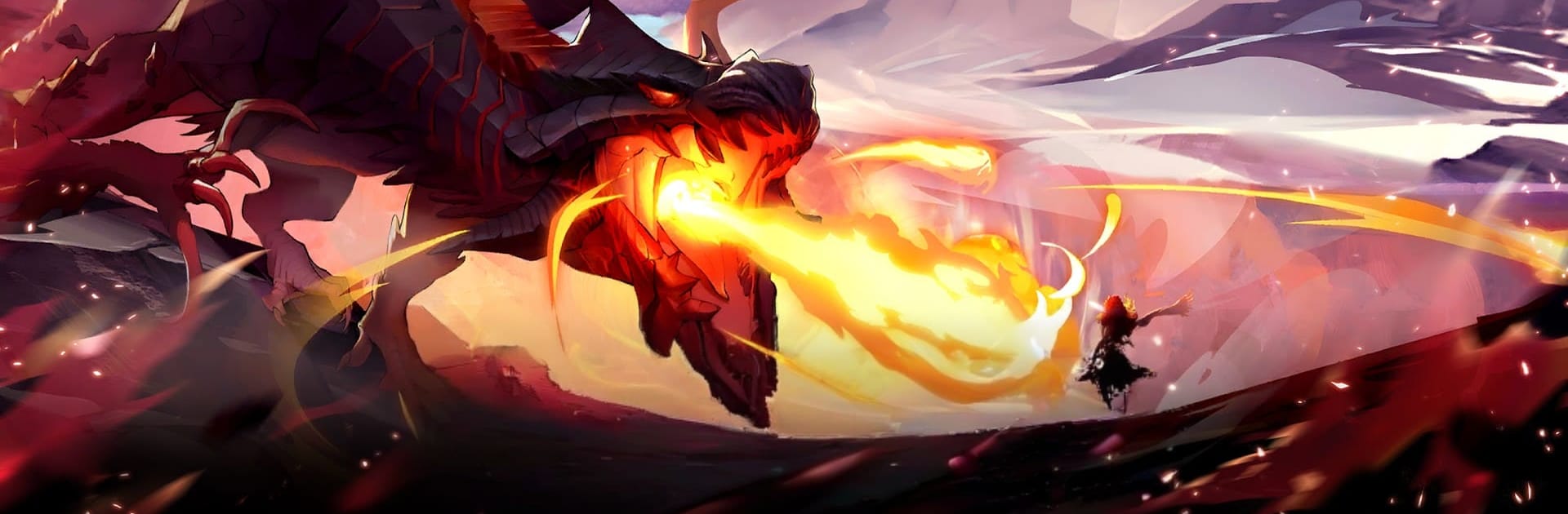
Dragon Force Guilds is a Card battler from Haniya Apps that puts you in charge of a powerhouse guild of mages and dragon slayers. Build your roster, outthink rival factions, and pull off flashy combos that feel as good as they look. Prefer a bigger screen? It runs smoothly on PC with BlueStacks, too.

Game Features

  • Build the Guild: Repair your headquarters, recruit standouts, and assign roles that boost your team’s performance in battles and events.
  • Strategic Card Battles: Every turn matters. Chain skills, time ultimates, and stack synergies to crack tough lineups and boss mechanics.
  • 50+ Wizards to Collect: Assemble a deep roster of fan-favorite spellcasters and slayers, each with unique elements, jobs, and combo paths.
  • Awakening Forms & Ultimates: Unlock high-voltage awakenings and shadow-forged forms that flip a fight in seconds when triggered at the right moment.
  • Rival Factions & Guild Clashes: Take on dangerous organizations in multi-stage encounters where your choices between waves shape the outcome.
  • Signature Moments Recreated: Relive big trials, island showdowns, and arena duels with set-piece missions that echo legendary story arcs.
  • Progress Your Way: Mix PvE chapters, daily challenges, and limited-time modes to farm shards, gear, and upgrade materials at your pace.
  • Authentic Voiceover: Enjoy full Japanese voice acting from the original cast, bringing character bonds and cutscenes to life.
  • Easy Team Management: Smart filters, quick equips, and auto-suggested lineups make it simple to tweak builds without getting buried in menus.

Make your gaming sessions memorable with precise controls that give you an edge in close combats and visuals that pop up, bringing every character to life.


Game Features

Enhancements

  • Macros
  • Multi Instance
  • Multi Instance Sync
  • Script
  • Enhancements
Macros

Macros

Automate the predictable in Dragon Force Guilds and transform your gameplay with Macros. Get access to inventive Macros in the BlueStacks Macro Community
Multi Instance

Multi Instance

Play Dragon Force Guilds on one window. And chat with your friend on the other. Press CTRL + Shift + 8 to open the Multi-Instance Manager. And start creating fresh instances or clone an existing one.
Multi Instance Sync

Multi Instance Sync

Play Dragon Force Guilds with the power of Multi-Instance Sync. Replicate what you are doing on the main instance on all other instances. Level up faster, play more.
Script

Script

Script your way to gaming glory in Dragon Force Guilds with BlueStacks Script. Write and run a set of commands to automate repeated tasks. Trigger the command by assigning it to any key.
Read More

How to Download and Play Dragon Force Guilds on PC or Mac

  • Download and install BlueStacks on your PC or Mac

  • Complete Google sign-in to access the Play Store, or do it later

  • Look for Dragon Force Guilds in the search bar at the top right corner

  • Click to install Dragon Force Guilds from the search results

  • Complete Google sign-in (if you skipped step 2) to install Dragon Force Guilds

  • Click the Dragon Force Guilds icon on the home screen to start playing

video
Watch Video

Minimum System Requirements

With BlueStacks 5, you can get started on a PC that fulfills the following requirements.

  • Operating System

    Microsoft Windows 7 or above, macOS 11 (Big Sur) or above

  • Processor

    Intel, AMD or Apple Silicon Processor

  • RAM

    at least 4GB

  • HDD

    10GB Free Disk Space

Note:

* You must be an Administrator on your PC. Up to date graphics drivers from Microsoft or the chipset vendor.

Dragon Force Guilds - FAQs

  • How to play Dragon Force Guilds on Windows PC & Mac?

    Play Dragon Force Guilds on your PC or Mac by following these simple steps.

    • Click on 'Play Dragon Force Guilds on PC’ to download BlueStacks
    • Install it and log-in to Google Play Store
    • Launch and play the game.
  • Why is BlueStacks the fastest and safest platform to play games on PC?

    BlueStacks respects your privacy and is always safe and secure to use. It does not carry any malware, spyware, or any sort of additional software that could harm your PC.

    It is engineered to optimize speed and performance for a seamless gaming experience.

  • What are Dragon Force Guilds PC requirements?

    Minimum requirement to run Dragon Force Guilds on your PC

    • OS: Microsoft Windows 7 or above MacOS 11 (Big Sur) or above
    • Processor: Intel, AMD or Apple Silicon Processor
    • RAM: Your PC must have at least 4GB of RAM. (Note that having 4GB or more disk space is not a substitute for RAM)
    • HDD: 10GB Free Disk Space.
    • You must be an Administrator on your PC.