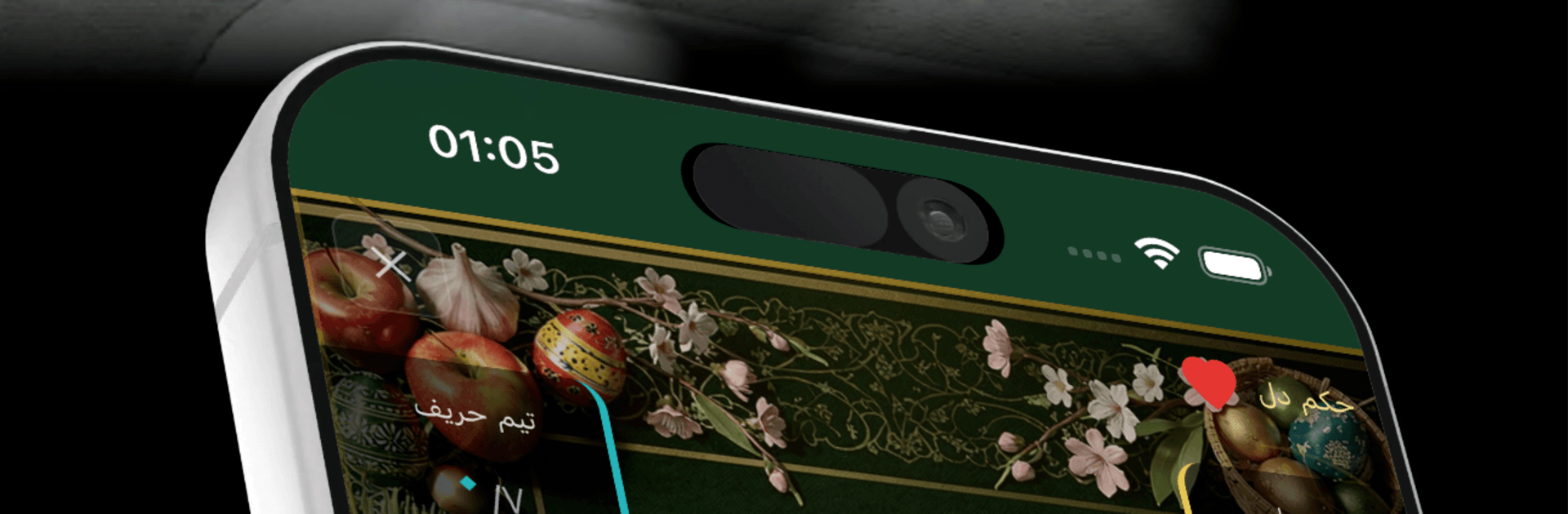
Hokm Cafe - کافه حکم

Hokm Cafe - کافه حکم

Card

| Paragon Producers

Play on PC with BlueStacks or from our cloud

  • Overview
  • Game Features
  • How to Play

Page Modified On: August 10, 2026

Play Hokm Cafe - کافه حکم on PC or Mac

Hokm Cafe – کافه حکم brings the Card genre to life, and throws up exciting challenges for gamers. Developed by Paragon Producers, this Android game is best experienced on BlueStacks, the World’s #1 app player for PC and Mac users.

About the Game

Hokm Cafe – کافه حکم is a clean, modern take on the classic trick‑taking game Hokm, built for quick sessions with friends or sweaty, ranked battles. Whether you’re here to practice, climb, or just hang out at a virtual table, it keeps the action smooth and social. Play on your phone or jump in on PC with BlueStacks—your account and progress stay with you.

Game Features

  • Modes for every mood: Hop into quick casual matches (short 3-hand or full 7-hand), grind through ranked play, or join the daily tournament if you like a schedule.
  • Private rooms, your rules: Set custom rules, invite friends with a code or QR, and fill empty seats with bots when someone’s running late.
  • Open tables to browse: Check active public tables and join the one that fits your vibe using coins.
  • Smart solo practice: Play against AI at Easy, Normal, or Hard to warm up or test new tactics.
  • Smooth online play: Pick your turn timer (fast, normal, slow), rely on auto‑reconnect if your connection blips, and vote for a rematch after private games.
  • Progress that matters: Earn XP and pro points, push through eight ranks from Bronze to Grandmaster, and compete on seasonal and global leaderboards.
  • Weekly bragging rights: Climb category boards like most games played (weighted), most saves, most Kot (and Hokm Kot), longest win streak, and best table commitment.
  • Deep stats & achievements: Track win rate, hands won, sweep counts, personal records, and unlock 27 unique achievements.
  • Social, but chill: Add friends across platforms, use quick chat or full text chat, send private messages, hang in the lounge, and watch live games or full replays.
  • Talkative (or quiet) bots: Choose bot personality—off, reserved, or chatty—and keep the table lively.
  • Make it yours: Adjust card size, sound, music, and haptics; set profile privacy the way you like.
  • Shop and VIP perks: Collect avatars, table themes, and XP boosters; optional VIP tickets (Bronze/Silver/Gold) add coin perks, exclusive looks, and extra conveniences.
  • Bilingual and flexible: Switch between Persian and English, with full right‑to‑left support where it counts.

Start playing Hokm Cafe – کافه حکم on BlueStacks and get a smoother, more comfortable PC or Mac setup.


Game Features

Enhancements

  • Macros
  • Multi Instance
  • Multi Instance Sync
  • Script
  • Enhancements
Macros

Macros

Automate the predictable in Hokm Cafe - کافه حکم and transform your gameplay with Macros. Get access to inventive Macros in the BlueStacks Macro Community
Multi Instance

Multi Instance

Play Hokm Cafe - کافه حکم on one window. And chat with your friend on the other. Press CTRL + Shift + 8 to open the Multi-Instance Manager. And start creating fresh instances or clone an existing one.
Multi Instance Sync

Multi Instance Sync

Play Hokm Cafe - کافه حکم with the power of Multi-Instance Sync. Replicate what you are doing on the main instance on all other instances. Level up faster, play more.
Script

Script

Script your way to gaming glory in Hokm Cafe - کافه حکم with BlueStacks Script. Write and run a set of commands to automate repeated tasks. Trigger the command by assigning it to any key.
Read More

How to Download and Play Hokm Cafe - کافه حکم on PC or Mac

  • Download and install BlueStacks on your PC or Mac

  • Complete Google sign-in to access the Play Store, or do it later

  • Look for Hokm Cafe - کافه حکم in the search bar at the top right corner

  • Click to install Hokm Cafe - کافه حکم from the search results

  • Complete Google sign-in (if you skipped step 2) to install Hokm Cafe - کافه حکم

  • Click the Hokm Cafe - کافه حکم icon on the home screen to start playing

video
Watch Video

Minimum System Requirements

With BlueStacks 5, you can get started on a PC that fulfills the following requirements.

  • Operating System

    Microsoft Windows 7 or above, macOS 11 (Big Sur) or above

  • Processor

    Intel, AMD or Apple Silicon Processor

  • RAM

    at least 4GB

  • HDD

    10GB Free Disk Space

Note:

* You must be an Administrator on your PC. Up to date graphics drivers from Microsoft or the chipset vendor.

Hokm Cafe - کافه حکم - FAQs

  • How to play Hokm Cafe - کافه حکم on Windows PC & Mac?

    Play Hokm Cafe - کافه حکم on your PC or Mac by following these simple steps.

    • Click on 'Play Hokm Cafe - کافه حکم on PC’ to download BlueStacks
    • Install it and log-in to Google Play Store
    • Launch and play the game.
  • Why is BlueStacks the fastest and safest platform to play games on PC?

    BlueStacks respects your privacy and is always safe and secure to use. It does not carry any malware, spyware, or any sort of additional software that could harm your PC.

    It is engineered to optimize speed and performance for a seamless gaming experience.

  • What are Hokm Cafe - کافه حکم PC requirements?

    Minimum requirement to run Hokm Cafe - کافه حکم on your PC

    • OS: Microsoft Windows 7 or above MacOS 11 (Big Sur) or above
    • Processor: Intel, AMD or Apple Silicon Processor
    • RAM: Your PC must have at least 4GB of RAM. (Note that having 4GB or more disk space is not a substitute for RAM)
    • HDD: 10GB Free Disk Space.
    • You must be an Administrator on your PC.