Mecha Battle Cards
Mecha Battle Cards

Mecha Battle Cards

Card

| The Call Interactive

Play on PC with BlueStacks or from our cloud

  • Overview
  • Game Features
  • How to Play

Page Modified On: August 24, 2026

Play Mecha Battle Cards on PC or Mac

Step into the World of Mecha Battle Cards, a thrilling Card game from the house of The Call Interactive. Play this Android game on BlueStacks App Player and experience immersive gaming on PC or Mac.

About the Game

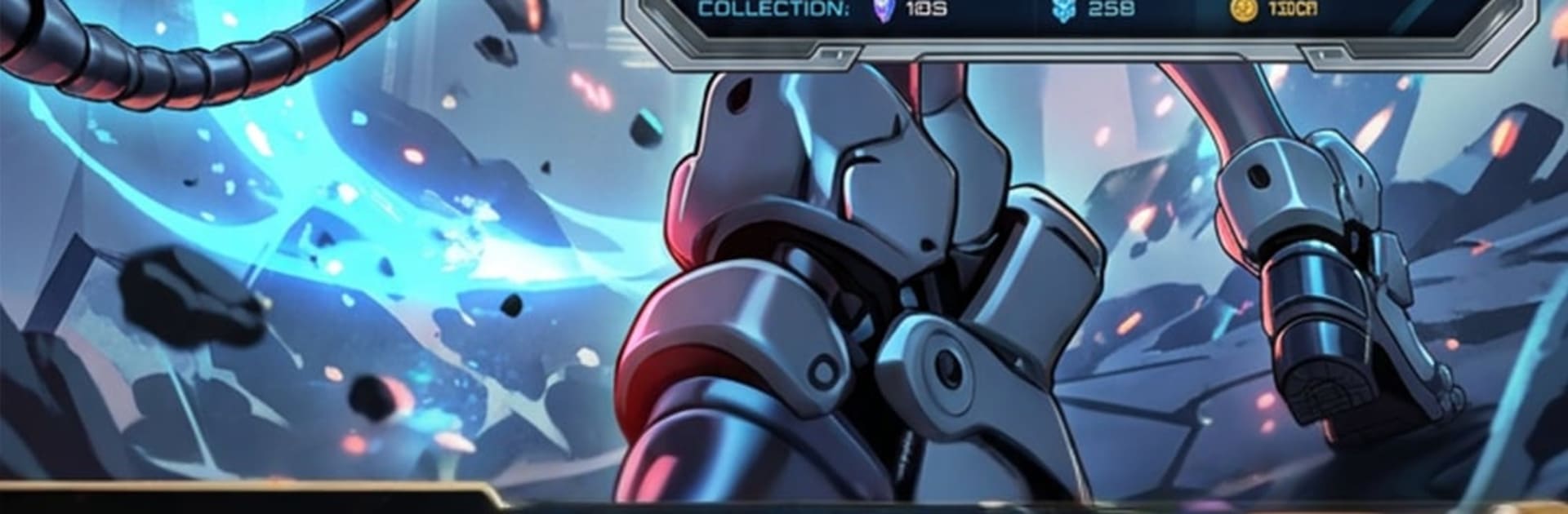
Mecha Battle Cards is a Card game where towering machines face off through smart, turn-based 3v3 battles. Build a deck that hits hard, bluff your opponent, and chain flashy skills to steal the round at the perfect moment. Prefer playing on a bigger screen with precise controls? BlueStacks makes that easy on PC.

Game Features

  • Tactical 3v3 skirmishes: Field three Mechas each round, read your opponent’s plan, and time skills—katana slashes, arcane blasts, homing missiles—to flip the board.
  • Win with style: Perform clean, decisive finishes to earn up to three stars, rewarding sharp decisions and tight execution.
  • A garage packed with metal: Collect a full lineup of 59 Mecha cards across five rarities, from humble Common units to sought-after Ultra Rare beasts.
  • Roles with teeth: Striker, Titan, and Vanguard bring distinct strengths; blend roles to cover gaps, enable combos, and control the pace of a fight.
  • Upgrades that matter: Push cards toward level 100, unlock Fold enhancements, and slot Bonus Cores to tune damage, durability, and skill effects your way.
  • Two ways to battle: Clear a chaptered Campaign with boss encounters, or queue for Ranked and climb from Rookie through Mythic.
  • Deckbuilding that counts: Shape a 20-card battle deck, open packs for fresh tech, and curve your picks so every draw threatens the enemy line.
  • Resources on your schedule: Put the Factory to work and stockpile materials while you’re away, then invest them where they’ll make the biggest impact.
  • Goals that keep you playing: Tackle daily tasks and supply missions, then test your mettle against rivals on the global leaderboard.

Get ready for a buttery smooth, high-performance gaming action only on BlueStacks.

Game Features

Enhancements

  • Macros
  • Multi Instance
  • Multi Instance Sync
  • Script
  • Enhancements
Macros

Macros

Automate the predictable in Mecha Battle Cards and transform your gameplay with Macros. Get access to inventive Macros in the BlueStacks Macro Community
Multi Instance

Multi Instance

Play Mecha Battle Cards on one window. And chat with your friend on the other. Press CTRL + Shift + 8 to open the Multi-Instance Manager. And start creating fresh instances or clone an existing one.
Multi Instance Sync

Multi Instance Sync

Play Mecha Battle Cards with the power of Multi-Instance Sync. Replicate what you are doing on the main instance on all other instances. Level up faster, play more.
Script

Script

Script your way to gaming glory in Mecha Battle Cards with BlueStacks Script. Write and run a set of commands to automate repeated tasks. Trigger the command by assigning it to any key.
Read More

How to Download and Play Mecha Battle Cards on PC or Mac

  • Download and install BlueStacks on your PC or Mac

  • Complete Google sign-in to access the Play Store, or do it later

  • Look for Mecha Battle Cards in the search bar at the top right corner

  • Click to install Mecha Battle Cards from the search results

  • Complete Google sign-in (if you skipped step 2) to install Mecha Battle Cards

  • Click the Mecha Battle Cards icon on the home screen to start playing

video
Watch Video

Minimum System Requirements

With BlueStacks 5, you can get started on a PC that fulfills the following requirements.

  • Operating System

    Microsoft Windows 7 or above, macOS 11 (Big Sur) or above

  • Processor

    Intel, AMD or Apple Silicon Processor

  • RAM

    at least 4GB

  • HDD

    10GB Free Disk Space

Note:

* You must be an Administrator on your PC. Up to date graphics drivers from Microsoft or the chipset vendor.

Mecha Battle Cards - FAQs

  • How to play Mecha Battle Cards on Windows PC & Mac?

    Play Mecha Battle Cards on your PC or Mac by following these simple steps.

    • Click on 'Play Mecha Battle Cards on PC’ to download BlueStacks
    • Install it and log-in to Google Play Store
    • Launch and play the game.
  • Why is BlueStacks the fastest and safest platform to play games on PC?

    BlueStacks respects your privacy and is always safe and secure to use. It does not carry any malware, spyware, or any sort of additional software that could harm your PC.

    It is engineered to optimize speed and performance for a seamless gaming experience.

  • What are Mecha Battle Cards PC requirements?

    Minimum requirement to run Mecha Battle Cards on your PC

    • OS: Microsoft Windows 7 or above MacOS 11 (Big Sur) or above
    • Processor: Intel, AMD or Apple Silicon Processor
    • RAM: Your PC must have at least 4GB of RAM. (Note that having 4GB or more disk space is not a substitute for RAM)
    • HDD: 10GB Free Disk Space.
    • You must be an Administrator on your PC.