REG Poker Hands Trainer

REG Poker Hands Trainer

Card

| Result Education Group LLC

Play on PC with BlueStacks or from our cloud

  • Overview
  • Game Features
  • How to Play

Page Modified On: June 17, 2026

Play REG Poker Hands Trainer on PC or Mac

Explore a whole new adventure with REG Poker Hands Trainer, a Card game created by Result Education Group LLC. Experience great gameplay with BlueStacks, the most popular gaming platform to play Android games on your PC or Mac.

About the Game

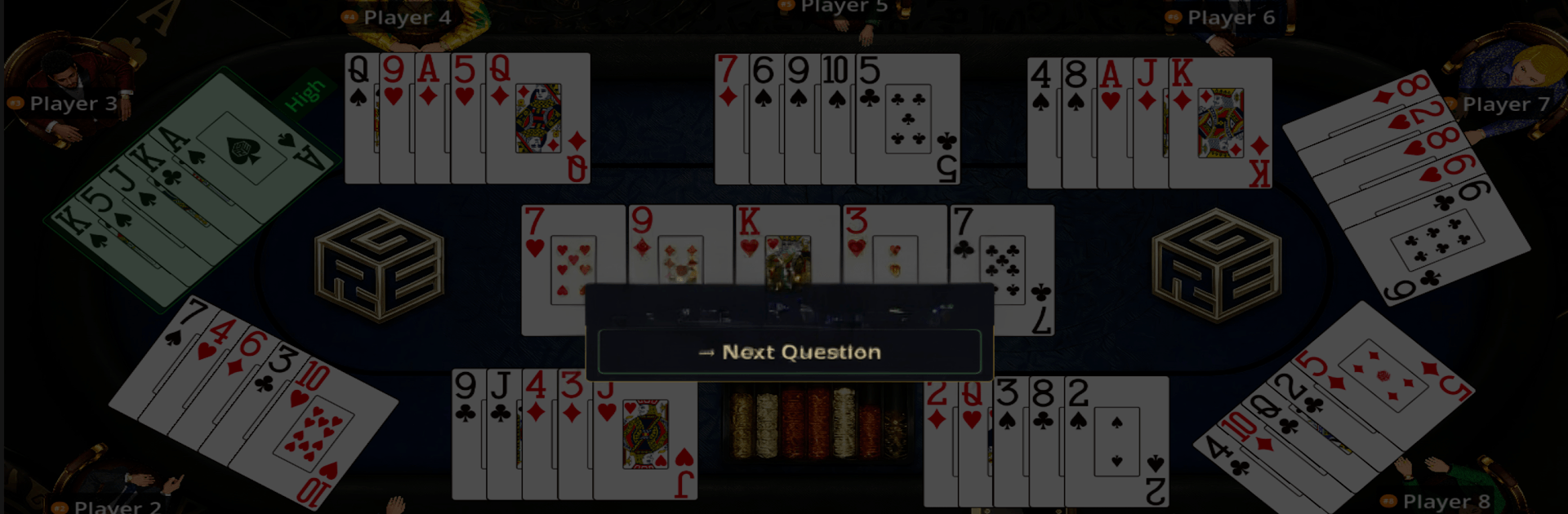
REG Poker Hands Trainer is a hands-on Card practice app built for people who actually touch the cards—dealers, players, and students. It helps you read boards fast, rank hands correctly, and handle mixed games without second-guessing. Sessions are quick, feedback is clear, and you can run drills anywhere, even without a connection.

Game Features

  • 20+ Poker Variants: Train across Texas Hold’em, Omaha, Big O, 7 Card Stud, Razz, Badugi, Lowball, Drawmaha, and wild mixed formats like Badacey, Badeucey, Razzdugi, and Archie.
  • Smart Board Reading: Work through flops, turns, and rivers to spot draws, identify blockers, and size up relative hand strength in seconds.
  • Dealer Pitch Drills: Practice dealing mechanics with instant feedback on accuracy and tempo so auditions and live games feel natural.
  • Hi/Lo Split Support: Run split-pot scenarios for Omaha Hi-Lo, Stud Hi-Lo, and Big O without doing mental gymnastics.
  • Custom Table Setup: Tweak seats, game spreads, and table layouts to mirror your casino, card room, or home game.
  • Cash and Tournament Tools: Use built-in blind schedules and antes for ring games or MTT-style practice.
  • Fast, Clean Interface: Minimal taps, no clutter—perfect for short, focused reps during breaks.
  • Fully Offline: No signal? No problem. Keep practicing on a plane, in the break room, or between sessions.
  • Bigger Screen Option: Prefer a desktop setup? Fire it up on BlueStacks for comfortable, longer study sessions.

Start your journey now. Download the game on BlueStacks, invite your friends, and march on a new adventure.


Game Features

Enhancements

  • Macros
  • Multi Instance
  • Multi Instance Sync
  • Script
  • Enhancements
Macros

Macros

Automate the predictable in REG Poker Hands Trainer and transform your gameplay with Macros. Get access to inventive Macros in the BlueStacks Macro Community
Multi Instance

Multi Instance

Play REG Poker Hands Trainer on one window. And chat with your friend on the other. Press CTRL + Shift + 8 to open the Multi-Instance Manager. And start creating fresh instances or clone an existing one.
Multi Instance Sync

Multi Instance Sync

Play REG Poker Hands Trainer with the power of Multi-Instance Sync. Replicate what you are doing on the main instance on all other instances. Level up faster, play more.
Script

Script

Script your way to gaming glory in REG Poker Hands Trainer with BlueStacks Script. Write and run a set of commands to automate repeated tasks. Trigger the command by assigning it to any key.
Read More

How to Download and Play REG Poker Hands Trainer on PC or Mac

  • Download and install BlueStacks on your PC or Mac

  • Complete Google sign-in to access the Play Store, or do it later

  • Look for REG Poker Hands Trainer in the search bar at the top right corner

  • Click to install REG Poker Hands Trainer from the search results

  • Complete Google sign-in (if you skipped step 2) to install REG Poker Hands Trainer

  • Click the REG Poker Hands Trainer icon on the home screen to start playing

video
Watch Video

Minimum System Requirements

With BlueStacks 5, you can get started on a PC that fulfills the following requirements.

  • Operating System

    Microsoft Windows 7 or above, macOS 11 (Big Sur) or above

  • Processor

    Intel, AMD or Apple Silicon Processor

  • RAM

    at least 4GB

  • HDD

    10GB Free Disk Space

Note:

* You must be an Administrator on your PC. Up to date graphics drivers from Microsoft or the chipset vendor.

REG Poker Hands Trainer - FAQs

  • How to play REG Poker Hands Trainer on Windows PC & Mac?

    Play REG Poker Hands Trainer on your PC or Mac by following these simple steps.

    • Click on 'Play REG Poker Hands Trainer on PC’ to download BlueStacks
    • Install it and log-in to Google Play Store
    • Launch and play the game.
  • Why is BlueStacks the fastest and safest platform to play games on PC?

    BlueStacks respects your privacy and is always safe and secure to use. It does not carry any malware, spyware, or any sort of additional software that could harm your PC.

    It is engineered to optimize speed and performance for a seamless gaming experience.

  • What are REG Poker Hands Trainer PC requirements?

    Minimum requirement to run REG Poker Hands Trainer on your PC

    • OS: Microsoft Windows 7 or above MacOS 11 (Big Sur) or above
    • Processor: Intel, AMD or Apple Silicon Processor
    • RAM: Your PC must have at least 4GB of RAM. (Note that having 4GB or more disk space is not a substitute for RAM)
    • HDD: 10GB Free Disk Space.
    • You must be an Administrator on your PC.