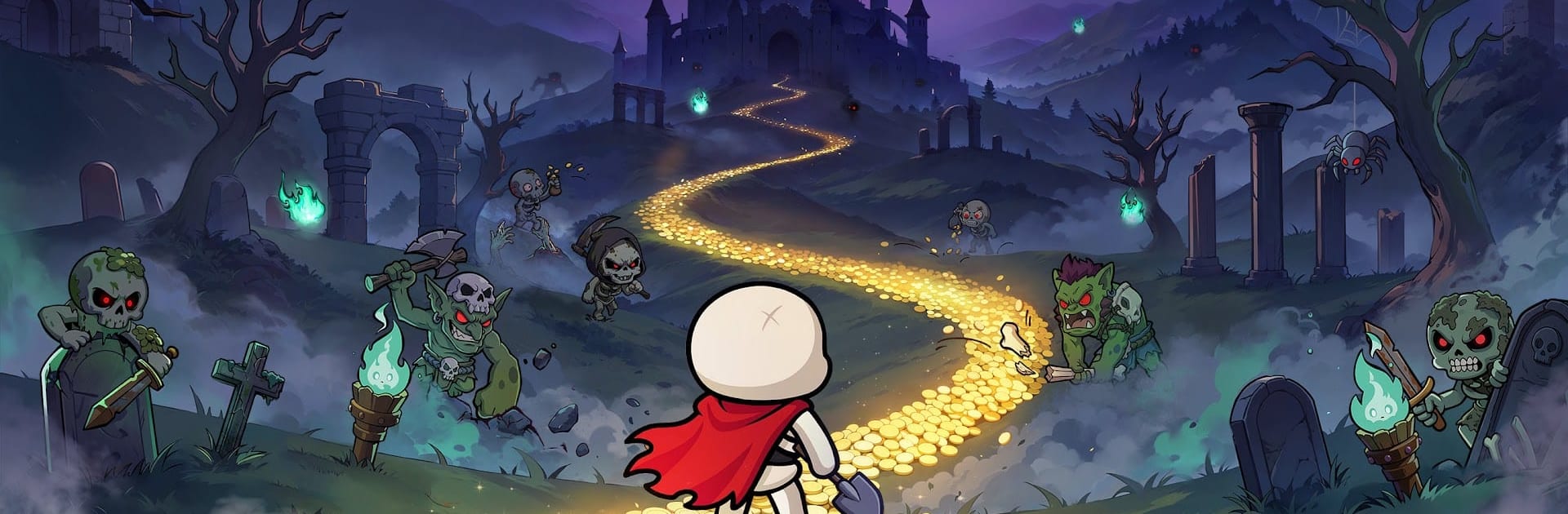


Join millions to experience Skull Up, an exciting Card game from Efun Game Ltd.. With BlueStacks App Player, you are always a step ahead of your opponent, ready to outplay them with faster gameplay and better control with the mouse and keyboard on your PC or Mac.
About the Game
Skull Up is a Card battler from Efun Game Ltd. that’s all about building a scrappy army of skeletons and growing into the ruler of a rowdy underworld. It mixes quick, strategic fights with chill base management, so you’re always making progress—whether you’re min-maxing or just logging in for a few minutes. Want to tinker with builds, collect oddball heroes, and watch resources roll in even when you’re away? That’s the vibe.
Game Features
- Build a Bone Brigade: Recruit 60+ Skellies with their own personalities, skills, and looks. Many can swap between human and skull forms, giving you flexible options when a battle gets tricky.
- Strategy That Actually Matters: Mix tanks, breakers, supports, and more to create combos that punch above their weight. Every unit brings a different edge, so smart lineups win the day.
- Upgrades Without Regret: Change your mind as much as you want. Resources you pour into a Skelly can be fully refunded, letting you experiment freely without feeling punished.
- Your Underworld, Your Workflow: Put skull workers to the grind—smelting, logging, and mining—so EXP and materials keep piling up, even while you’re offline.
- Adventures and Guild Battles: Hunt treasures, challenge tough foes, and take on modes that keep the pace fresh. Team up with a guild to tackle bigger threats and share the spoils.
- Progress Your Way: Prefer careful planning or fast farming? Earn resources through management, crush enemies with clever tactics, or blend both for steady growth.
- PC-Friendly Option: Like playing on a bigger screen? Skull Up runs comfortably on BlueStacks if you want that desktop feel.
Get ready for a buttery smooth, high-performance gaming action only on BlueStacks.