

BlueStacks. Powered by Android 16.
Run games side by side, play smoother at up to 120Hz, and free up space.
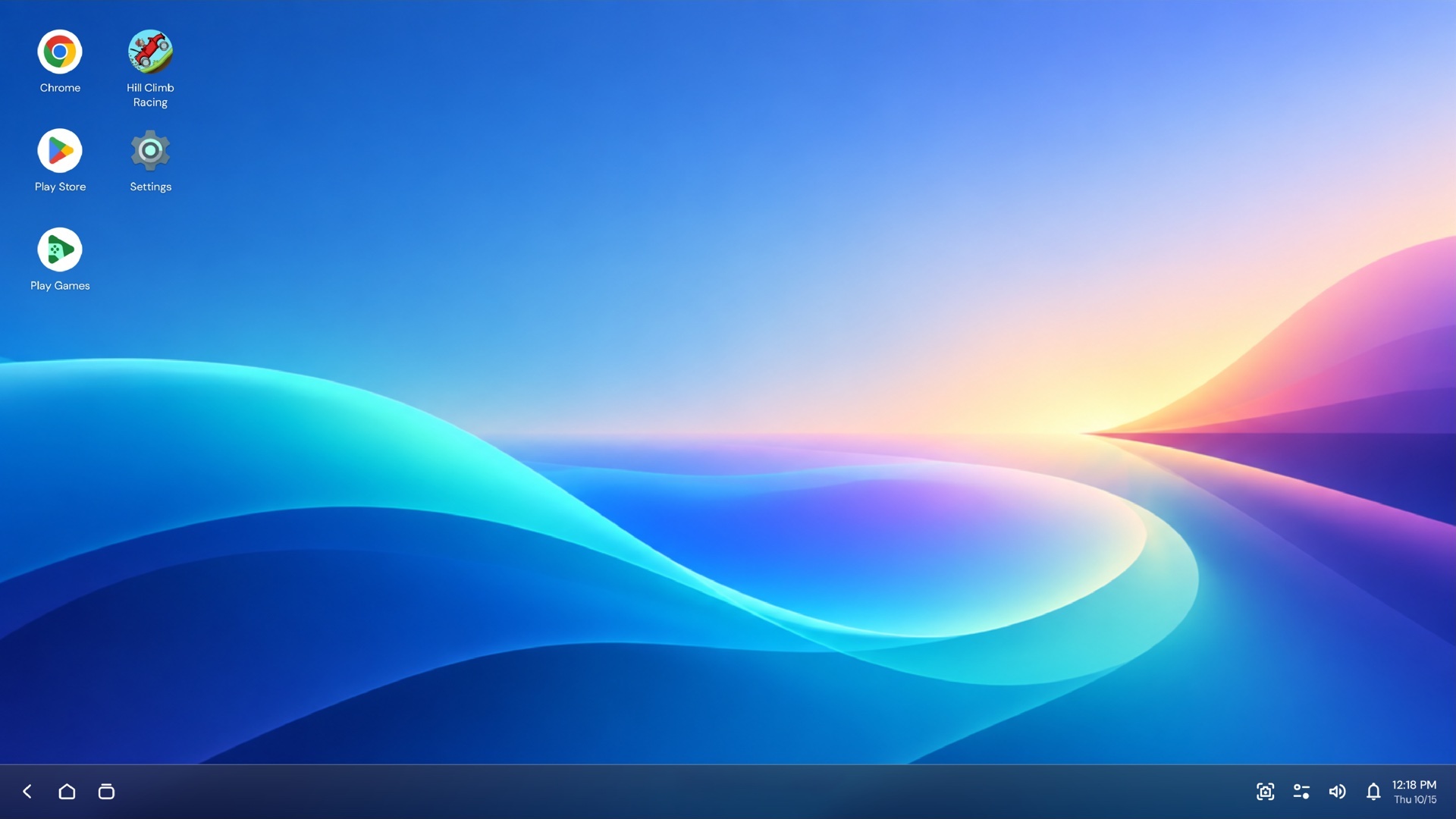



Built on Android 16. Made for play.
Four upgrades that make Android games feel at home on a PC.
True Desktop Windowing
Side by side
Games in their own windows you can resize, arrange or maximize.
Learn more ↓High refresh rate
Up to 120Hz
Smoother motion in supported games on compatible displays.
Learn more ↓Smart App Archiving
Free up space
Remove game files and keep supported app data.
Learn more ↓Advanced Professional Video
APV video
Support for high-quality video recording and editing.
Learn more ↓
Run games side by side.
Supported games open in separate windows. Resize them, arrange them on one desktop, or maximize one when it’s time to focus.
Window behavior varies by app.
Smoother gameplay, up to 120Hz.
Supported games can run at refresh rates up to 120Hz for more fluid motion and quicker visual feedback.
Actual results depend on the game, display, hardware and settings.
Up to120Hz
Illustration of motion smoothness, not a measurement.
Free up space.Keep your app data.
Smart App Archiving removes a supported game’s files while keeping its supported app data, so you can restore it later and pick up where you left off.
- 1Archive a game you’re not playing
- 2Its game files are removed
- 3Supported app data stays
- 4Restore it whenever you want
Saved progress depends on the game and its account sync.
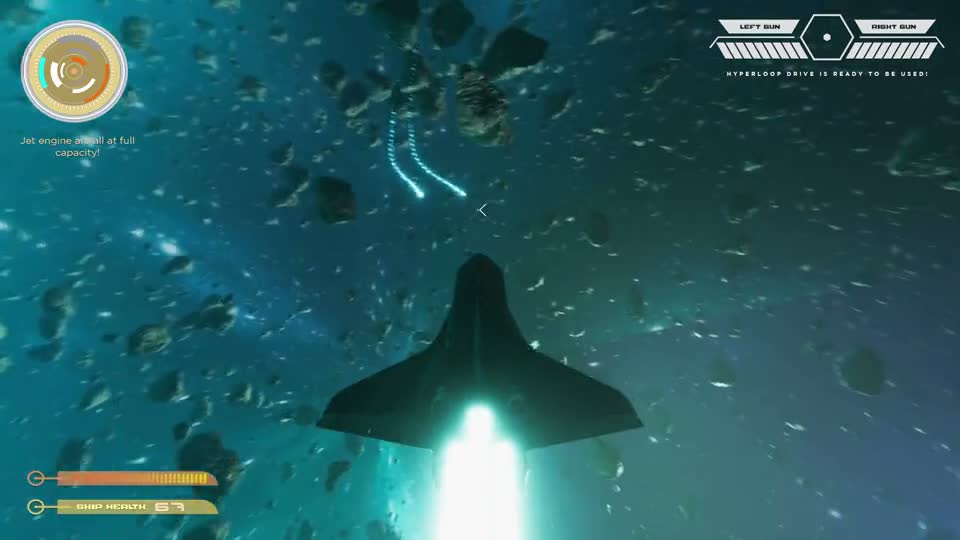
Space shooter
Installed
Ready to archive when you need the space.
Support for high-quality video.
Android 16 adds APV support for recording and editing high-quality video.
Available tools and formats depend on your BlueStacks version.
Will it run? Check your PC.
Minimum System Requirements
OS
Windows 7
or above
Processor
Intel or AMD
processor
Memory
12GB RAM
at least
Storage
10GB
free disk space
You’ll also need
- Administrator rights on your PC
- Up-to-date graphics drivers from Microsoft or your chipset vendor
Questions about BlueStacks 16
BlueStacks 16 runs Android 16 on your PC, with separate app windows, high-refresh gameplay and Smart App Archiving.
It opens supported apps and games in windows you can move, resize or maximize. Behavior can vary by app.
No. 120Hz needs a supported game, a compatible display and suitable hardware.
It keeps supported app data. Restoring sign-in and progress depends on the game and its account sync.
Mac users can use BlueStacks Air. Features and Android versions may differ.
From the official BlueStacks download page, which also lists available versions and system requirements.
Play on Android 16.
Bring your Android games to PC with BlueStacks 16.
Requires 12 GB RAM or more · Powered by Android 16

