三国殺ポケット
三国殺ポケット

三国殺ポケット

Card

| 遊嘉株式会社

Play on PC with BlueStacks or from our cloud

  • Overview
  • Game Features
  • How to Play

Page Modified On: September 18, 2026

Play 三国殺ポケット on PC or Mac

三国殺ポケット by 遊嘉株式会社 has plenty to keep you busy. BlueStacks lets you play it on PC or Mac with more screen space, better control, and fewer mobile limits.

About the Game

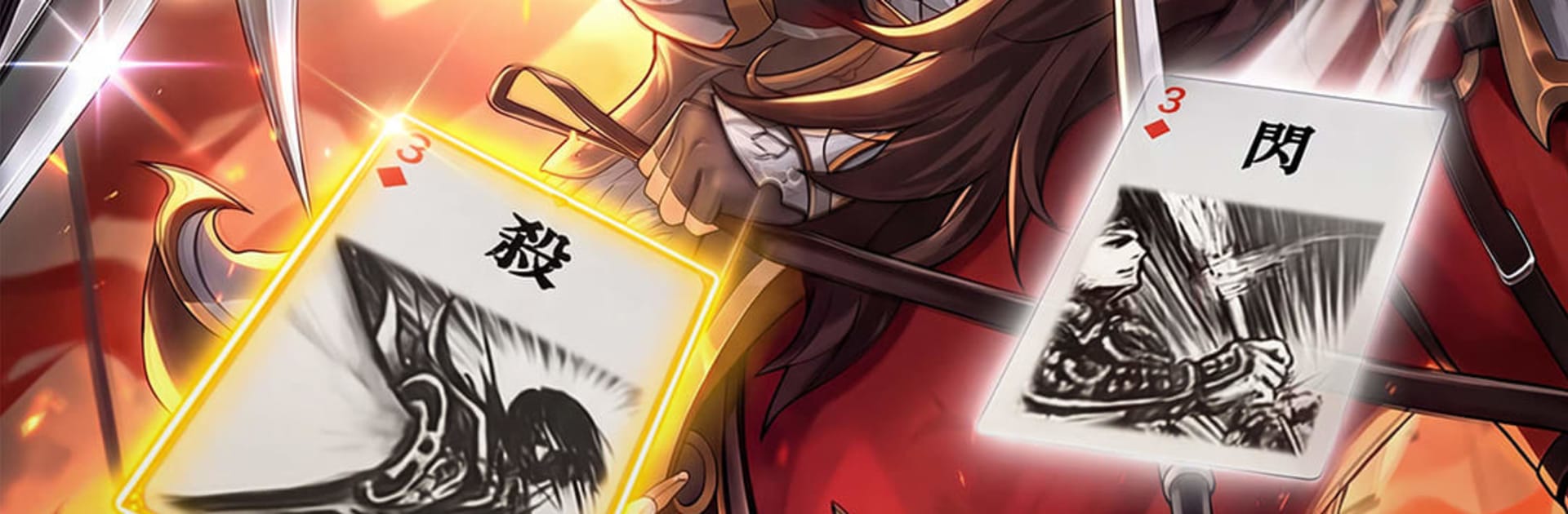
三国殺ポケット is a Card strategy game that drops you into the turbulence of the Three Kingdoms with a hand of clever tricks and a roster of iconic warlords. Pick a leader, manage your cards, and read the table—simple at first, then surprisingly deep once you start spotting patterns and timing your plays. It’s relaxed enough for quick sessions yet rich enough for long, thinky nights. Prefer a larger display? It pairs nicely with BlueStacks.

Game Features

  • Simple to learn, deep to master: Pick up the rules fast, then uncover layers of timing, tempo, and reads that keep every match fresh.
  • 100+ distinctive warlords: Command heroes from Wei, Shu, and Wu—each one brings unique skills that reshape offense, defense, and support.
  • Signature cards that matter: Fire off Kill for pressure, throw down Flash to block, use Peach to recover, and power up with equipment and brocade cards.
  • Objective-based stages: Tackle scenarios with clear win conditions that nudge you to adjust your approach and try new ideas.
  • Plenty of ways to play: Knock out a quick skirmish when you’ve got a minute or settle in for a tense, tactical showdown.
  • Build clever combos: Chain skills with gear, bait out counters, and swing momentum with a single, well-planned turn.
  • Welcoming yet competitive: Easy for newcomers and families to grasp, while offering the depth seasoned players crave for serious battles.

Start your journey now. Download the game on BlueStacks, invite your friends, and march on a new adventure.


Game Features

Enhancements

  • Macros
  • Multi Instance
  • Multi Instance Sync
  • Script
  • Enhancements
Macros

Macros

Automate the predictable in 三国殺ポケット and transform your gameplay with Macros. Get access to inventive Macros in the BlueStacks Macro Community
Multi Instance

Multi Instance

Play 三国殺ポケット on one window. And chat with your friend on the other. Press CTRL + Shift + 8 to open the Multi-Instance Manager. And start creating fresh instances or clone an existing one.
Multi Instance Sync

Multi Instance Sync

Play 三国殺ポケット with the power of Multi-Instance Sync. Replicate what you are doing on the main instance on all other instances. Level up faster, play more.
Script

Script

Script your way to gaming glory in 三国殺ポケット with BlueStacks Script. Write and run a set of commands to automate repeated tasks. Trigger the command by assigning it to any key.
Read More

How to Download and Play 三国殺ポケット on PC or Mac

  • Download and install BlueStacks on your PC or Mac

  • Complete Google sign-in to access the Play Store, or do it later

  • Look for 三国殺ポケット in the search bar at the top right corner

  • Click to install 三国殺ポケット from the search results

  • Complete Google sign-in (if you skipped step 2) to install 三国殺ポケット

  • Click the 三国殺ポケット icon on the home screen to start playing

video
Watch Video

Minimum System Requirements

With BlueStacks 5, you can get started on a PC that fulfills the following requirements.

  • Operating System

    Microsoft Windows 7 or above, macOS 11 (Big Sur) or above

  • Processor

    Intel, AMD or Apple Silicon Processor

  • RAM

    at least 4GB

  • HDD

    10GB Free Disk Space

Note:

* You must be an Administrator on your PC. Up to date graphics drivers from Microsoft or the chipset vendor.

三国殺ポケット - FAQs

  • How to play 三国殺ポケット on Windows PC & Mac?

    Play 三国殺ポケット on your PC or Mac by following these simple steps.

    • Click on 'Play 三国殺ポケット on PC’ to download BlueStacks
    • Install it and log-in to Google Play Store
    • Launch and play the game.
  • Why is BlueStacks the fastest and safest platform to play games on PC?

    BlueStacks respects your privacy and is always safe and secure to use. It does not carry any malware, spyware, or any sort of additional software that could harm your PC.

    It is engineered to optimize speed and performance for a seamless gaming experience.

  • What are 三国殺ポケット PC requirements?

    Minimum requirement to run 三国殺ポケット on your PC

    • OS: Microsoft Windows 7 or above MacOS 11 (Big Sur) or above
    • Processor: Intel, AMD or Apple Silicon Processor
    • RAM: Your PC must have at least 4GB of RAM. (Note that having 4GB or more disk space is not a substitute for RAM)
    • HDD: 10GB Free Disk Space.
    • You must be an Administrator on your PC.