Titan War
Titan War

Titan War

Card

| Glacier entertainment

Play on PC with BlueStacks or from our cloud

  • Overview
  • Game Features
  • How to Play

Page Modified On: May 19, 2026

Play Titan War on PC or Mac

From the innovators and creators at Glacier entertainment, Titan War is another fun addition to the World of Card games. Go beyond your mobile screen and play it bigger and better on your PC or Mac. An immersive experience awaits you.

About the Game

Titan War from Glacier entertainment is a Card battler where six rival camps are constantly at each other’s throats and you’re the one calling the shots. Draft a roster of unique heroes, set their formation, and watch your plan unfold as skills fly and enemies fall. Prefer playing on a bigger screen with a mouse? Titan War feels right at home on BlueStacks, too.

Game Features

  • Six Camps, 100+ Heroes: Build your collection from dozens of factions and roles. Each hero comes with distinct attributes and skills, so there’s always a fresh combo to try.
  • Formation Matters: Frontline, backline, support—where you place each unit changes everything. Tinker with positions to squeeze out that extra edge in every fight.
  • Train, Evolve, or Recycle: Power up your favorites with upgrades and evolutions. Extra copies don’t go to waste—you can turn them into spirit materials to boost the heroes you actually use.
  • Offline Gains That Stack: Step away and still progress. Idle rewards keep rolling in while you’re logged off, and longer breaks mean bigger resource hauls when you return.
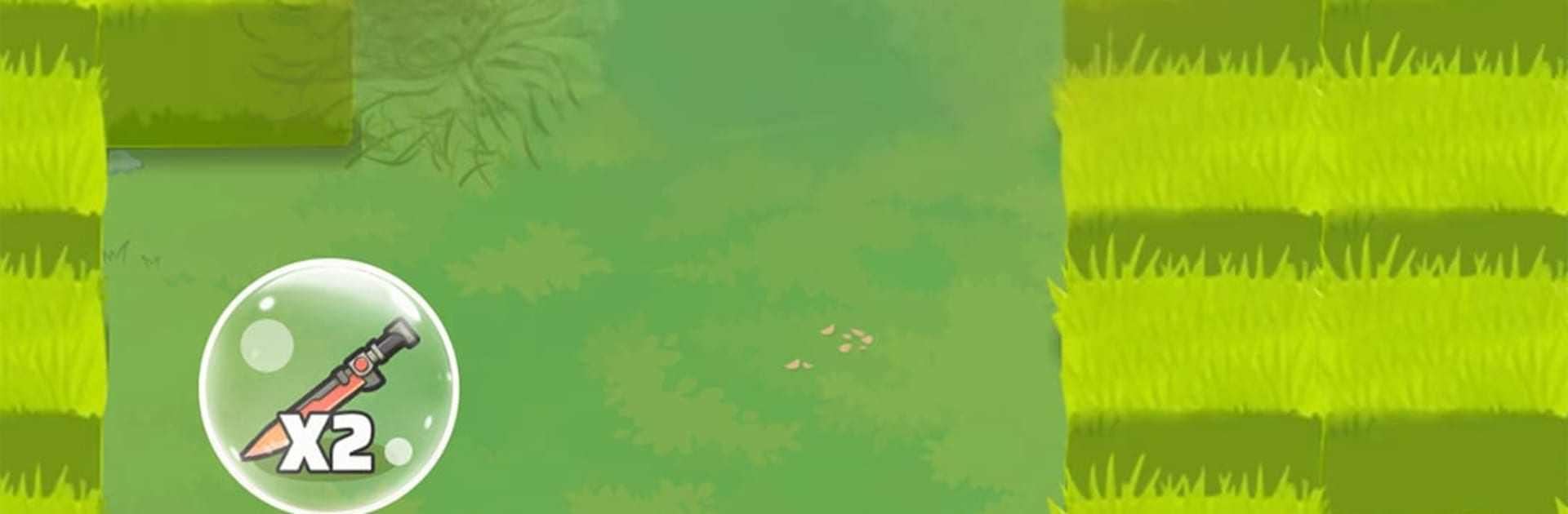
  • Blade-Harvest Combat: Collect blades during battles and unleash them to mow through foes. Keep upgrading to push your attack power higher and clear tougher waves.
  • Strategy-First Card Play: Pick lineups based on counters, synergies, and timing. Smart choices beat raw stats, so your brain does as much work as your heroes do.

Slay your opponents with your epic moves. Play it your way on BlueStacks and dominate the battlefield.


Game Features

Enhancements

  • Macros
  • Multi Instance
  • Multi Instance Sync
  • Script
  • Enhancements
Macros

Macros

Automate the predictable in Titan War and transform your gameplay with Macros. Get access to inventive Macros in the BlueStacks Macro Community
Multi Instance

Multi Instance

Play Titan War on one window. And chat with your friend on the other. Press CTRL + Shift + 8 to open the Multi-Instance Manager. And start creating fresh instances or clone an existing one.
Multi Instance Sync

Multi Instance Sync

Play Titan War with the power of Multi-Instance Sync. Replicate what you are doing on the main instance on all other instances. Level up faster, play more.
Script

Script

Script your way to gaming glory in Titan War with BlueStacks Script. Write and run a set of commands to automate repeated tasks. Trigger the command by assigning it to any key.
Read More

How to Download and Play Titan War on PC or Mac

  • Download and install BlueStacks on your PC or Mac

  • Complete Google sign-in to access the Play Store, or do it later

  • Look for Titan War in the search bar at the top right corner

  • Click to install Titan War from the search results

  • Complete Google sign-in (if you skipped step 2) to install Titan War

  • Click the Titan War icon on the home screen to start playing

video
Watch Video

Minimum System Requirements

With BlueStacks 5, you can get started on a PC that fulfills the following requirements.

  • Operating System

    Microsoft Windows 7 or above, macOS 11 (Big Sur) or above

  • Processor

    Intel, AMD or Apple Silicon Processor

  • RAM

    at least 4GB

  • HDD

    10GB Free Disk Space

Note:

* You must be an Administrator on your PC. Up to date graphics drivers from Microsoft or the chipset vendor.

Titan War - FAQs

  • How to play Titan War on Windows PC & Mac?

    Play Titan War on your PC or Mac by following these simple steps.

    • Click on 'Play Titan War on PC’ to download BlueStacks
    • Install it and log-in to Google Play Store
    • Launch and play the game.
  • Why is BlueStacks the fastest and safest platform to play games on PC?

    BlueStacks respects your privacy and is always safe and secure to use. It does not carry any malware, spyware, or any sort of additional software that could harm your PC.

    It is engineered to optimize speed and performance for a seamless gaming experience.

  • What are Titan War PC requirements?

    Minimum requirement to run Titan War on your PC

    • OS: Microsoft Windows 7 or above MacOS 11 (Big Sur) or above
    • Processor: Intel, AMD or Apple Silicon Processor
    • RAM: Your PC must have at least 4GB of RAM. (Note that having 4GB or more disk space is not a substitute for RAM)
    • HDD: 10GB Free Disk Space.
    • You must be an Administrator on your PC.