98 Nights - Zombie Forest Game

98 Nights - Zombie Forest Game

Casual

| BrainSoft-Games

Play on PC with BlueStacks or from our cloud

  • Overview
  • Game Features
  • How to Play

Page Modified On: September 01, 2026

Play 98 Nights - Zombie Forest Game on PC or Mac

98 Nights – Zombie Forest Game brings the Casual genre to life, and throws up exciting challenges for gamers. Developed by BrainSoft-Games, this Android game is best experienced on BlueStacks, the World’s #1 app player for PC and Mac users.

About the Game

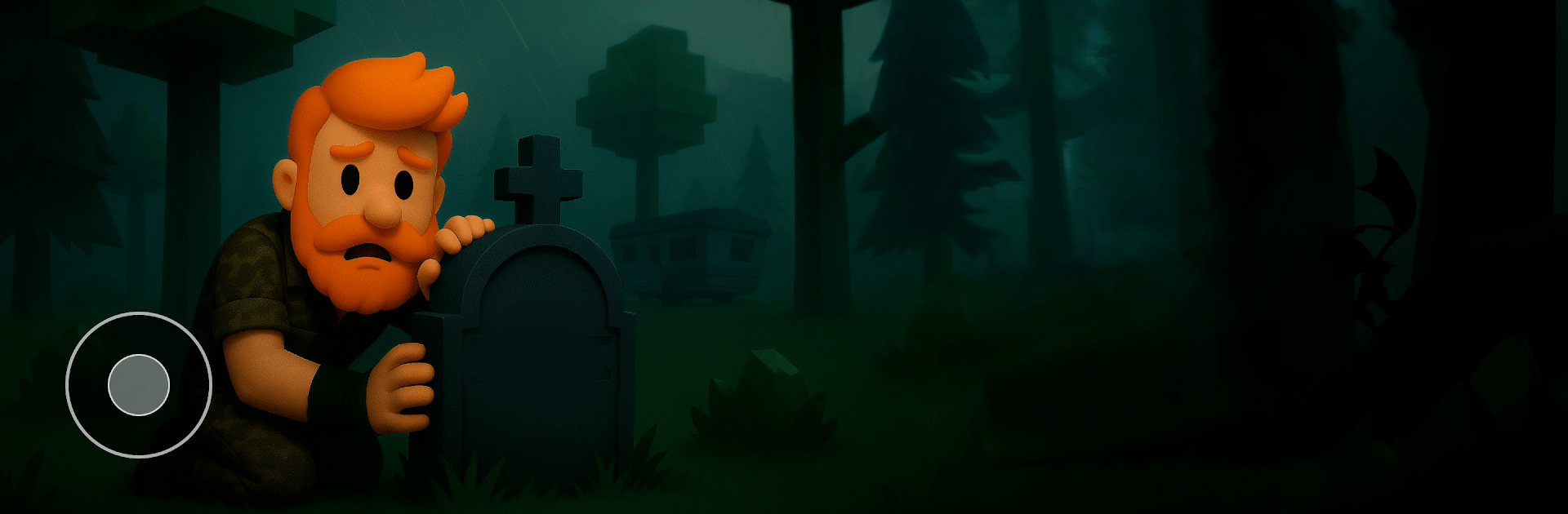
98 Nights – Zombie Forest Game drops you into a quiet, deadly forest after everything fell apart. By day you scavenge and prepare; by night you cling to a flickering fire and pray your plans hold. It’s a Casual survival experience that’s easy to learn but seriously tense—especially if you’re playing on BlueStacks for smooth control and a clearer look at what’s stalking the trees.

Game Features

  • 99-night challenge: Push through a relentless countdown as each night grows harsher, enemies hit harder, and the cold creeps in.
  • Day prep, night defense: Use daylight to gather food, craft tools, and shore up shelter, then brace yourself when the moans start echoing.
  • Campfire lifeline: Feed the flame to keep the undead at a distance; let it sputter, and they’ll close in fast.
  • Explore and craft: Scour the woods for resources and turn them into weapons, traps, and handy gear that keep you one step ahead.
  • Pick your survivor: Choose a boy or a girl and switch up skins and strengths to match your style of staying alive.
  • Hunger and health management: Hunt, cook, and heal so you’re strong enough to weather another long, brutal night.
  • Tense shooter action: Line up shots, manage ammo, and kite the horde as they press hard against your defenses.
  • Strategy over panic: Decide when to hold your ground, when to sneak past danger, and when a tactical retreat saves the run.
  • Gear progression: Upgrade your arsenal, reinforce barricades, and craft better tools as you learn the forest’s patterns.
  • Atmosphere that bites: Haunting sound, shifting weather, and pitch-black nights turn a simple campsite into a nerve-grinding battleground.

Get ready for a buttery smooth, high-performance gaming action only on BlueStacks.

Game Features

Enhancements

  • Macros
  • Multi Instance
  • Script
  • Repeated Tap
  • Enhancements
Macros

Macros

Automate the predictable in 98 Nights - Zombie Forest Game and transform your gameplay with Macros. Get access to inventive Macros in the BlueStacks Macro Community
Multi Instance

Multi Instance

Play 98 Nights - Zombie Forest Game on one window. And chat with your friend on the other. Press CTRL + Shift + 8 to open the Multi-Instance Manager. And start creating fresh instances or clone an existing one.
Script

Script

Script your way to gaming glory in 98 Nights - Zombie Forest Game with BlueStacks Script. Write and run a set of commands to automate repeated tasks. Trigger the command by assigning it to any key.
Repeated Tap

Repeated Tap

BlueStacks lets you master 98 Nights - Zombie Forest Game with useful features like the Repeated Tap. Now you do not have to press the same key repeatedly to initiate an action. Just assign it to one key and you are good to go.
Read More

How to Download and Play 98 Nights - Zombie Forest Game on PC or Mac

  • Download and install BlueStacks on your PC or Mac

  • Complete Google sign-in to access the Play Store, or do it later

  • Look for 98 Nights - Zombie Forest Game in the search bar at the top right corner

  • Click to install 98 Nights - Zombie Forest Game from the search results

  • Complete Google sign-in (if you skipped step 2) to install 98 Nights - Zombie Forest Game

  • Click the 98 Nights - Zombie Forest Game icon on the home screen to start playing

video
Watch Video

Minimum System Requirements

With BlueStacks 5, you can get started on a PC that fulfills the following requirements.

  • Operating System

    Microsoft Windows 7 or above, macOS 11 (Big Sur) or above

  • Processor

    Intel, AMD or Apple Silicon Processor

  • RAM

    at least 4GB

  • HDD

    10GB Free Disk Space

Note:

* You must be an Administrator on your PC. Up to date graphics drivers from Microsoft or the chipset vendor.

98 Nights - Zombie Forest Game - FAQs

  • How to play 98 Nights - Zombie Forest Game on Windows PC & Mac?

    Play 98 Nights - Zombie Forest Game on your PC or Mac by following these simple steps.

    • Click on 'Play 98 Nights - Zombie Forest Game on PC’ to download BlueStacks
    • Install it and log-in to Google Play Store
    • Launch and play the game.
  • Why is BlueStacks the fastest and safest platform to play games on PC?

    BlueStacks respects your privacy and is always safe and secure to use. It does not carry any malware, spyware, or any sort of additional software that could harm your PC.

    It is engineered to optimize speed and performance for a seamless gaming experience.

  • What are 98 Nights - Zombie Forest Game PC requirements?

    Minimum requirement to run 98 Nights - Zombie Forest Game on your PC

    • OS: Microsoft Windows 7 or above MacOS 11 (Big Sur) or above
    • Processor: Intel, AMD or Apple Silicon Processor
    • RAM: Your PC must have at least 4GB of RAM. (Note that having 4GB or more disk space is not a substitute for RAM)
    • HDD: 10GB Free Disk Space.
    • You must be an Administrator on your PC.