Animal Games 3D
Animal Games 3D

Animal Games 3D

Casual

| Gamejam

Play on PC with BlueStacks or from our cloud

  • Overview
  • Game Features
  • How to Play

Page Modified On: January 09, 2026

Play Animal Games 3D on PC or Mac

Join millions to experience Animal Games 3D, an exciting Casual game from Gamejam. With BlueStacks App Player, you are always a step ahead of your opponent, ready to outplay them with faster gameplay and better control with the mouse and keyboard on your PC or Mac.

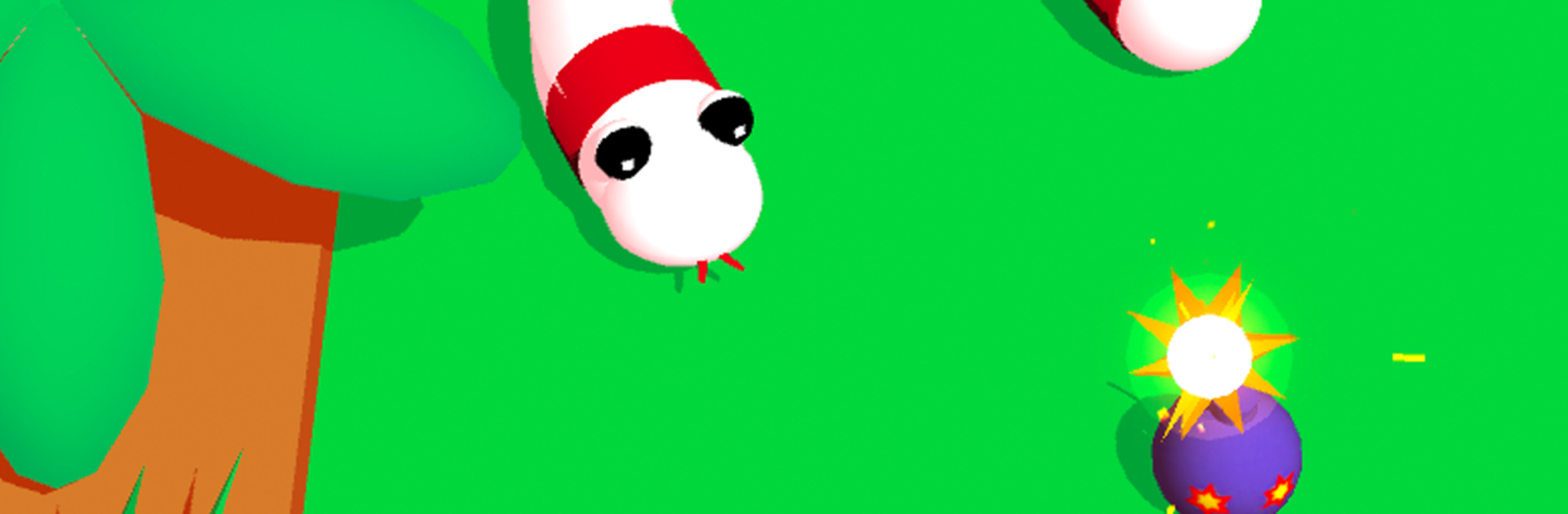
Animal Games 3D plays like a grab bag of fast little challenges with animals doing ridiculous stuff, and it keeps throwing new ideas every few seconds. One moment a duck blasts around with a jetpack, the next moment a line gets drawn to keep a sheep safe, then a puppy needs food, then a penguin waddles through danger. The tone is goofy on purpose, with bright cartoon art, chunky sound effects, and random props like porta pottys that pop up for laughs. Controls are simple and quick-tap or quick-drag, so anyone can jump between puzzles without a long tutorial or heavy rules getting in the way. It feels like a stream of micro wins and fails, more arcade than simulator, and it is easy to play for five minutes that accidentally turns into twenty.

What stands out is the variety. There are reflex tests, little brain teasers, and silly set pieces like guiding animals across a busy street or feeding hungry pets before a wolf shows up with those big teeth. Some stages reward timing, others reward a neat line or a smart angle, and the difficulty bounces around in a way that keeps attention awake. On PC with BlueStacks, mouse control helps a lot for drawing and rapid tapping, and the bigger screen makes hazards easier to read. Players who want a light, funny time-waster will probably enjoy it, especially if short challenges and animal chaos sound good. Those looking for deep strategy or long-term building will not find that here, this one is all about quick laughs and quick solves.

Get ready for a buttery smooth, high-performance gaming action only on BlueStacks.

Game Features

Enhancements

  • Macros
  • Multi Instance
  • Script
  • Repeated Tap
  • Enhancements
Macros

Macros

Automate the predictable in Animal Games 3D and transform your gameplay with Macros. Get access to inventive Macros in the BlueStacks Macro Community
Multi Instance

Multi Instance

Play Animal Games 3D on one window. And chat with your friend on the other. Press CTRL + Shift + 8 to open the Multi-Instance Manager. And start creating fresh instances or clone an existing one.
Script

Script

Script your way to gaming glory in Animal Games 3D with BlueStacks Script. Write and run a set of commands to automate repeated tasks. Trigger the command by assigning it to any key.
Repeated Tap

Repeated Tap

BlueStacks lets you master Animal Games 3D with useful features like the Repeated Tap. Now you do not have to press the same key repeatedly to initiate an action. Just assign it to one key and you are good to go.
Read More

How to Download and Play Animal Games 3D on PC or Mac

  • Download and install BlueStacks on your PC or Mac

  • Complete Google sign-in to access the Play Store, or do it later

  • Look for Animal Games 3D in the search bar at the top right corner

  • Click to install Animal Games 3D from the search results

  • Complete Google sign-in (if you skipped step 2) to install Animal Games 3D

  • Click the Animal Games 3D icon on the home screen to start playing

video
Watch Video

Minimum System Requirements

With BlueStacks 5, you can get started on a PC that fulfills the following requirements.

  • Operating System

    Microsoft Windows 7 or above, macOS 11 (Big Sur) or above

  • Processor

    Intel, AMD or Apple Silicon Processor

  • RAM

    at least 4GB

  • HDD

    10GB Free Disk Space

Note:

* You must be an Administrator on your PC. Up to date graphics drivers from Microsoft or the chipset vendor.

Animal Games 3D - FAQs

  • How to play Animal Games 3D on Windows PC & Mac?

    Play Animal Games 3D on your PC or Mac by following these simple steps.

    • Click on 'Play Animal Games 3D on PC’ to download BlueStacks
    • Install it and log-in to Google Play Store
    • Launch and play the game.
  • Why is BlueStacks the fastest and safest platform to play games on PC?

    BlueStacks respects your privacy and is always safe and secure to use. It does not carry any malware, spyware, or any sort of additional software that could harm your PC.

    It is engineered to optimize speed and performance for a seamless gaming experience.

  • What are Animal Games 3D PC requirements?

    Minimum requirement to run Animal Games 3D on your PC

    • OS: Microsoft Windows 7 or above MacOS 11 (Big Sur) or above
    • Processor: Intel, AMD or Apple Silicon Processor
    • RAM: Your PC must have at least 4GB of RAM. (Note that having 4GB or more disk space is not a substitute for RAM)
    • HDD: 10GB Free Disk Space.
    • You must be an Administrator on your PC.