Backpack Castle Heroes

Backpack Castle Heroes

Casual

| NEPTUNE(TREEPLLA)

Play on PC with BlueStacks or from our cloud

  • Overview
  • Game Features
  • How to Play

Page Modified On: September 07, 2026

Play Backpack Castle Heroes on PC or Mac

Play Backpack Castle Heroes by NEPTUNE(TREEPLLA) on PC or Mac with BlueStacks. Use a bigger screen, mouse and keyboard controls, and smoother performance while you play.

About the Game

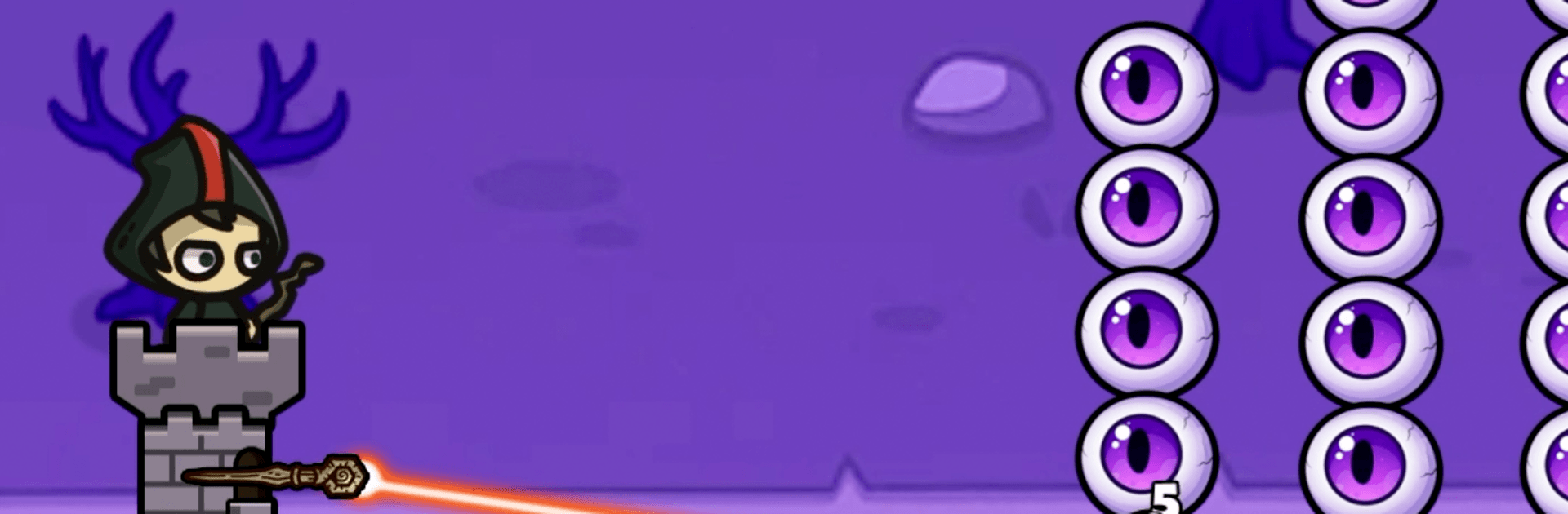
Backpack Castle Heroes is a Casual twist on tower defense where your “wall” is literally a backpack. You’ll cram heroes and weapons into a tight grid, then watch them hold off relentless waves while you tinker with layouts, merge upgrades, and pick from random perks that can totally change a run. Prefer a bigger view and comfy clicks? It also plays great on PC with BlueStacks.

Game Features

  • Backpack Grid Defense: Your fortress is a backpack—slot heroes, weapons, and trinkets on a snug grid where each shape and space counts.
  • Smart Packing, Big Payoff: Limited room forces real choices; squeeze in synergies, juggle trade-offs, and build a layout that actually works under pressure.
  • Auto Battles, You Call the Shots: Fights unfold on their own while you handle positioning and gear; after each win, choose one of three perks to steer your build.
  • Roguelike Runs With Real Variety: Random upgrades and finds mean no two attempts feel the same, from slow-burn defenses to off-the-rails power spikes.
  • Merge To Power Up: Combine duplicate heroes and gear to unlock stronger versions and satisfying stat boosts that turn the tide.
  • Persistent Progress: Clear stages to gather resources, upgrade core stats, and push into nastier waves without losing long-term momentum.
  • Cards That Complete Builds: Collect cards that unlock skills, sharpen strategies, and round out your favorite combos.
  • Easy To Learn, Deep To Master: Simple drag-and-drop controls hide crunchy placement puzzles, timing calls, and synergy hunting.
  • Luck Meets Tactics: A dash of RNG keeps runs surprising, but smart packing and quick adjustments still win the day.
  • Offline Friendly: Hop in for a quick session or grind a longer run without needing a connection.

BlueStacks gives you more room to focus on the game and less time adjusting around mobile limitations.


Game Features

Enhancements

  • Macros
  • Multi Instance
  • Script
  • Repeated Tap
  • Enhancements
Macros

Macros

Automate the predictable in Backpack Castle Heroes and transform your gameplay with Macros. Get access to inventive Macros in the BlueStacks Macro Community
Multi Instance

Multi Instance

Play Backpack Castle Heroes on one window. And chat with your friend on the other. Press CTRL + Shift + 8 to open the Multi-Instance Manager. And start creating fresh instances or clone an existing one.
Script

Script

Script your way to gaming glory in Backpack Castle Heroes with BlueStacks Script. Write and run a set of commands to automate repeated tasks. Trigger the command by assigning it to any key.
Repeated Tap

Repeated Tap

BlueStacks lets you master Backpack Castle Heroes with useful features like the Repeated Tap. Now you do not have to press the same key repeatedly to initiate an action. Just assign it to one key and you are good to go.
Read More

How to Download and Play Backpack Castle Heroes on PC or Mac

  • Download and install BlueStacks on your PC or Mac

  • Complete Google sign-in to access the Play Store, or do it later

  • Look for Backpack Castle Heroes in the search bar at the top right corner

  • Click to install Backpack Castle Heroes from the search results

  • Complete Google sign-in (if you skipped step 2) to install Backpack Castle Heroes

  • Click the Backpack Castle Heroes icon on the home screen to start playing

video
Watch Video

Minimum System Requirements

With BlueStacks 5, you can get started on a PC that fulfills the following requirements.

  • Operating System

    Microsoft Windows 7 or above, macOS 11 (Big Sur) or above

  • Processor

    Intel, AMD or Apple Silicon Processor

  • RAM

    at least 4GB

  • HDD

    10GB Free Disk Space

Note:

* You must be an Administrator on your PC. Up to date graphics drivers from Microsoft or the chipset vendor.

Backpack Castle Heroes - FAQs

  • How to play Backpack Castle Heroes on Windows PC & Mac?

    Play Backpack Castle Heroes on your PC or Mac by following these simple steps.

    • Click on 'Play Backpack Castle Heroes on PC’ to download BlueStacks
    • Install it and log-in to Google Play Store
    • Launch and play the game.
  • Why is BlueStacks the fastest and safest platform to play games on PC?

    BlueStacks respects your privacy and is always safe and secure to use. It does not carry any malware, spyware, or any sort of additional software that could harm your PC.

    It is engineered to optimize speed and performance for a seamless gaming experience.

  • What are Backpack Castle Heroes PC requirements?

    Minimum requirement to run Backpack Castle Heroes on your PC

    • OS: Microsoft Windows 7 or above MacOS 11 (Big Sur) or above
    • Processor: Intel, AMD or Apple Silicon Processor
    • RAM: Your PC must have at least 4GB of RAM. (Note that having 4GB or more disk space is not a substitute for RAM)
    • HDD: 10GB Free Disk Space.
    • You must be an Administrator on your PC.