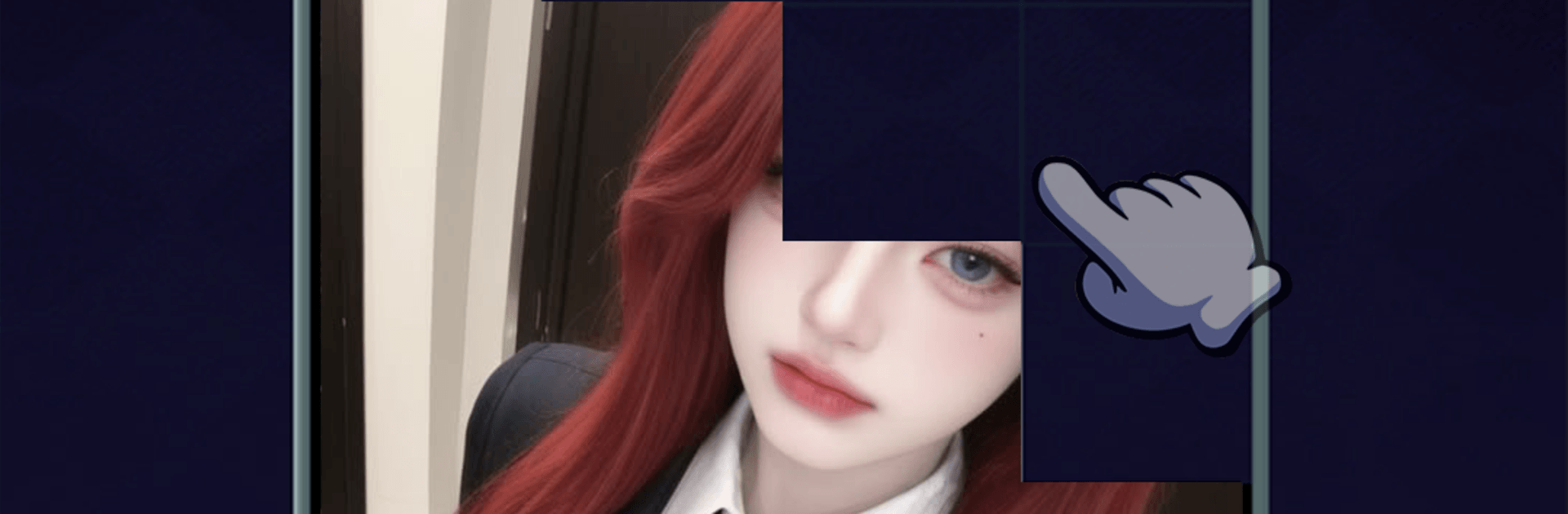
Beauty Brick Drop Puzzle

Beauty Brick Drop Puzzle

Casual

| DM Tec Ltd.

Play on PC with BlueStacks or from our cloud

  • Overview
  • Game Features
  • How to Play

Page Modified On: August 14, 2026

Play Beauty Brick Drop Puzzle on PC or Mac

Play Beauty Brick Drop Puzzle by DM Tec Ltd. on PC or Mac with BlueStacks. Use a bigger screen, mouse and keyboard controls, and smoother performance while you play.

About the Game

Beauty Brick Drop Puzzle is a chill Casual block puzzler you open for a quick breather and end up chasing “just one more line.” Drop shaped bricks, fit them neatly, and clear rows while keeping the board from filling up. It’s light, satisfying, and sneakily strategic — and it feels extra crisp on BlueStacks if you like playing on a bigger screen.

Game Features

  • Familiar Block-Dropping Fun: Drag pieces into place, line them up, and watch full rows disappear. Keep the grid open to keep the run going and the points rolling.
  • Easy to Start, Plenty to Master: You’ll learn the basics in seconds. The challenge grows naturally as space gets tight and each placement matters more.
  • Clean, Calming Presentation: Soft colors, tidy layouts, and smooth animations make every move easy to read and oddly soothing to watch.
  • Endless Score Chase: Nudge your personal best higher with smart planning. A good placement now sets up satisfying clears a few moves later.
  • Gentle Brain Workout: Build spatial awareness and logical thinking without digging through complicated rules. It’s thoughtful play that never feels heavy.
  • Quick Sessions or Long Stretches: Got a minute? Drop a few bricks. Got time to spare? Settle in and refine your approach across longer runs.
  • Themes to Match Your Mood: Swap between tasteful visual styles to keep the board feeling fresh and your eyes relaxed.
  • Every Move Counts: Think a step ahead before you release a piece; smart choices open space, set up lines, and turn a crowded board around.

Ready to top the leaderboard? We bet you do. Let precise controls and sharp visuals optimized on BlueStacks lead you to victory.


Game Features

Enhancements

  • Macros
  • Multi Instance
  • Script
  • Repeated Tap
  • Enhancements
Macros

Macros

Automate the predictable in Beauty Brick Drop Puzzle and transform your gameplay with Macros. Get access to inventive Macros in the BlueStacks Macro Community
Multi Instance

Multi Instance

Play Beauty Brick Drop Puzzle on one window. And chat with your friend on the other. Press CTRL + Shift + 8 to open the Multi-Instance Manager. And start creating fresh instances or clone an existing one.
Script

Script

Script your way to gaming glory in Beauty Brick Drop Puzzle with BlueStacks Script. Write and run a set of commands to automate repeated tasks. Trigger the command by assigning it to any key.
Repeated Tap

Repeated Tap

BlueStacks lets you master Beauty Brick Drop Puzzle with useful features like the Repeated Tap. Now you do not have to press the same key repeatedly to initiate an action. Just assign it to one key and you are good to go.
Read More

How to Download and Play Beauty Brick Drop Puzzle on PC or Mac

  • Download and install BlueStacks on your PC or Mac

  • Complete Google sign-in to access the Play Store, or do it later

  • Look for Beauty Brick Drop Puzzle in the search bar at the top right corner

  • Click to install Beauty Brick Drop Puzzle from the search results

  • Complete Google sign-in (if you skipped step 2) to install Beauty Brick Drop Puzzle

  • Click the Beauty Brick Drop Puzzle icon on the home screen to start playing

video
Watch Video

Minimum System Requirements

With BlueStacks 5, you can get started on a PC that fulfills the following requirements.

  • Operating System

    Microsoft Windows 7 or above, macOS 11 (Big Sur) or above

  • Processor

    Intel, AMD or Apple Silicon Processor

  • RAM

    at least 4GB

  • HDD

    10GB Free Disk Space

Note:

* You must be an Administrator on your PC. Up to date graphics drivers from Microsoft or the chipset vendor.

Beauty Brick Drop Puzzle - FAQs

  • How to play Beauty Brick Drop Puzzle on Windows PC & Mac?

    Play Beauty Brick Drop Puzzle on your PC or Mac by following these simple steps.

    • Click on 'Play Beauty Brick Drop Puzzle on PC’ to download BlueStacks
    • Install it and log-in to Google Play Store
    • Launch and play the game.
  • Why is BlueStacks the fastest and safest platform to play games on PC?

    BlueStacks respects your privacy and is always safe and secure to use. It does not carry any malware, spyware, or any sort of additional software that could harm your PC.

    It is engineered to optimize speed and performance for a seamless gaming experience.

  • What are Beauty Brick Drop Puzzle PC requirements?

    Minimum requirement to run Beauty Brick Drop Puzzle on your PC

    • OS: Microsoft Windows 7 or above MacOS 11 (Big Sur) or above
    • Processor: Intel, AMD or Apple Silicon Processor
    • RAM: Your PC must have at least 4GB of RAM. (Note that having 4GB or more disk space is not a substitute for RAM)
    • HDD: 10GB Free Disk Space.
    • You must be an Administrator on your PC.