Blox World - robux
Blox World - robux

Blox World - robux

Casual

| Kanban_Dev

Play on PC with BlueStacks or from our cloud

  • Overview
  • Game Features
  • How to Play

Page Modified On: September 11, 2026

Play Blox World - robux on PC or Mac

Blox World – robux by Kanban_Dev has plenty to keep you busy. BlueStacks lets you play it on PC or Mac with more screen space, better control, and fewer mobile limits.

About the Game

Blox World – robux is a Casual pick-up-and-play collection of bite-sized challenges where every tap moves you closer to your next reward. Spin, scratch, quiz, and click through quick sessions that stack up coins you can redeem once you hit your target. It’s an independent companion experience (not affiliated with Roblox), and it feels great on a bigger screen with BlueStacks.

Game Features

  • Quick Mini-Games: Spin a prize wheel, scratch to reveal hidden goodies, speed-tap in the clicker, and blast through short quizzes to scoop up coins.
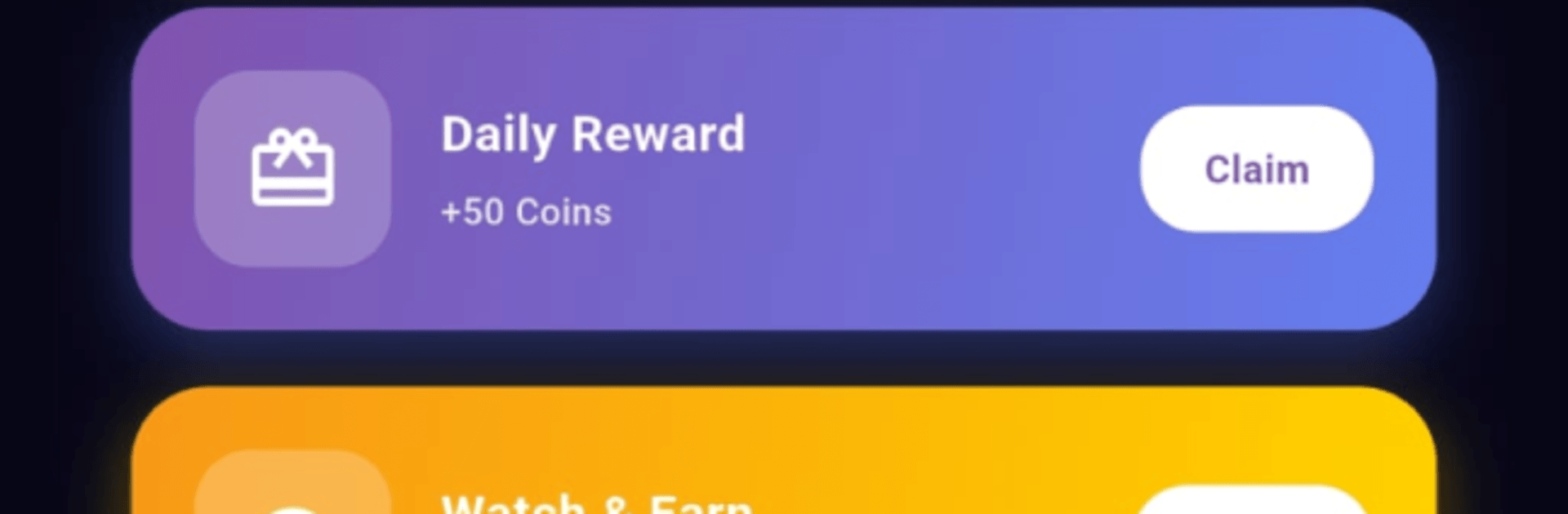
  • Daily Streaks: Check in each day to build a streak and keep the rewards flowing with steady bonuses.
  • Treasure Chest Drops: Swing by every few hours to pop open a chest and snag surprise coin bundles.
  • Passive Coin Vault: Let your vault quietly fill over time, then claim a tidy payout whenever it’s ready.
  • Watch & Earn Boosts: Catch brief videos when you want a quick top-up to push your balance higher.
  • Friend Invites: Share your code with friends so both of you can pocket extra coins as you play.
  • Progress Tracker: Keep an eye on your coin total, climb through ranks, and see exactly how close you are to redeeming.
  • Clean, Snappy UI: Simple menus and fast navigation get you into the action in seconds—no tutorials needed.
  • Roblox Fan Quiz: Show off your knowledge with fast questions tailored for fans, and pocket coins for correct answers.
  • Gift Card Redemptions: Hit your goal and redeem coins for officially purchased digital gift cards—no hacks, no generators, just straightforward rewards.

Get ready for a buttery smooth, high-performance gaming action only on BlueStacks.

Game Features

Enhancements

  • Macros
  • Multi Instance
  • Script
  • Repeated Tap
  • Enhancements
Macros

Macros

Automate the predictable in Blox World - robux and transform your gameplay with Macros. Get access to inventive Macros in the BlueStacks Macro Community
Multi Instance

Multi Instance

Play Blox World - robux on one window. And chat with your friend on the other. Press CTRL + Shift + 8 to open the Multi-Instance Manager. And start creating fresh instances or clone an existing one.
Script

Script

Script your way to gaming glory in Blox World - robux with BlueStacks Script. Write and run a set of commands to automate repeated tasks. Trigger the command by assigning it to any key.
Repeated Tap

Repeated Tap

BlueStacks lets you master Blox World - robux with useful features like the Repeated Tap. Now you do not have to press the same key repeatedly to initiate an action. Just assign it to one key and you are good to go.
Read More

How to Download and Play Blox World - robux on PC or Mac

  • Download and install BlueStacks on your PC or Mac

  • Complete Google sign-in to access the Play Store, or do it later

  • Look for Blox World - robux in the search bar at the top right corner

  • Click to install Blox World - robux from the search results

  • Complete Google sign-in (if you skipped step 2) to install Blox World - robux

  • Click the Blox World - robux icon on the home screen to start playing

video
Watch Video

Minimum System Requirements

With BlueStacks 5, you can get started on a PC that fulfills the following requirements.

  • Operating System

    Microsoft Windows 7 or above, macOS 11 (Big Sur) or above

  • Processor

    Intel, AMD or Apple Silicon Processor

  • RAM

    at least 4GB

  • HDD

    10GB Free Disk Space

Note:

* You must be an Administrator on your PC. Up to date graphics drivers from Microsoft or the chipset vendor.

Blox World - robux - FAQs

  • How to play Blox World - robux on Windows PC & Mac?

    Play Blox World - robux on your PC or Mac by following these simple steps.

    • Click on 'Play Blox World - robux on PC’ to download BlueStacks
    • Install it and log-in to Google Play Store
    • Launch and play the game.
  • Why is BlueStacks the fastest and safest platform to play games on PC?

    BlueStacks respects your privacy and is always safe and secure to use. It does not carry any malware, spyware, or any sort of additional software that could harm your PC.

    It is engineered to optimize speed and performance for a seamless gaming experience.

  • What are Blox World - robux PC requirements?

    Minimum requirement to run Blox World - robux on your PC

    • OS: Microsoft Windows 7 or above MacOS 11 (Big Sur) or above
    • Processor: Intel, AMD or Apple Silicon Processor
    • RAM: Your PC must have at least 4GB of RAM. (Note that having 4GB or more disk space is not a substitute for RAM)
    • HDD: 10GB Free Disk Space.
    • You must be an Administrator on your PC.