Bricks Breaker Fun
Bricks Breaker Fun

Bricks Breaker Fun

Casual

| The Gamers Zone

Play on PC with BlueStacks or from our cloud

  • Overview
  • Game Features
  • How to Play

Page Modified On: November 03, 2025

Play Bricks Breaker Fun on PC or Mac

Bricks Breaker Fun brings the Casual genre to life, and throws up exciting challenges for gamers. Developed by The Gamers Zone, this Android game is best experienced on BlueStacks, the World’s #1 app player for PC and Mac users.

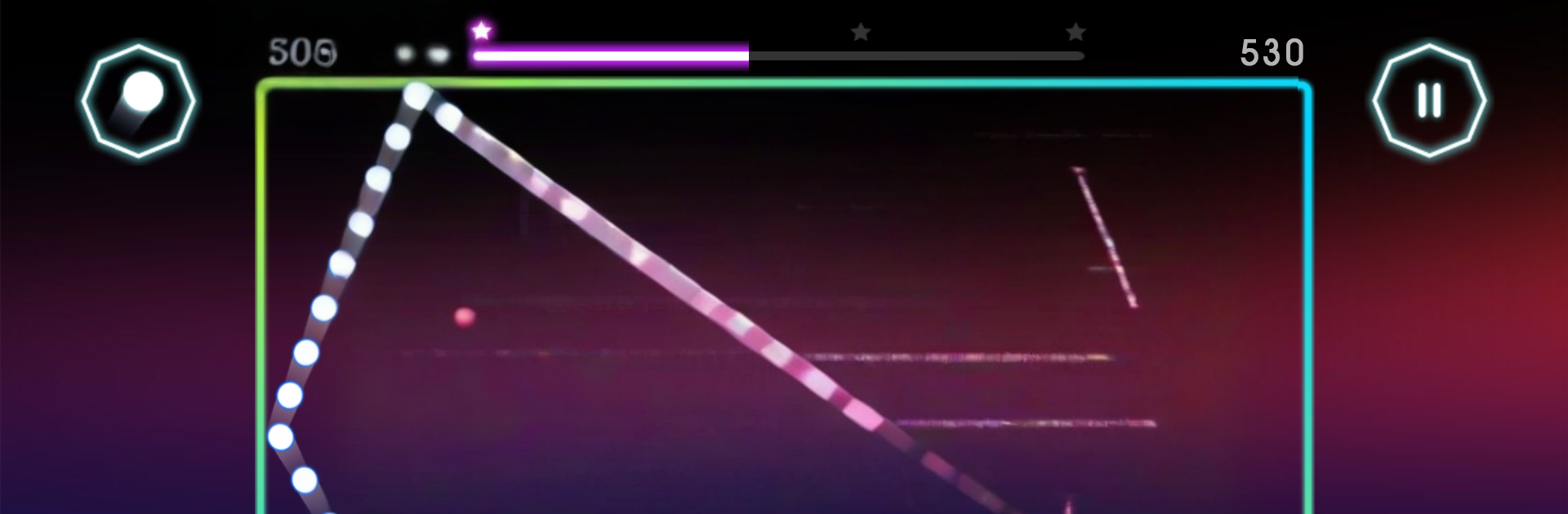
Bricks Breaker Fun is a straight up aim-and-bounce brick game with a nice rhythm to it. The screen fills with numbered blocks creeping downward, and players line up a shot so a swarm of balls ricochets around and chips those numbers to zero. The trick is in the angles. Funnel the balls through a tight gap, catch a wall, and suddenly the whole board starts rattling. There is a steady tension as the stack drifts closer to the bottom line, so every clean bank shot feels earned. Green orbs add more balls for the next turn, which turns a simple shot into a satisfying screenful of pings. When a block pops at the last second, it gives a small rush.

What stands out is the sheer quantity of content. There are thousands of levels, plenty for a daily puzzle kick, plus an endless mode for anyone who wants to zone out and grind a high score. Skins have that neon glow style, the balls come in a few varieties, and power ups mix things up without getting fussy. It runs offline, so it works as a travel game or a quick break. Controls are just drag and release on mobile, and on PC with BlueStacks the mouse aiming feels extra precise, which helps on the tighter stages. There is a global leaderboard if chasing numbers sounds fun, but it also works great as a calm, strategic time waster where planning a single clever angle is the whole point.

Slay your opponents with your epic moves. Play it your way on BlueStacks and dominate the battlefield.


Game Features

Enhancements

  • Macros
  • Multi Instance
  • Script
  • Repeated Tap
  • Enhancements
Macros

Macros

Automate the predictable in Bricks Breaker Fun and transform your gameplay with Macros. Get access to inventive Macros in the BlueStacks Macro Community
Multi Instance

Multi Instance

Play Bricks Breaker Fun on one window. And chat with your friend on the other. Press CTRL + Shift + 8 to open the Multi-Instance Manager. And start creating fresh instances or clone an existing one.
Script

Script

Script your way to gaming glory in Bricks Breaker Fun with BlueStacks Script. Write and run a set of commands to automate repeated tasks. Trigger the command by assigning it to any key.
Repeated Tap

Repeated Tap

BlueStacks lets you master Bricks Breaker Fun with useful features like the Repeated Tap. Now you do not have to press the same key repeatedly to initiate an action. Just assign it to one key and you are good to go.
Read More

How to Download and Play Bricks Breaker Fun on PC or Mac

  • Download and install BlueStacks on your PC or Mac

  • Complete Google sign-in to access the Play Store, or do it later

  • Look for Bricks Breaker Fun in the search bar at the top right corner

  • Click to install Bricks Breaker Fun from the search results

  • Complete Google sign-in (if you skipped step 2) to install Bricks Breaker Fun

  • Click the Bricks Breaker Fun icon on the home screen to start playing

video
Watch Video

Minimum System Requirements

With BlueStacks 5, you can get started on a PC that fulfills the following requirements.

  • Operating System

    Microsoft Windows 7 or above, macOS 11 (Big Sur) or above

  • Processor

    Intel, AMD or Apple Silicon Processor

  • RAM

    at least 4GB

  • HDD

    10GB Free Disk Space

Note:

* You must be an Administrator on your PC. Up to date graphics drivers from Microsoft or the chipset vendor.

Bricks Breaker Fun - FAQs

  • How to play Bricks Breaker Fun on Windows PC & Mac?

    Play Bricks Breaker Fun on your PC or Mac by following these simple steps.

    • Click on 'Play Bricks Breaker Fun on PC’ to download BlueStacks
    • Install it and log-in to Google Play Store
    • Launch and play the game.
  • Why is BlueStacks the fastest and safest platform to play games on PC?

    BlueStacks respects your privacy and is always safe and secure to use. It does not carry any malware, spyware, or any sort of additional software that could harm your PC.

    It is engineered to optimize speed and performance for a seamless gaming experience.

  • What are Bricks Breaker Fun PC requirements?

    Minimum requirement to run Bricks Breaker Fun on your PC

    • OS: Microsoft Windows 7 or above MacOS 11 (Big Sur) or above
    • Processor: Intel, AMD or Apple Silicon Processor
    • RAM: Your PC must have at least 4GB of RAM. (Note that having 4GB or more disk space is not a substitute for RAM)
    • HDD: 10GB Free Disk Space.
    • You must be an Administrator on your PC.