Cat Dance - Music Hop Game

Cat Dance - Music Hop Game

Casual

| HyperMusic

Play on PC with BlueStacks or from our cloud

  • Overview
  • Game Features
  • How to Play

Page Modified On: August 03, 2026

Play Cat Dance - Music Hop Game on PC or Mac

Step into the World of Cat Dance – Music Hop Game, a thrilling Casual game from the house of HyperMusic. Play this Android game on BlueStacks App Player and experience immersive gaming on PC or Mac.

About the Game

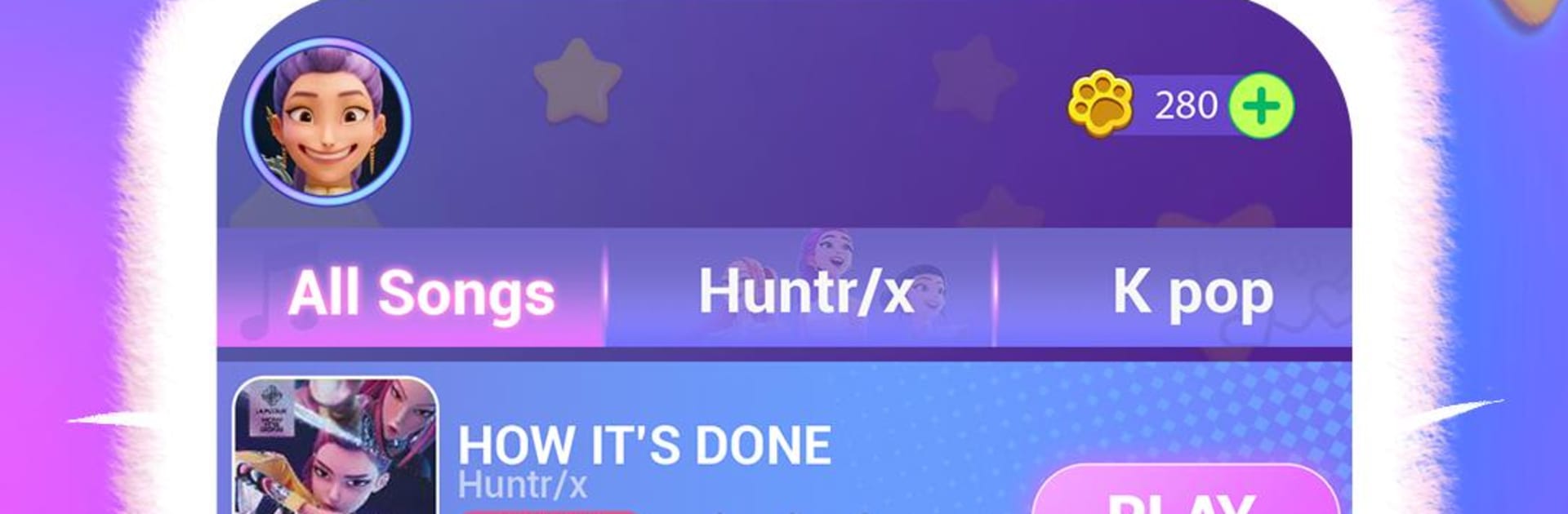
Cat Dance – Music Hop Game is a bright, bouncy Casual rhythm ride where a fearless little cat steals the show. You tap along with the beat, hop across glowing tiles, and try not to slip off the path while the music keeps building. It’s quick to pick up, surprisingly tricky to master, and ridiculously charming. Prefer a bigger screen? It feels great on touch, and it’s smooth with simple keyboard taps on BlueStacks too.

Game Features

  • Beat-driven hopping: Every tap lands your cat on the next tile in time with the track. Miss the rhythm and you might tumble off the route.
  • Playful challenge: Courses twist, split, and throw in sneaky obstacles that test timing, focus, and reflexes.
  • Fresh tracks, fresh vibes: A dynamic soundtrack keeps things lively, shifting from mellow grooves to high-energy bangers as you move through different stages.
  • Eye-candy visuals: Bright colors, snappy animations, and a stage that pulses with the music make each run feel like a mini concert.
  • Style your star: Unlock adorable skins, outfits, and slick dance moves to give your feline some personality.
  • Score chaser’s paradise: Nail long combos, rack up points, and climb the leaderboards to show who’s got the sharpest rhythm.
  • Easy to learn, hard to put down: Simple one-touch controls make it accessible, while tighter patterns and faster beats keep experts hooked.

Get ready for a buttery smooth, high-performance gaming action only on BlueStacks.

Game Features

Enhancements

  • Macros
  • Multi Instance
  • Script
  • Repeated Tap
  • Enhancements
Macros

Macros

Automate the predictable in Cat Dance - Music Hop Game and transform your gameplay with Macros. Get access to inventive Macros in the BlueStacks Macro Community
Multi Instance

Multi Instance

Play Cat Dance - Music Hop Game on one window. And chat with your friend on the other. Press CTRL + Shift + 8 to open the Multi-Instance Manager. And start creating fresh instances or clone an existing one.
Script

Script

Script your way to gaming glory in Cat Dance - Music Hop Game with BlueStacks Script. Write and run a set of commands to automate repeated tasks. Trigger the command by assigning it to any key.
Repeated Tap

Repeated Tap

BlueStacks lets you master Cat Dance - Music Hop Game with useful features like the Repeated Tap. Now you do not have to press the same key repeatedly to initiate an action. Just assign it to one key and you are good to go.
Read More

How to Download and Play Cat Dance - Music Hop Game on PC or Mac

  • Download and install BlueStacks on your PC or Mac

  • Complete Google sign-in to access the Play Store, or do it later

  • Look for Cat Dance - Music Hop Game in the search bar at the top right corner

  • Click to install Cat Dance - Music Hop Game from the search results

  • Complete Google sign-in (if you skipped step 2) to install Cat Dance - Music Hop Game

  • Click the Cat Dance - Music Hop Game icon on the home screen to start playing

video
Watch Video

Minimum System Requirements

With BlueStacks 5, you can get started on a PC that fulfills the following requirements.

  • Operating System

    Microsoft Windows 7 or above, macOS 11 (Big Sur) or above

  • Processor

    Intel, AMD or Apple Silicon Processor

  • RAM

    at least 4GB

  • HDD

    10GB Free Disk Space

Note:

* You must be an Administrator on your PC. Up to date graphics drivers from Microsoft or the chipset vendor.

Cat Dance - Music Hop Game - FAQs

  • How to play Cat Dance - Music Hop Game on Windows PC & Mac?

    Play Cat Dance - Music Hop Game on your PC or Mac by following these simple steps.

    • Click on 'Play Cat Dance - Music Hop Game on PC’ to download BlueStacks
    • Install it and log-in to Google Play Store
    • Launch and play the game.
  • Why is BlueStacks the fastest and safest platform to play games on PC?

    BlueStacks respects your privacy and is always safe and secure to use. It does not carry any malware, spyware, or any sort of additional software that could harm your PC.

    It is engineered to optimize speed and performance for a seamless gaming experience.

  • What are Cat Dance - Music Hop Game PC requirements?

    Minimum requirement to run Cat Dance - Music Hop Game on your PC

    • OS: Microsoft Windows 7 or above MacOS 11 (Big Sur) or above
    • Processor: Intel, AMD or Apple Silicon Processor
    • RAM: Your PC must have at least 4GB of RAM. (Note that having 4GB or more disk space is not a substitute for RAM)
    • HDD: 10GB Free Disk Space.
    • You must be an Administrator on your PC.